Description
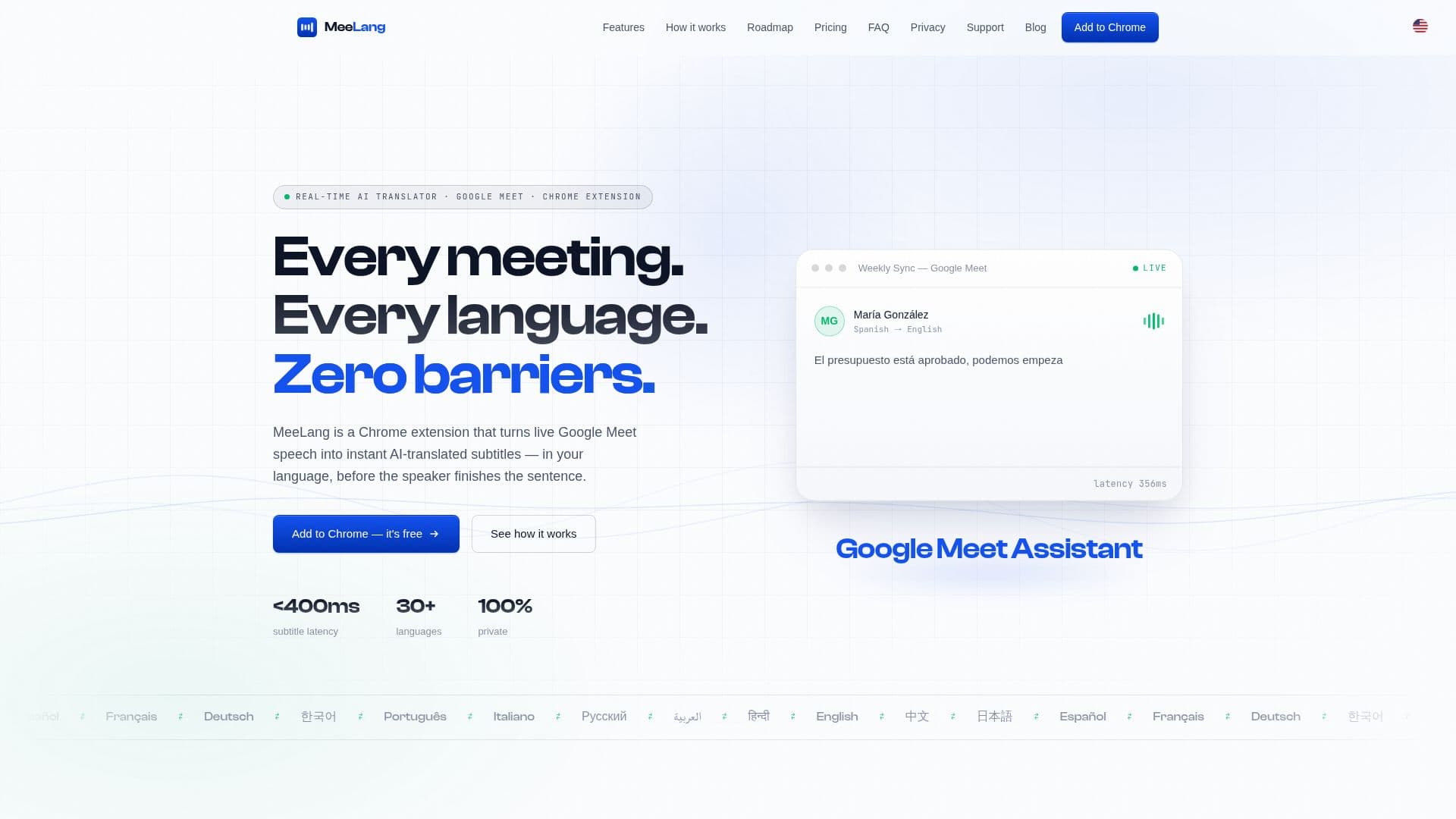
MeeLang is a Chrome extension designed to enhance Google Meet by providing real-time AI-translated subtitles. This tool supports over 30 languages, including English, Chinese, Japanese, and Spanish, with sub-second latency ensuring that subtitles appear almost instantly as words are spoken. The extension is easy to set up, requiring no account or payment details to start. Users can install it from the Chrome Web Store and begin translating their meetings immediately.
MeeLang offers a free tier that provides 60 minutes of translation per month, with an option to upgrade to a Pro plan for $9.99 per month, which includes 600 minutes and AI meeting summaries. The extension is designed to be private, with all meeting transcripts stored locally in the user's browser, ensuring that no meeting content is retained on external servers.
The tool is particularly useful for international teams and businesses that require seamless communication across language barriers. MeeLang's AI-powered translation is context-aware, allowing it to handle fast-paced and jargon-heavy speech naturally. The extension also features a meeting memory function, enabling users to browse, search, and export bilingual transcripts.
While currently optimized for Google Meet, MeeLang plans to expand support to other platforms like Zoom, Microsoft Teams, and Webex. The extension requires an internet connection to function, as it relies on third-party services for speech-to-text conversion and translation. Overall, MeeLang provides a practical solution for real-time language translation in virtual meetings, making it an invaluable tool for global communication.
MeeLang Google Meet Translator's Core Features
Real-time AI-translated subtitles
Supports 30+ languages
Sub-second subtitle latency
Bilingual meeting transcripts
Local storage of transcripts
Free tier with 60 minutes/month
Pro plan with 600 minutes/month
AI meeting summaries
How to use MeeLang Google Meet Translator?
Install: Add MeeLang from the Chrome Web Store
Configure: Pin the extension and set target language
Use: Join a Google Meet and enable translation
Optimise: Upgrade for more translation minutes if needed
MeeLang Google Meet Translator's Use Cases
- International Meetings
- Remote Collaboration
- Language Learning
- Business Expansion
- Educational Webinars