
Description
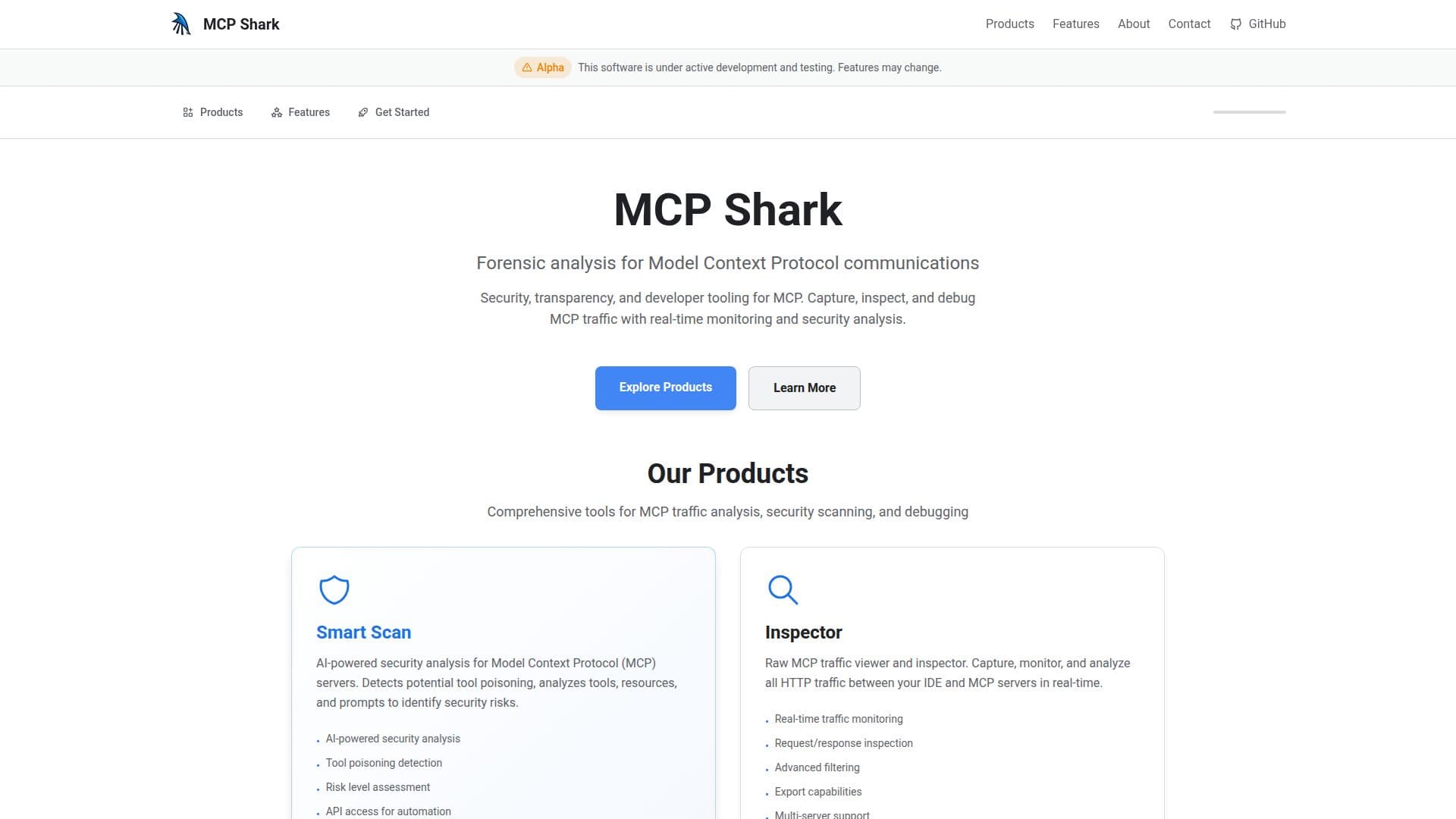
MCP Shark is a comprehensive suite of open-source forensic analysis tools designed for Model Context Protocol (MCP) communications. It aims to provide developers with the necessary tools to monitor, debug, and secure their MCP integrations. The platform offers two main products: Smart Scan and Inspector.
Read More
Smart Scan is an AI-powered security analysis tool that detects potential tool poisoning and analyzes tools, resources, and prompts to identify security risks. It provides risk level assessments and actionable recommendations, helping developers make informed security decisions. The tool also offers API access for automation, a dashboard with scan history, and CI/CD integration support.
Inspector, on the other hand, is a raw MCP traffic viewer and inspector. It captures, monitors, and analyzes all HTTP traffic between IDEs and MCP servers in real-time. With features like advanced filtering, export capabilities, and multi-server support, Inspector provides comprehensive forensic analysis capabilities for MCP communications.
MCP Shark supports both HTTP and stdio-based MCP servers, ensuring comprehensive coverage for all MCP communication patterns. It is compatible with any IDE that supports the Model Context Protocol, including Cursor, Windsurf, and Claude Code. The platform allows exporting captured traffic in multiple formats such as JSON, CSV, and TXT for further analysis.
The platform is currently in alpha and under active development, with features continuously improving based on user feedback and community needs. MCP Shark is open source, with all code available on GitHub, encouraging community-driven development and contributions.
- CategoryAI Cybersecurity Tools
- Pricing ModelOpen Source
- DeploymentCloud
- PlatformsIDE Compatible
MCP Shark's Core Features
AI-powered security analysis
Tool poisoning detection
Risk level assessment
API access for automation
Real-time traffic monitoring
Request/response inspection
Advanced filtering
Export capabilities
How to use MCP Shark?
Configure: Set up MCP Shark with your IDE
Use: Monitor MCP traffic in real-time
Analyze: Use Smart Scan for security assessments
Optimize: Export data for further analysis
MCP Shark's Use Cases
- Security Auditing
- Debugging & Troubleshooting
- Development & Testing
- Compliance & Reporting
- Real-Time Monitoring