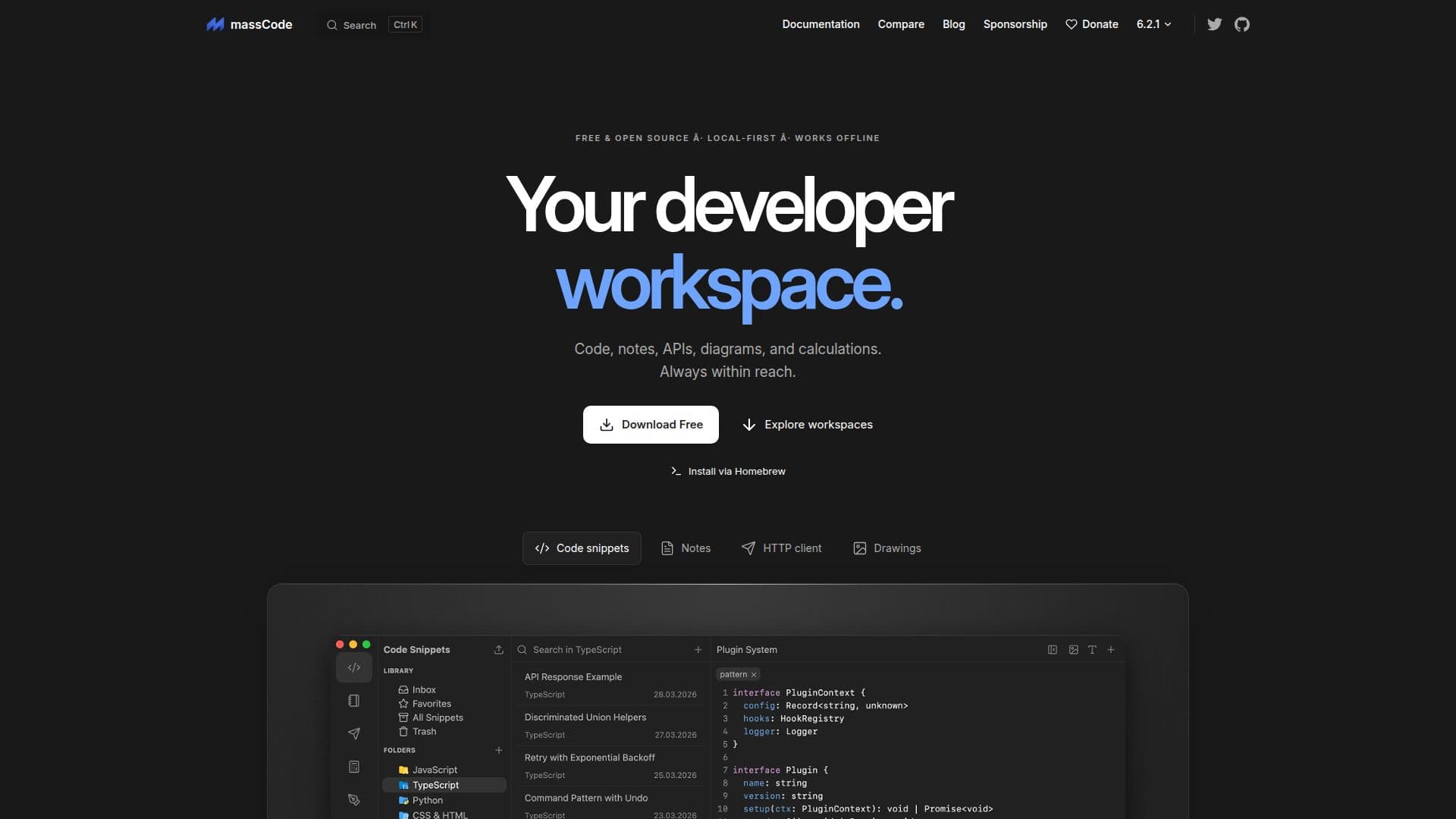
Description
massCode is a comprehensive developer workspace designed to streamline the organization and management of code snippets, Markdown notes, API requests, diagrams, and calculations. As a free and open-source tool, it offers local-first storage, allowing developers to work offline and maintain control over their data. The platform is equipped with a built-in AI assistant that aids in editing snippets, organizing notes, and running HTTP workflows.
Read More
Developers can install massCode via Homebrew and benefit from its ability to organize snippets in folders, use tags, and maintain a library of reusable code across projects and languages. The workspace supports a three-column layout that integrates organization, search, and editing functionalities in one place.
massCode also offers a Notes feature for longer Markdown documents, complete with a Notes Dashboard, live preview, and a notes graph for visualizing connections between notes, snippets, and API requests. The HTTP feature serves as a local API workspace, supporting HTTP, GraphQL, and WebSocket, with capabilities to run saved requests in sequence and inspect responses.
The Math notebook allows for quick calculations, including currency and unit conversions, while the Drawings feature, powered by Excalidraw, supports diagrams and sketches. Additional tools include JSON comparison, encoders, decoders, and text converters.
massCode's AI assistant can connect with various models like OpenAI, Anthropic, and others, using the user's API key or a local model. This flexibility allows developers to choose their preferred AI model for editing and organizing tasks. The platform supports syncing via iCloud, Dropbox, Syncthing, or Git, ensuring that users can maintain their vault across devices.
- CategoryAI Coding Assistants
- Pricing ModelFree
- DeploymentDesktop app
- PlatformsDesktop
massCode's Core Features
Free and open source
Local-first storage
Works offline
Built-in AI assistant
Organize code snippets
Markdown notes support
API request management
Diagram and calculation tools
Sync with cloud storage
Connect with various AI models
How to use massCode?
Install: Use Homebrew to install massCode
Organize: Arrange snippets and notes in folders
Connect: Link AI models with your API key
Sync: Use cloud services to sync your vault
massCode's Use Cases
- Code Organization
- Note Management
- API Testing
- Diagram Creation
- Calculation Notebook