Description
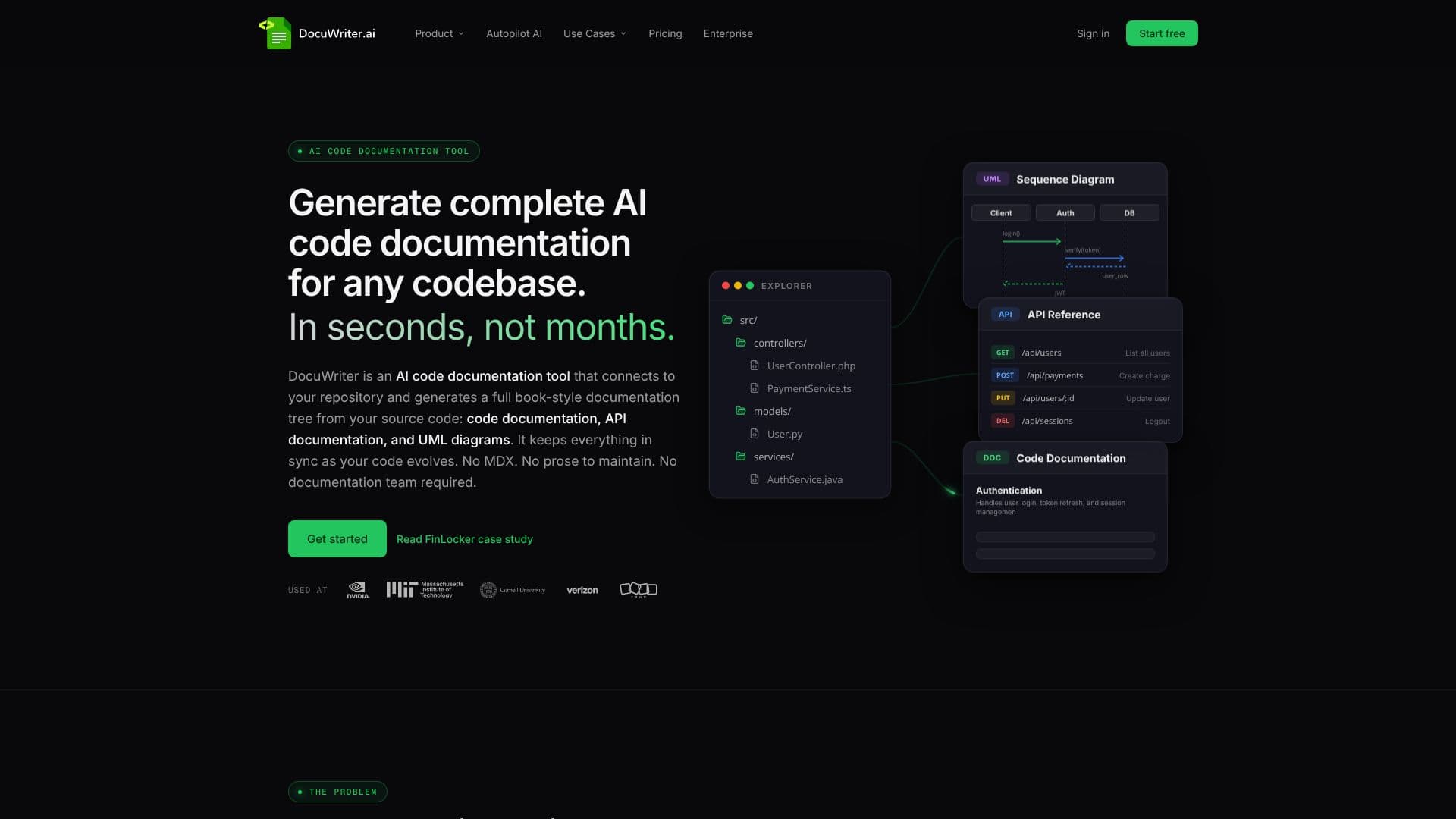
DocuWriter is an advanced AI code documentation tool designed to automate the creation and maintenance of documentation for any codebase. It addresses the common problem of outdated or non-existent documentation in engineering teams by connecting directly to repositories on platforms like GitHub, GitLab, Bitbucket, and Azure DevOps. Within seconds, DocuWriter analyzes your source code using AST parsing and a code-aware retrieval pipeline, not just LLM prose editing, to generate a complete, hierarchical documentation tree. This includes detailed code documentation, comprehensive API references, and insightful UML diagrams (class and sequence diagrams).
Read More
The tool offers a streamlined, three-step process: connect your repository, let DocuWriter analyze your code to generate documentation, and then review and publish. The generated documentation is kept in sync with code changes automatically through its Autopilot AI Agent. When code evolves, Autopilot identifies affected documents and opens reviewable update suggestions, which can be approved, edited, or discarded. This ensures that documentation remains accurate and trustworthy without requiring a dedicated documentation team or manual prose maintenance.
DocuWriter is built for various use cases, including documenting inherited codebases, combating documentation rot, accelerating new engineer onboarding, meeting compliance and audit requirements, and facilitating code handoffs or migrations. It differentiates itself from hosting platforms by generating documentation directly from raw source code without requiring MDX or proprietary DSLs, and by offering automatic synchronization with code changes.
DocuWriter provides flexible pricing plans, including Starter, Professional, Advanced, and Enterprise tiers, with options for custom solutions. It also supports integration with AI agents and clients like Cursor, Claude, and ChatGPT through its MCP server publishing, allowing for native reading, searching, and updating of documentation. The platform aims to eliminate the burden of documentation projects, enabling teams to have a complete documentation set within hours of connecting a repository.
- CategoryAI Coding Assistants
- Pricing ModelUsage-based
- DeploymentCloud
- PlatformsWeb
DocuWriter's Core Features
Automated code documentation generation
API reference generation
UML diagram creation (Class & Sequence)
Repository connection (GitHub, GitLab, Bitbucket, Azure DevOps)
Automatic synchronization with code evolution
Autopilot AI Agent for reviewable update suggestions
Codebase analysis via AST parsing
Support for multiple export formats (Markdown, Word, PDF, Confluence, Git)
AI-assisted chat with codebase
MCP server publishing for AI agent integration
No MDX or prose maintenance required
How to use DocuWriter?
Connect your repo: Link GitHub, GitLab, Bitbucket, or Azure DevOps repositories.
Generate documentation: DocuWriter analyzes your code to create documentation trees, API references, and UML diagrams.
Review and edit: Make any necessary adjustments to the generated documentation in the editor.
Publish and sync: Deploy your documentation to a private or public space and let Autopilot keep it updated.
Integrate with AI: Utilize your documentation with AI agents and clients via MCP server publishing.
DocuWriter's Use Cases
- Document Inherited Code
- Prevent Doc Rot
- Onboard New Engineers
- Compliance & Audits
- Code Handoffs
- API Reference Generation
- UML Diagram Creation