
Description
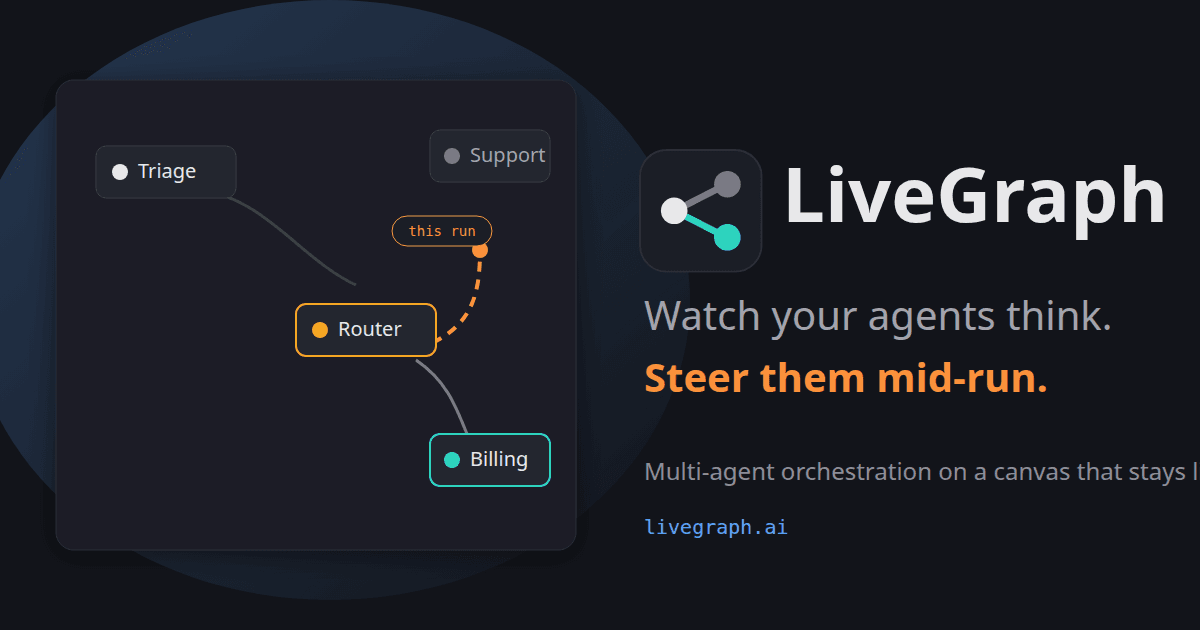
LiveGraph is a hosted web application designed for agent orchestration on a live, editable canvas. It allows users to reroute workflows mid-run by simply dragging an edge, ensuring that the workflow remains dynamic and adaptable. This feature is particularly beneficial for founders and small agencies who need to adjust workflows on the fly without restarting them.
Read More
The platform offers a free forever tier, which includes a model without the need for an API key. Users can also bring their own keys for models like Anthropic, OpenAI, and others, or use metered hosted keys provided by LiveGraph. This flexibility allows users to manage costs effectively while leveraging powerful AI models.
LiveGraph's unique feature is its ability to steer workflows mid-run without pre-planned routes or replay logs. The engine determines the next step at each hop, allowing users to pause, resume, or stop workflows as needed. Scheduled runs and webhooks snapshot the graph at the start, ensuring that changes do not affect jobs already in progress.
The platform is model-agnostic, supporting various AI models and allowing users to choose between using their own keys or LiveGraph's hosted keys. It also provides real write access in an isolated git worktree, ensuring that agents can write code safely without affecting the main branch.
LiveGraph is designed for production loops, offering features like human-gated approvals, durable memory management, and a run-wide blackboard for sharing findings across agents. It supports integrations with MCP servers, allowing agents to connect to services like GitHub and Stripe.
The pricing model is straightforward, with a free Solo tier and a Team tier priced at $49 per workspace per month. The platform does not meter runs, hops, or graphs, providing a predictable cost structure for users.
- CategoryAI Agent Builders
- Pricing ModelFreemium
- DeploymentCloud
- PlatformsWeb
LiveGraph's Core Features
Live, editable canvas for workflow orchestration
Free tier with included model
Supports multiple AI models
Mid-run workflow steering
Model-agnostic with bring-your-own-key option
Isolated git worktree for safe code writing
Human-gated approvals and durable memory
Integration with MCP servers
How to use LiveGraph?
Sign up: Create an account on LiveGraph
Configure: Set up your model and keys
Use: Start building and running workflows
Optimise: Adjust workflows mid-run as needed
LiveGraph's Use Cases
- Real-time Workflow Adjustment
- Agent Orchestration
- Model Integration
- Safe Code Execution
- Human-Gated Approvals