Description
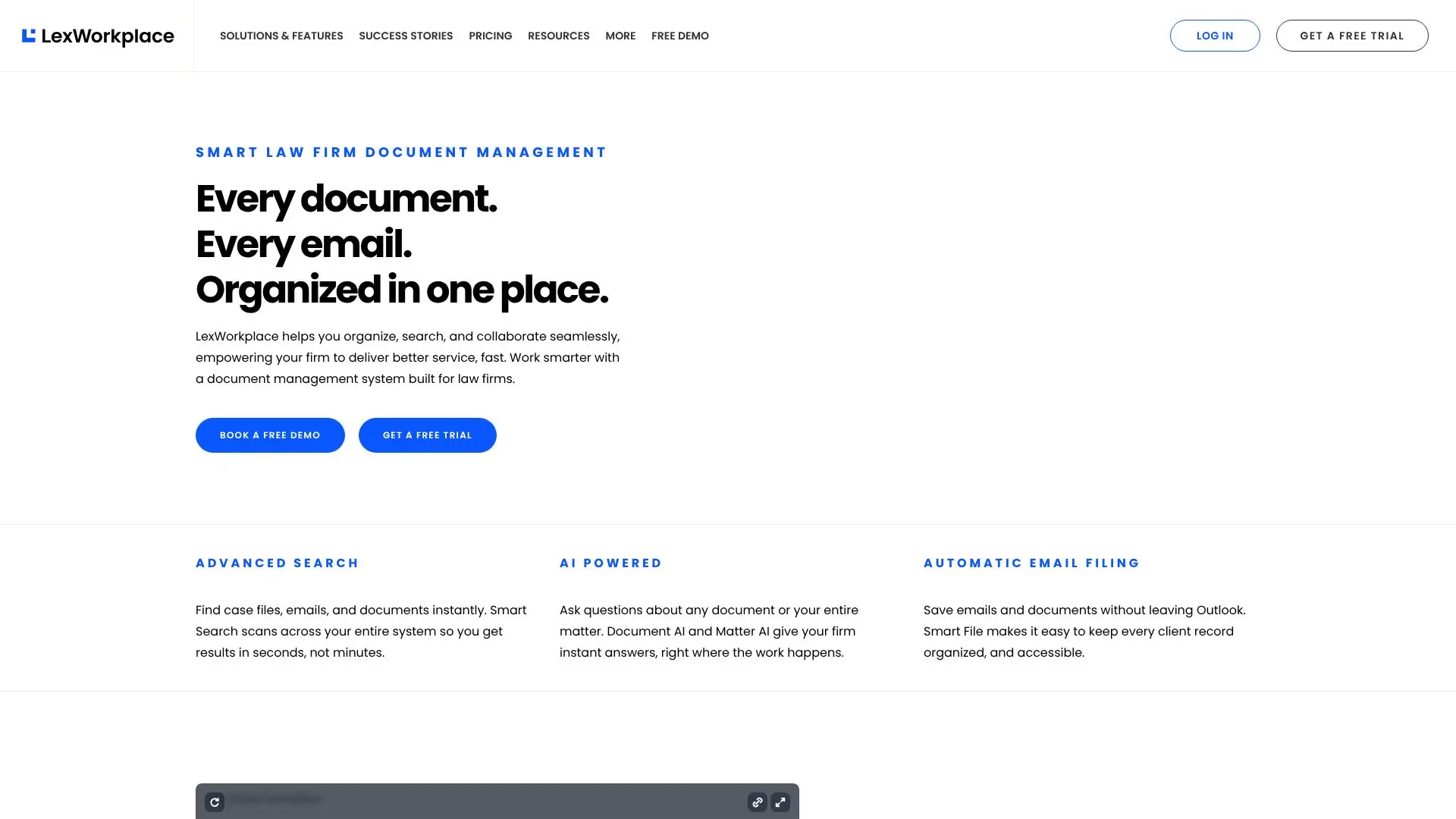
LexWorkplace is a modern, cloud-based document and email management system built to address the unique needs of law firms. It provides a centralized platform where every document and email related to a case or matter can be organized, searched, and collaborated upon seamlessly. This empowers legal teams to deliver better service, faster, by ensuring all essential information is readily accessible.
Read More
The system goes beyond basic file and folder structures, offering powerful document management capabilities. These include version management, document comparison, tagging and profiling, document check-out/check-in, and unique document IDs. Integration with Microsoft Office allows for direct saving of documents into LexWorkplace, streamlining workflows.
Finding information is made effortless with an advanced search function that scans across millions of documents, pages, and emails in seconds, akin to a 'Google for your law firm.' Users can search by matter, document type, date, and more. Collaboration is enhanced through firm-wide document availability (with optional restrictions) and secure external sharing options for clients or outside parties.
Email management is particularly streamlined with seamless Outlook integration. Emails can be saved to a matter without leaving Outlook, and the Smart-File feature learns sender-matter associations. Saved emails are accessible to the entire team and can be organized into subfolders with notes for important communications.
A standout feature is the integration of AI tools designed for legal work. Document AI allows users to summarize and ask questions about individual documents. Matter AI extends this capability to span an entire matter, providing answers drawn from all associated documents, emails, and notes. This significantly reduces the time spent searching for information and synthesizing case details.
LexWorkplace integrates with essential legal software such as Office 365, Adobe Acrobat, and Clio Manage, ensuring it fits into existing technology stacks. The platform is accessible on both Windows and Mac OS, offering flexibility for legal professionals regardless of their operating system. Security is paramount, with features like geographic redundancy, data encryption (in-transit and at-rest), and two-factor authentication.
Targeted at law firms of all sizes, LexWorkplace aims to improve organization, efficiency, and security. It helps firms move beyond legacy systems or basic cloud storage to a dedicated, intelligent solution that supports modern legal practice. The value proposition lies in saving time, reducing errors, and enhancing client satisfaction through superior information management and AI-driven insights.
- CategoryAI Legal Assistants
- Pricing ModelNot specified
- DeploymentCloud
- PlatformsWindows, Mac OS
LexWorkplace Document Management's Core Features
Centralized document and email organization by matter
Advanced search across all documents and emails
AI-powered document summarization and querying
AI-powered matter-level querying
Seamless Outlook integration for email filing
Version management for documents
Document comparison capabilities
Secure external document sharing
Microsoft Office integration
Integration with Clio Manage
Document tagging and profiling
Two-factor authentication for enhanced security
Cloud-based accessibility on Windows and Mac OS
How to use LexWorkplace Document Management?
Configure: Set up matter-centric organization and user permissions.
Integrate: Connect with essential tools like Outlook and Clio.
Organize: Save documents and emails directly into LexWorkplace.
Search: Utilize advanced search to find case files instantly.
Collaborate: Share documents securely with team members and clients.
Query: Use AI tools to summarize documents or ask questions about matters.
Access: Log in from any device to manage your firm's information.
LexWorkplace Document Management's Use Cases
- Case File Organization
- Email Management
- Document Search
- AI-Powered Insights
- Secure Collaboration
- Matter Data Consolidation
- Version Control