Description
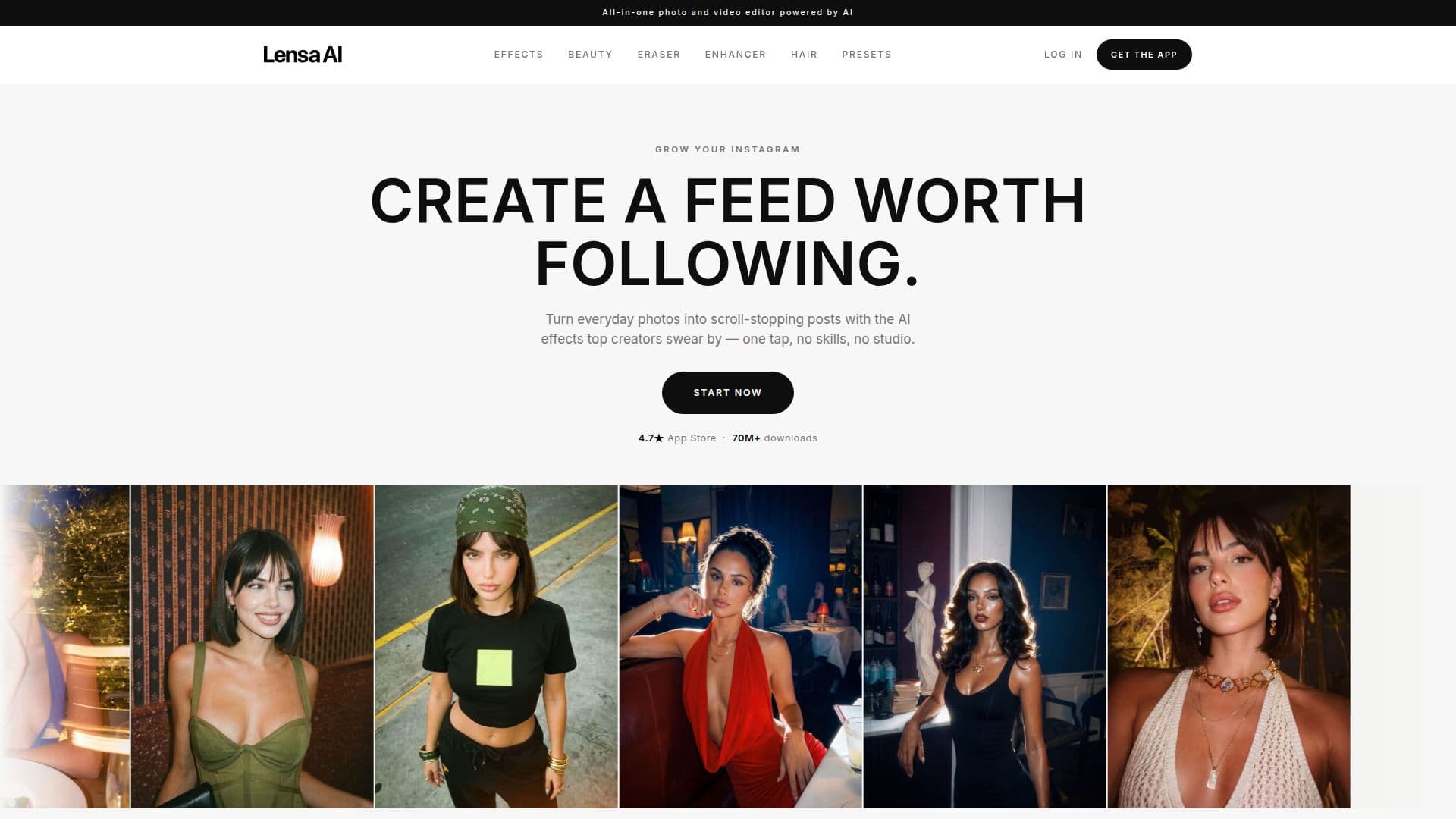
Lensa is the AI photo editor for the trending looks creators love. With effects like Golden Hour, Halo Flash, and Y2K Digicam, it allows users to turn everyday photos into scroll-stopping posts effortlessly. The app is designed for anyone, regardless of editing skills, making it accessible for all.
Read More
The app offers studio-quality photo transformations with just one tap. Users can achieve flawless skin, perfect lighting, and trending effects without needing any prior experience. Lensa's AI technology does the heavy lifting, ensuring that anyone can create standout results in seconds.
Lensa allows users to recreate the looks that are trending on social media. With a simple tap, users can apply the exact effects that are popular among creators, making it easy to stay current with the latest styles. The app has garnered a strong following, with a 4.7-star rating on the App Store and over 70 million downloads.
The beauty toolkit within Lensa includes features like Hair Boost and Makeup, enabling users to enhance their appearance further. The drag-to-erase feature allows users to remove unwanted elements from their photos, such as photobombers or large objects, while the AI rebuilds the background seamlessly.
For those who want to experiment with their look, Lensa offers a unique feature that lets users try out different hairstyles before making a cut. By uploading a selfie, users can see how various styles would look on them, helping them make informed decisions.
Additionally, Lensa provides presets that set the overall vibe of a photo in a single tap. Users can choose from various presets to ensure their posts maintain a consistent aesthetic. With its user-friendly interface and powerful features, Lensa is the go-to app for anyone looking to enhance their photos effortlessly.
- CategoryAI Photo Editors
- Pricing ModelFreemium
- DeploymentMobile app
- PlatformsMobile
Lensa's Core Features
AI-powered photo editing
One-tap effects
Beauty toolkit
Drag to erase
Hair styling preview
Presets for consistent aesthetics
Studio-quality transformations
No editing skills required
How to use Lensa?
Choose a photo: Select the image you want to edit.
Select an effect: Tap on the desired effect like Golden Hour or Halo Flash.
Apply edits: Use the drag-to-erase feature to remove unwanted elements.
Preview hairstyle: Upload a selfie to see how different hairstyles look on you.
Lensa's Use Cases
- Social Media Posts
- Personal Branding
- Event Memories
- Creative Projects
- Fashion Experimentation