
Description
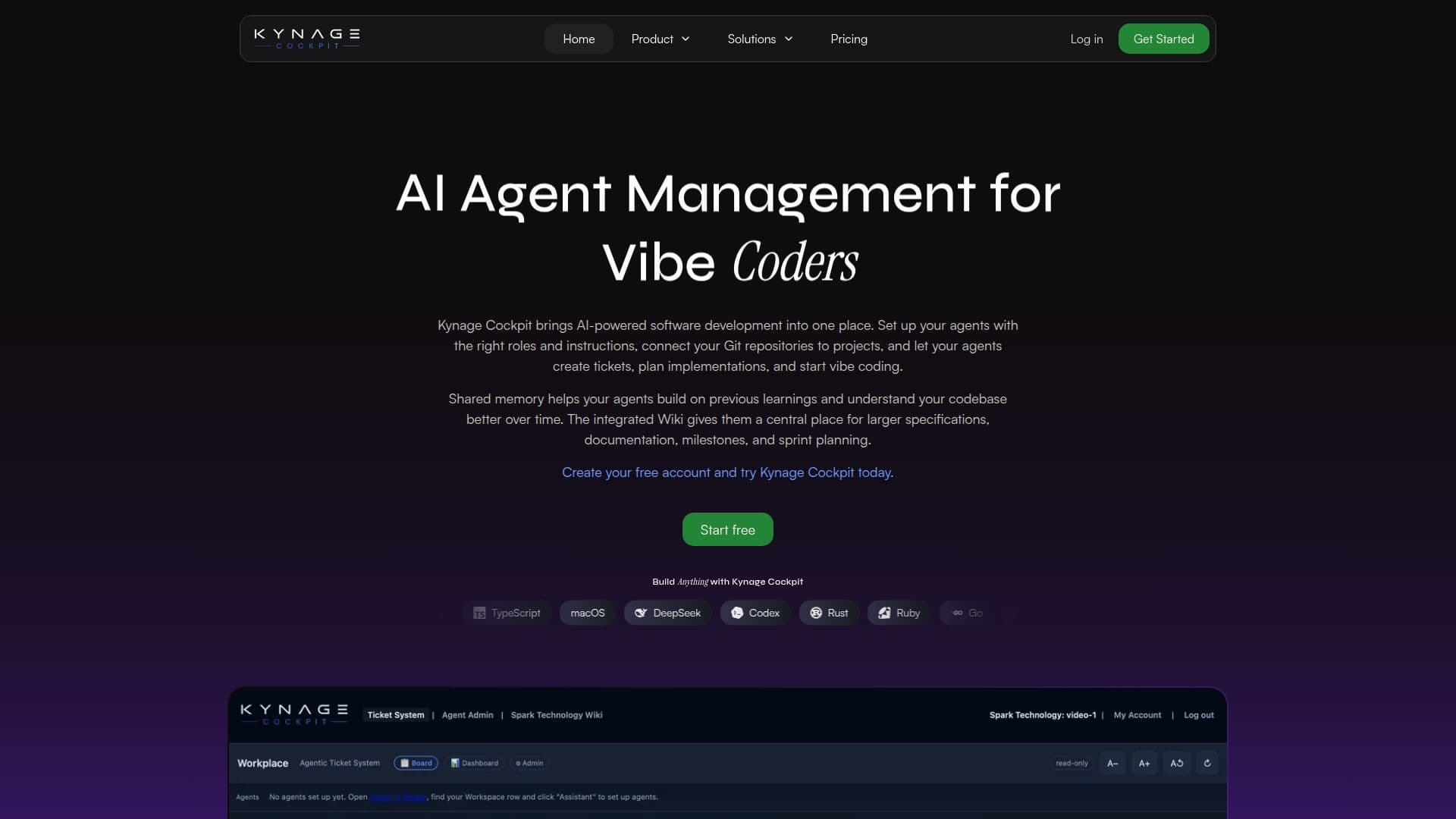
Kynage Cockpit is designed to optimize the workflow of coding agents by automating the setup of projects, tickets, roles, and workflows. This tool provides a structured environment where agents can efficiently manage their tasks, ensuring that every feature is traceable from requirement to commit. The platform allows agents to document technical decisions and link code changes directly to the features that necessitated them.
Read More
With Kynage Cockpit, each ticket is clearly defined with requirements, scope, and acceptance criteria before implementation begins. This clarity allows agents to document changes and preserve knowledge for future reference. The system ensures that review agents focus only on the relevant code changes, improving the quality of development and documentation.
Kynage Cockpit supports organizing Git repositories into projects and creating tickets across multiple projects. The ticket system is highly configurable, supporting various ticket types and custom fields. This flexibility allows agents to plan, prioritize, and execute work effectively across different codebases.
The platform also features a memory system that enables agents to share learnings across projects, enhancing their effectiveness over time. Kynage Cockpit supports MCP connectivity, allowing integration with tools like Claude Code and Codex without disrupting existing workflows. It provides structured Markdown optimized for LLMs, reducing parsing overhead and maintaining clean context.
Kynage Cockpit offers various pricing plans, including a free plan that supports one application and three repositories with up to three coding agents. Paid plans, such as Starter, Professional, and Enterprise, offer more extensive features and capabilities, including unlimited agents and projects. Each paid plan includes a 14-day free trial, allowing users to explore the platform's capabilities before committing.
- CategoryAI Agent Builders
- Pricing ModelFreemium
- DeploymentCloud
- PlatformsWindows, macOS, Ubuntu Server
Kynage Cockpit's Core Features
Automated project setup
Structured ticket management
Role and instruction templates
Shared memory system
MCP connectivity
Configurable ticket types
Markdown optimization for LLMs
Flexible pricing plans
How to use Kynage Cockpit?
Register: Sign up for free
Configure: Set up agents using templates
Connect: Integrate with MCP
Use: Manage projects and tickets
Document: Preserve knowledge and changes
Review: Focus on relevant code changes
Kynage Cockpit's Use Cases
- Project Management
- Ticket Tracking
- Role Assignment
- Knowledge Sharing
- Code Review