
Description
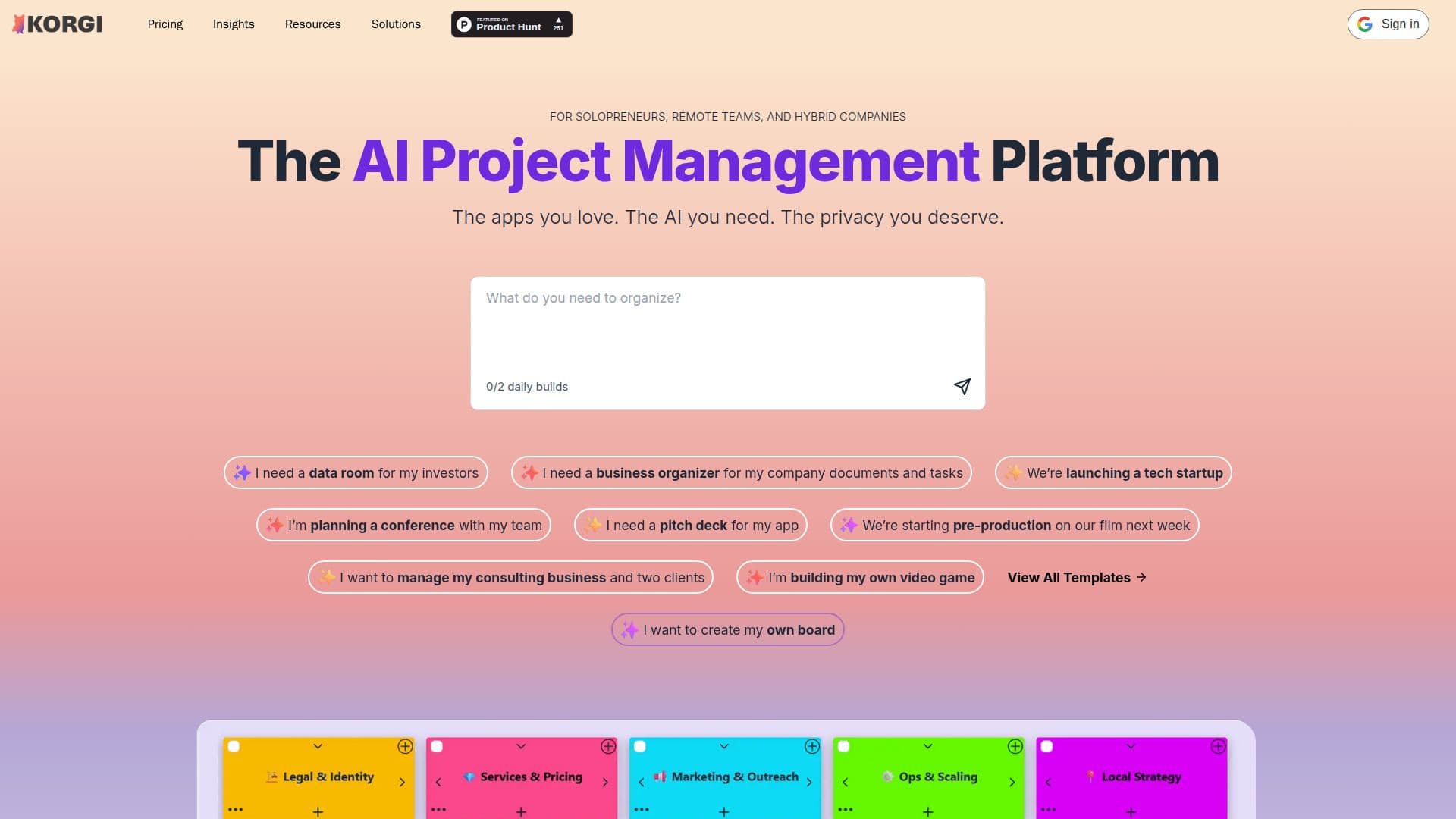
Korgi is an AI project management platform that pairs time-tested Kanban boards with modern AI, connecting the apps you already use into one unified workspace while keeping your data private. You type what you need and Korgi builds a complete project board, with stages, steps, and resources, in under a minute, turning ideas and scattered assets into an actionable plan.
Read More
Each board acts as an AI knowledge base: you use your own apps and drives inside it, including Google Workspace, Microsoft 365, Zoom, and chat, and query the board and connected items with Korgi AI for ongoing information, insights, guidance, and actions. Documents and events can be created and connected directly from a card, saving Google Docs, Sheets, and Slides to your Google Drive or Word, Excel, and PowerPoint to OneDrive, along with Google and Outlook calendar events. One-click export turns board content into formatted, shareable documents, and Korgi reports users saving 5–6 hours per user per week.
Privacy is a core focus: Korgi saves work to your own drives, submits AI queries anonymously, and does not train on or store your queries. It is CASA Tier 3 security verified, and FERPA and ADA/WCAG 2.2 Level AA compliant. Korgi also offers a Google Workspace add-on, a browser clipper, and mobile support, with a free student plan, a 14-day free trial with no card, and paid Plus, Pro, and Enterprise plans.
- CategoryAI Project Management
- Pricing ModelFreemium
- DeploymentCloud
- PlatformsWeb
Korgi's Core Features
AI-built Kanban project boards from a single prompt
Board as an AI knowledge base you can query
Connect Google Workspace, Microsoft 365, Zoom, and chat
Create and link Docs, Sheets, Slides, and Office files from cards
Create Google and Outlook calendar events from cards
One-click export to formatted, shareable documents
Privacy-first: anonymous queries, saved to your own drives
CASA Tier 3, FERPA, and ADA/WCAG 2.2 AA compliant
How to use Korgi?
Create a board: Go to Korgi and enter a chat prompt describing what you need to get done.
Sign in: Create an account with your Google account and grant permission to manage only the files you specify.
Connect your apps: Use Google Workspace, Microsoft 365, Zoom, and chat inside your board.
Work and query: Add cards, connect documents and events, and ask Korgi AI for insights and actions.
Export and share: Use one-click export to turn board content into formatted documents to share.
Korgi's Use Cases
- Fast project planning
- Unified workspace
- Board-based knowledge
- Document delivery
- Student and academic planning