
Description
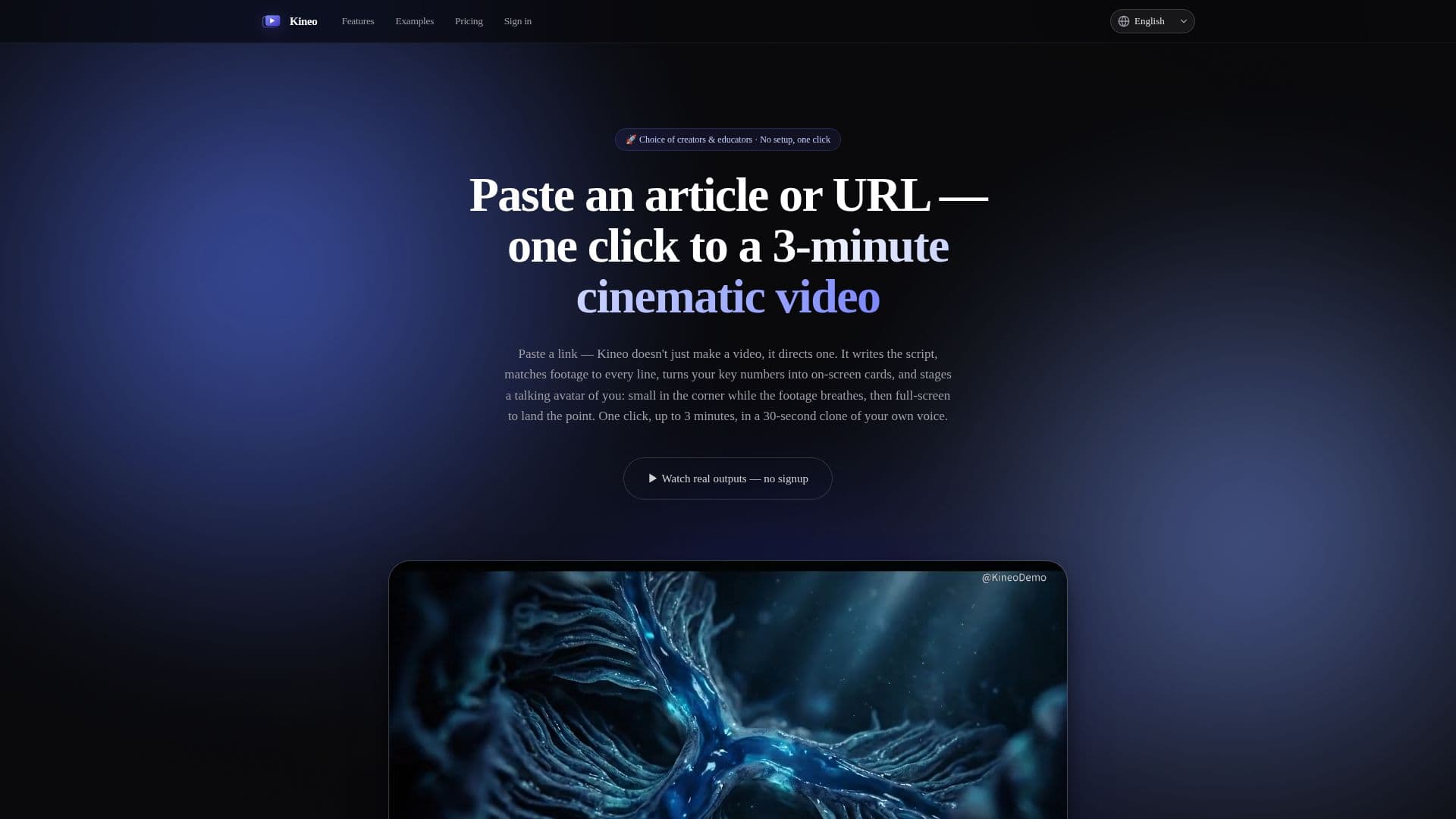
Kineo is an innovative AI tool designed to convert any article, URL, or topic into a cinematic vertical video, up to three minutes in length, with a single click. The platform automates the entire video production process, from scriptwriting and storyboarding to voiceover generation and visual matching. It eliminates the need for manual editing, model tuning, or complex timeline adjustments, making video creation accessible even for non-technical users.
Read More
Upon pasting an article or URL, Kineo's AI extracts and cleans the content, then crafts a concise narration and a shot-by-shot visual plan. It automatically matches footage to each line of the script, generates on-screen data cards from key numbers and takeaways, and stages a talking digital avatar. Users can choose from various visual styles, including live-action realism (Cinematic, Documentary, Vintage, Minimal, Epic) or animation (Anime, Cartoon, 3D, Cyberpunk), ensuring a cohesive aesthetic throughout the video.
A standout feature is the ability to create a personalized talking-head digital avatar and clone one's voice from a 30-second recording. This avatar can be staged dynamically, appearing as a corner picture-in-picture overlay or transitioning to full-screen to emphasize points, mimicking professional directorial choices. Kineo also generates dynamic, word-by-word subtitles and custom AI B-roll clips, which can be 30 seconds or longer and seamlessly merged into existing editing projects.
Kineo operates on a unique "Bring Your Own Key" (BYOK) model, where users connect their own WaveSpeed API key. This means compute costs are billed directly to the provider at wholesale prices, with Kineo applying zero platform markup. This transparent pricing model allows users to see an exact cost estimate before generating each video. A free tier is available for the first video, offering a 30-second watermarked preview at 720p without requiring an API key or credit card. Paid plans remove watermarks, extend video length up to three minutes, and unlock additional features like custom B-roll splicing and 60-day video retention. The platform supports English, Mandarin (Traditional or Simplified), and Cantonese narration, and the full workflow is accessible on any device, including mobile phones.
- CategoryAI Short Video Makers
- Pricing ModelFreemium
- DeploymentCloud
- PlatformsWeb
Kineo's Core Features
Article to Video Conversion: Transforms articles, URLs, or topics into cinematic videos.
Automatic Script & Storyboarding: AI writes narration and plans visuals beat by beat.
Voice Cloning: Creates a 30-second clone of your own voice for narration.
Digital Avatar Creation: Generates a talking-head avatar from a single photo.
Dynamic Avatar Staging: Auto-directs avatar placement (corner PiP or full-screen).
Visual Style Selection: Choose from live-action (Cinematic, Documentary) or animation (Anime, 3D).
On-Screen Data Cards: Auto-generates big figures, bullet lists, and pull-quotes from script data.
Word-by-Word Subtitles: Dynamic, audio-synced subtitles for enhanced viewer engagement.
Custom AI B-roll Clips: Generates precise 30-second+ B-roll footage on demand.
Multi-Language Narration: Supports English, Mandarin (Traditional/Simplified), and Cantonese.
Bring Your Own Key (BYOK): Pay compute costs directly to provider with zero platform markup.
Cost Transparency: See exact compute cost estimate before every video generation.
Mobile-First Workflow: Full video creation process runs on phones, tablets, and desktops.
Cloud-Hosted MP4 Output: Generates shareable MP4 files hosted in the cloud.
One-Click Video Generation: Produces a complete video with a single action.
How to use Kineo?
Sign In: Access your Kineo account.
Input Content: Paste an article URL or text into the platform.
Choose Visual Style: Select a preferred aesthetic (e.g., Cinematic, Anime, 3D).
Upload Photo & Voice (Optional): Provide a portrait photo and 30-second voice recording for a personalized avatar and voice clone.
Generate Video: Click "Generate video" to initiate the automated production process.
Review & Export: Watch the generated video and export the cloud-hosted MP4 file.
Kineo's Use Cases
- Content Repurposing
- Educational Content Creation
- Marketing & Promotion
- Personalized Presentations
- Social Media Video Production
- Data Visualization
- B-roll Generation
- Multi-Language Content
- Automated Video Editing