Description
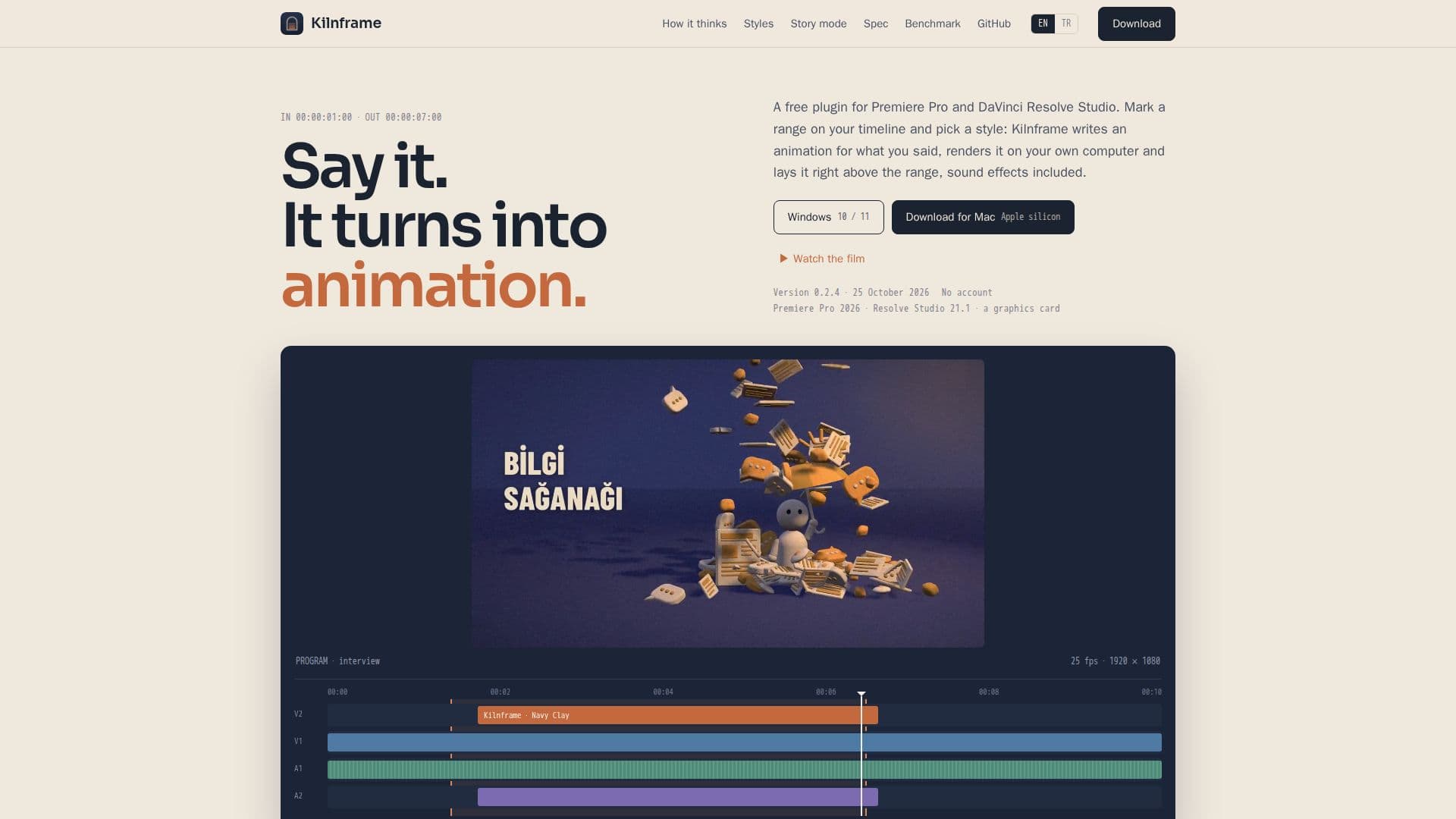
Kilnframe is a versatile plugin designed for video editors using Premiere Pro and DaVinci Resolve Studio. This free, open-source tool allows users to create animated inserts and music scores directly on their video timelines. By marking a range and selecting a style, Kilnframe transcribes the selected audio, plans scenes, and writes animations in code. Users can review stills of each scene before rendering, ensuring complete control over the final output.
Read More
The plugin supports various AI models, including Claude, ChatGPT, and Grok, among others. It requires an API key or a local model for operation, with only text, transcripts, and scene plans sent to the chosen AI model. Kilnframe ensures that all rendering and transcription occur locally, maintaining user privacy.
Kilnframe offers eleven animation styles, such as Navy Clay and Kinetic Typography, and allows users to create custom styles from reference images. The Music tab enables users to score entire videos or specific sections, using Google Lyria to generate music that aligns with the video's topics and mood.
This tool is compatible with Premiere Pro 2026 (version 25.6 or later) and DaVinci Resolve Studio 21.1 or later, running on Mac with Apple silicon or Windows 10/11. It requires about 2 GB of disk space and a graphics card. Kilnframe is free under the Apache 2.0 license, with costs only associated with AI model usage.
Kilnframe is ideal for video editors seeking to enhance their projects with AI-driven animations and music, offering a seamless integration into existing workflows without the need for an account or sign-in.
- CategoryAI Animation Tools
- Pricing ModelFree
- DeploymentRuns locally
- PlatformsMac, Windows
Kilnframe's Core Features
Free and open-source plugin
Local transcription and rendering
Supports multiple AI models
Eleven animation styles
Custom animation styles from images
Music scoring with Google Lyria
Compatible with Premiere Pro and DaVinci Resolve
No account or sign-in required
How to use Kilnframe?
Install: Download and install Kilnframe
Open: Launch the panel in Premiere Pro or DaVinci Resolve
Select: Mark a range and pick a style
Render: Approve scenes and render animations
Kilnframe's Use Cases
- Video Editing
- Music Scoring
- Custom Animations
- Local Rendering
- Commercial Use