Description
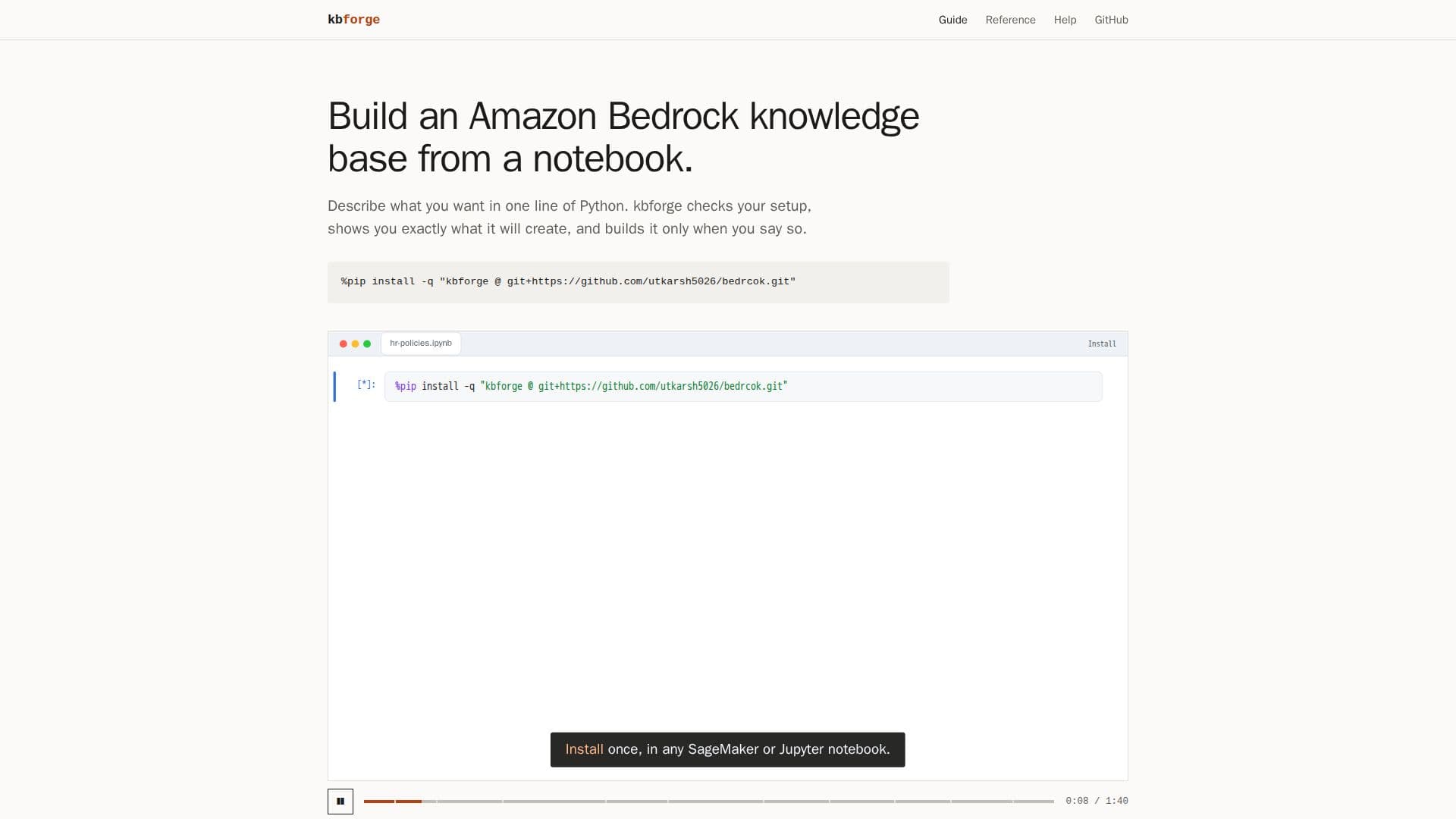
kbforge is a streamlined tool designed to facilitate the creation of Amazon Bedrock knowledge bases using a simple notebook interface. It enables users to transform documents stored in S3 buckets into a semantic search index that matches on meaning rather than exact words, a crucial component for chat assistants and AI applications requiring contextual information.
Read More
The process is broken down into four intuitive notebook cells: Describe, Plan, Build, and Ask. Users begin by describing their desired knowledge base in a single line of Python, specifying a name and a source for their documents. kbforge then generates a detailed plan, outlining all the AWS resources it intends to create, such as IAM roles, vector buckets, indexes, and data sources. This planning stage is read-only and performs checks on credentials, AI model access, and bucket contents, catching potential errors like typos or incorrect regions before any resources are provisioned.
Once the plan is reviewed and approved, the 'Build' step creates all necessary AWS components with live progress updates, typically completing the initial setup and document synchronization within minutes. The final 'Ask' step allows users to query the newly built knowledge base, displaying matching passages with scores and source files. An optional `answer=True` parameter provides a model-generated answer with citations, confirming the knowledge base's readiness for integration into chatbots or other applications.
kbforge supports various document formats including PDF, Word, Excel, CSV, HTML, Markdown, and plain text, and can also crawl public websites. It handles the complex wiring of AWS resources, explaining errors in plain English and allowing safe re-runs. For users who prefer not to write Python, kbforge offers a form-based interface that guides them through the same describe, plan, and build stages, with real-time validation and the option to view equivalent Python and YAML code for later configuration management. The tool also provides utilities to list and destroy knowledge bases it has created, ensuring that user documents remain untouched.
- CategoryVector Databases & Retrieval
- DeploymentCloud
- PlatformsAWS
kbforge's Core Features
Create Amazon Bedrock knowledge bases from notebooks
Four-step workflow: Describe, Plan, Build, Ask
Convert S3 documents into semantic search indexes
Supports PDF, Word, Excel, CSV, HTML, Markdown, plain text
Ability to crawl public websites as a document source
Pre-build plan generation with error checking
Live progress updates during knowledge base creation
Query knowledge base to retrieve relevant passages
Generate model answers with citations from passages
Automatic management of AWS resources (IAM, S3, Bedrock)
Plain English error explanations
Safe to re-run operations
Form-based interface for non-Python users
Export configuration to Python or YAML
List and destroy kbforge-built knowledge bases
How to use kbforge?
Describe: Define your knowledge base with a name and document source in one line of Python.
Plan: Run the plan cell to review all AWS resources kbforge will create and check for errors.
Build: Execute the build cell to provision AWS resources and synchronize your documents.
Ask: Query your new knowledge base to retrieve relevant passages or generate answers.
kbforge's Use Cases
- Building AI Chatbot Knowledge Bases
- Document Semantic Search
- Content-Based Question Answering
- Rapid Prototyping of AI Applications
- Automated Document Ingestion