
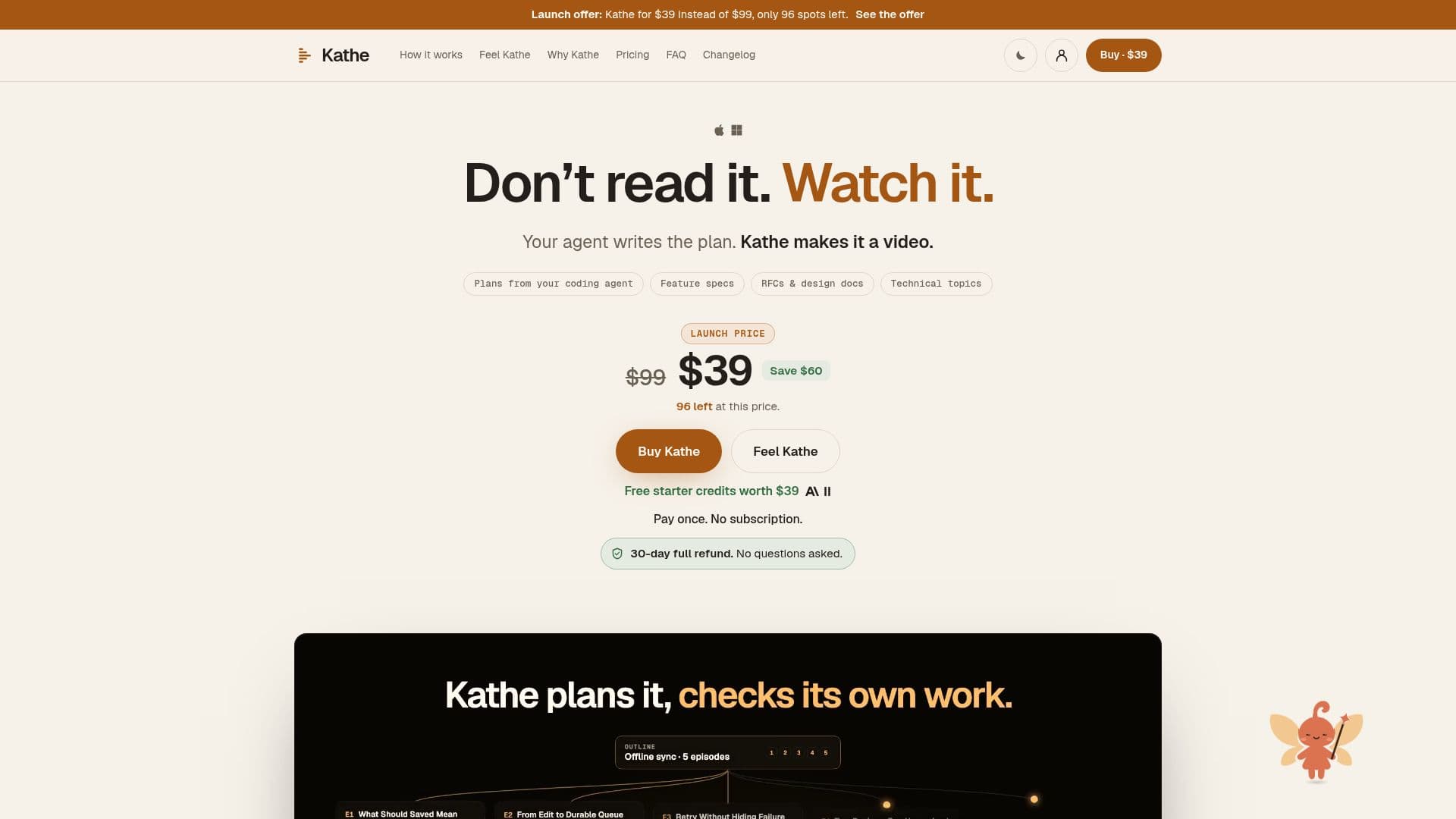
Description
Kathe is a desktop application designed to convert various technical documents into narrated video presentations. It addresses the common challenge of lengthy technical documentation often being overlooked or difficult to digest. By transforming text-based plans, specifications, RFCs, and design documents into short, engaging videos, Kathe aims to improve comprehension and communication within technical teams.
Read More
The application works by taking a document, such as a Markdown file, and structuring it into a series of video episodes. It then generates scripts and narrates the content, synchronizing the voiceover with visual scenes. This process ensures that complex technical topics are explained in a logical and easy-to-follow sequence, unlike some AI video generators that might jump between topics.
Kathe is compatible with both Mac (Apple silicon, macOS 14 Sonoma or later) and Windows (64-bit Windows 10 or 11) operating systems. It operates on a one-time purchase model, meaning users pay once and receive all future versions and updates without recurring subscription fees. The purchase also includes free starter credits for initial video creation.
A key feature of Kathe is its integration with existing coding agents and AI writing providers. Users can connect their accounts from services like Claude, ChatGPT, OpenAI API, Google Gemini, GitHub Copilot, Grok, Kimi Code, or OpenRouter for content generation, and ElevenLabs for narration. This allows developers to use their preferred AI tools to create plans, which Kathe then visualizes. The tool also includes a command-line interface, enabling coding agents to directly trigger video creation.
Privacy is a core aspect of Kathe's design. Projects, scripts, and videos are stored locally on the user's device. When using connected AI providers, only the necessary content for a specific request is sent to that provider, and credentials remain in Kathe's local settings. The company explicitly states that user content is not used to train AI models by Kathe itself.
Kathe supports various export formats, including Full HD, HD, vertical, and square videos, making them suitable for different platforms and uses. Users can also request changes to videos through a chat interface or by editing the script, with Kathe intelligently updating only the affected parts rather than regenerating the entire video from scratch. This ensures efficiency and consistency in revisions. The tool is ideal for anyone needing to explain technical concepts, project plans, or design proposals in a more accessible and engaging format.
- CategoryAI Video Generators
- Pricing ModelOne-time Purchase
- DeploymentDesktop app
- PlatformsMac, Windows
Kathe's Core Features
Converts coding-agent plans, specs, RFCs, and design docs into narrated videos
Supports Markdown and plain text document input
Generates structured video episodes with synchronized narration
Works with existing AI writing providers (Claude, ChatGPT, OpenAI API, Google Gemini, GitHub Copilot, Grok, Kimi Code, OpenRouter)
Integrates with ElevenLabs for narration
Includes a command-line tool for agent-driven video creation
One-time purchase model with no subscriptions
Compatible with Mac (Apple silicon, macOS 14 Sonoma+) and Windows (64-bit Windows 10/11)
Offers free starter credits for initial use
Stores projects, scripts, and videos locally on the device for privacy
Allows for in-app editing and revision requests for videos
Supports Full HD, HD, vertical, and square video exports
Provides a 30-day full refund policy
All future versions and updates included with purchase
Content not used by Kathe for AI training
How to use Kathe?
Drop in a Document: Provide a Markdown or plain text file containing your coding-agent plan, feature spec, RFC, or technical topic.
Kathe Plans Episodes: The application automatically structures your document into a series of video episodes, outlining changes and open questions.
Writes and Narrates: Kathe generates scripts and narrates the content, synchronizing the voice with visual scenes for clear explanations.
Watch and Share: Review the generated video, ask for changes if needed, and then export it in various formats for sharing.
Ask for Changes: Use the chat interface to request modifications like making an episode shorter, and Kathe will update the video efficiently.
Kathe's Use Cases
- Explaining Coding-Agent Plans
- Presenting Feature Specifications
- Communicating RFCs and Design Docs
- Teaching Technical Topics
- Onboarding New Developers
- Documenting System Architecture
- Sharing Project Proposals