Description
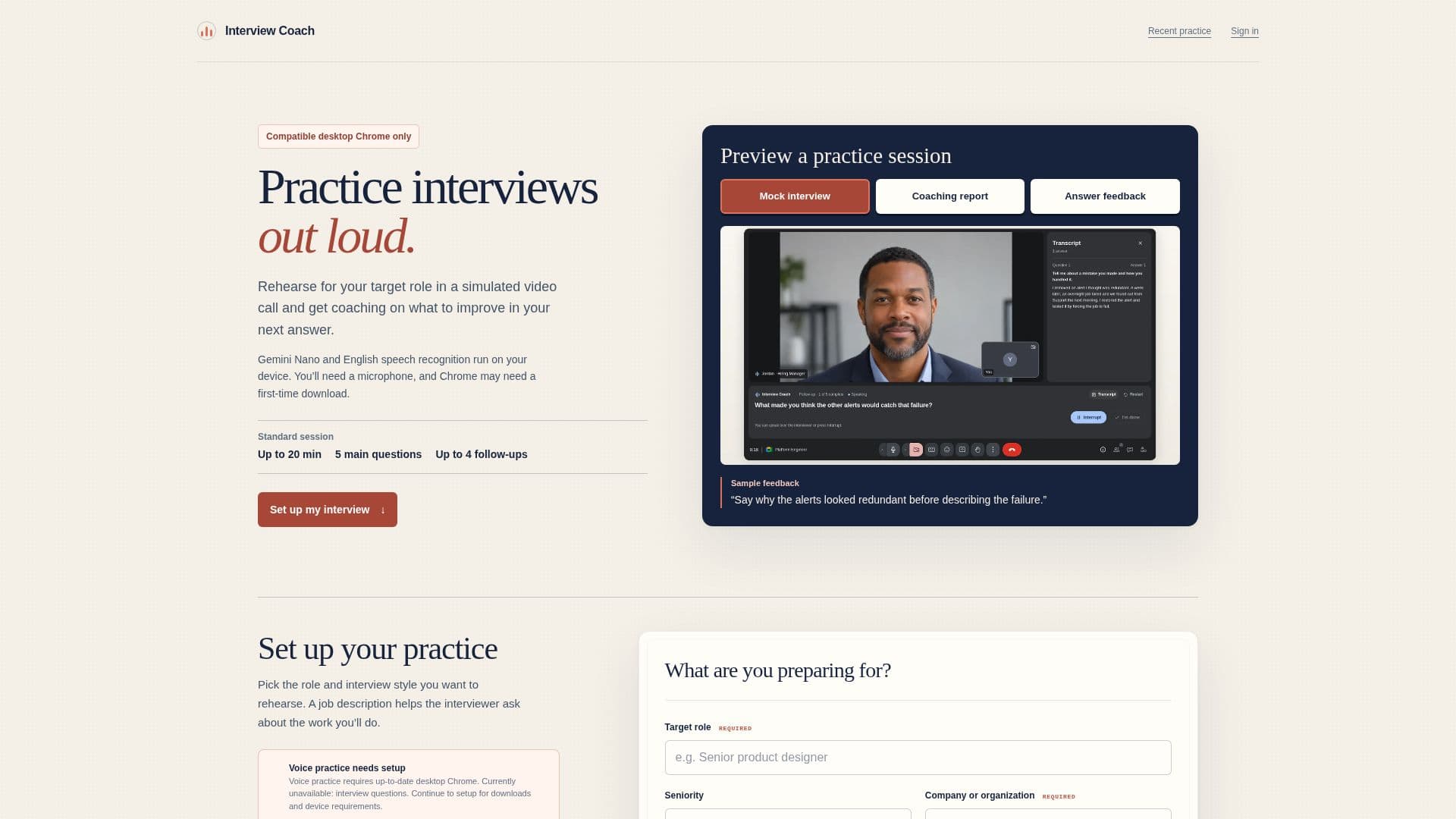
Interview Coach is a dedicated application designed to help individuals prepare for job interviews by simulating real-world scenarios. Users can practice interviews out loud in a compatible desktop Chrome browser, leveraging on-device Gemini Nano technology for speech recognition and processing. This setup ensures that the AI capabilities run directly on the user's device, requiring only a microphone and a first-time download for Chrome's AI settings.
Read More
The platform offers a comprehensive practice experience, allowing users to rehearse for specific target roles. By picking a desired role and interview style, and optionally providing a job description, the interviewer AI can generate relevant and adaptive questions. The system provides up to five main questions per standard session, along with up to four follow-up questions, mimicking the dynamic nature of actual interviews.
A key feature of Interview Coach is its immediate and actionable feedback. After each practice session, users receive a coaching report that highlights areas for improvement. For instance, feedback might suggest refining the structure of an answer or elaborating on specific points, such as "Say why the alerts looked redundant before describing the failure." This targeted guidance helps users understand their weaknesses and strategize for better responses in subsequent attempts.
Users can preview a practice session and even see a sample coaching report before signing in, giving them a clear idea of the value proposition. Once signed in, all completed interviews and their corresponding reports are saved, enabling users to revisit their feedback, track progress, and focus on specific areas for further practice. This iterative approach to interview preparation aims to build confidence and refine communication skills, making candidates more prepared for their next job interview.
- CategoryAI Interview Prep
- Pricing ModelFree Tier Available
- DeploymentCloud
- PlatformsDesktop Chrome
Interview Coach's Core Features
Out-loud interview practice
Simulated video call environment
Role-specific interview questions
Adaptive follow-up questions
On-device Gemini Nano processing
English speech recognition
Coaching feedback reports
Session duration up to 20 minutes
Up to 5 main questions per session
Up to 4 follow-up questions per session
Preview practice sessions
Sample feedback examples
Saved practice reports (with sign-in)
Revisit past feedback
Pick areas to practice again
How to use Interview Coach?
Access the tool: Open Interview Coach in a compatible desktop Chrome browser.
Enable On-device AI: Check that On-device AI is turned on in Chrome’s AI settings.
Set up practice: Select your target role and desired interview style; optionally, paste a job description for tailored questions.
Start practicing: Begin your simulated interview session and answer questions out loud.
Review feedback: Receive and review your coaching report to identify areas for improvement.
Revisit and improve: Sign in to save reports and revisit feedback, then practice specific areas again.
Interview Coach's Use Cases
- Job Interview Preparation
- Role-Specific Rehearsal
- Public Speaking Practice
- Feedback-Driven Improvement
- Speech Recognition Testing