
Description
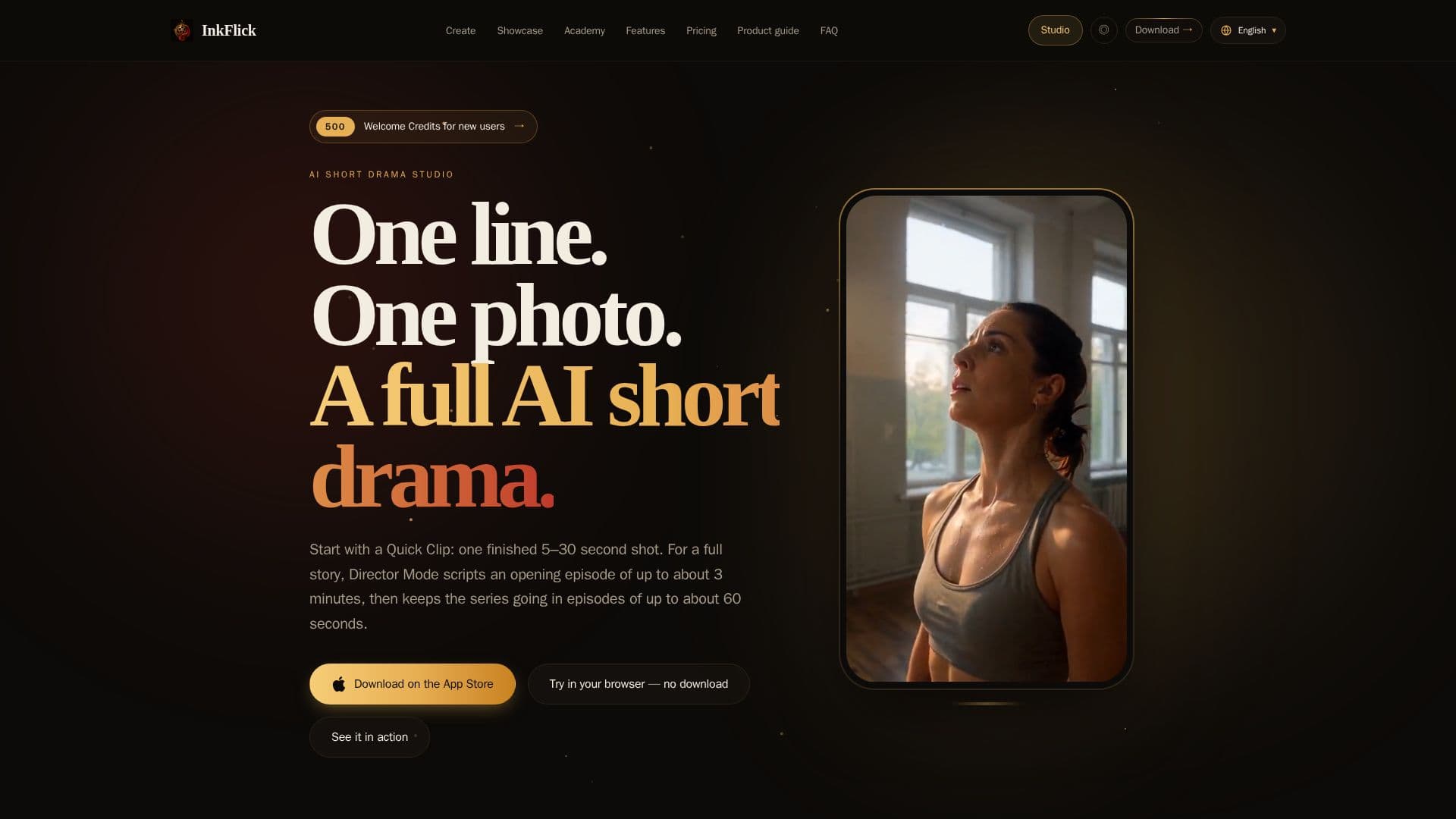
InkFlick is an innovative AI short-drama maker designed for users who want to create engaging video content from minimal input. Available on Windows, Mac, iPhone, and iPad, InkFlick allows users to transform a single line or photo into a complete short drama. The app offers two primary modes: Quick Clip and Director Mode.
Read More
Quick Clip is perfect for those looking to create a single 5–30 second shot without the need for a script or editing timeline. This mode is ideal for quick, social-ready content creation. On the other hand, Director Mode is tailored for users who wish to develop a full drama series. It starts with an opening episode of up to 3 minutes and allows for the addition of subsequent episodes up to 60 seconds each. This mode provides comprehensive control over the script, cast, storyboards, and final video production.
InkFlick is free to download, with AI generation powered by Credits. New users receive 500 welcome Credits, and additional Credits can be purchased in packs. The app supports various visual styles, including photoreal, 3D, anime, and more, allowing users to customize the look and feel of their videos. Users can also create reusable actors from photos or descriptions, ensuring continuity across episodes.
The app supports multiple languages, including English, Simplified Chinese, Traditional Chinese, Japanese, Korean, Spanish, Brazilian Portuguese, Indonesian, and Thai. InkFlick also offers features like voiced dialogue and native sound, enhancing the storytelling experience. With its user-friendly interface and robust capabilities, InkFlick is suitable for content creators, storytellers, and anyone interested in producing AI-generated video content.
- CategoryAI Short Video Makers
- Pricing ModelFreemium
- DeploymentCloud
- PlatformsWindows, Mac, iPhone, iPad
InkFlick's Core Features
AI short-drama creation
Quick Clip mode for 5–30 second videos
Director Mode for full episodes up to 3 minutes
Reusable cast and characters
Multiple visual styles
Voiced dialogue and native sound
Background rendering notifications
Multi-language support
How to use InkFlick?
Download: Install InkFlick on your device
Choose Mode: Select Quick Clip or Director Mode
Create: Input a line or photo to start
Generate: Use Credits to render your video
InkFlick's Use Cases
- Quick Social Clips
- Full Drama Series
- Novel Adaptation
- Personalized Stories
- Multi-language Content