Description
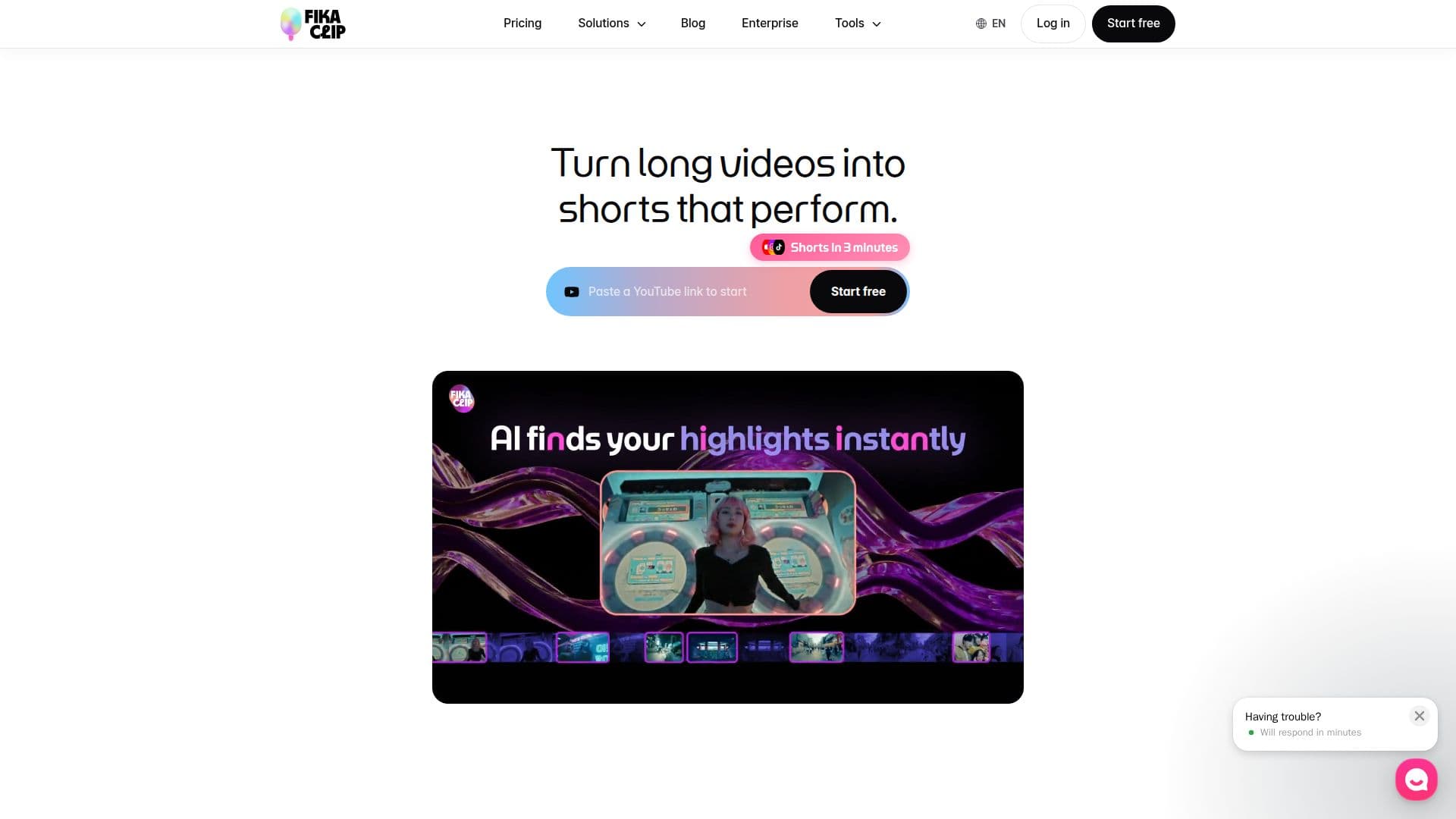
Fika Clip is an AI-powered tool designed to convert lengthy videos into captivating short-form content. By analyzing context, pacing, and emotional beats, it automatically identifies standout moments that are likely to capture viewers' attention. This tool is particularly beneficial for content creators who want to enhance their video performance without the guesswork.
Read More
Fika Clip offers a streamlined process: users simply paste a video link, and the tool generates shorts ready for publication across platforms like YouTube, TikTok, and Instagram. It employs context-aware story analysis to suggest appropriate titles, hooks, and thumbnail concepts, ensuring that the shorts are not only engaging but also aligned with trending styles.
The platform provides a range of editing tools in one interface, eliminating the need to switch between different software like CapCut and Premiere. Features include transcript-based editing, where users can delete words to cut video segments, and AI-generated captions that move with the video. Additionally, it offers copyright-safe background music and sound effects to enhance the mood of the shorts.
Fika Clip is available in various pricing plans to suit different needs. The Lite plan is ideal for beginners, while the Creator and Pro plans cater to growing channels and power users, respectively. Enterprise solutions are also available for teams requiring custom features and high-volume production.
Overall, Fika Clip is designed for creators looking to grow their audience by producing high-quality shorts efficiently. It supports global expansion with features like auto-generated English subtitles and localization options, making it a versatile tool for reaching a wider audience.
- CategoryAI Short Video Makers
- Pricing ModelFreemium
- DeploymentCloud
- PlatformsWeb
Fika Clip's Core Features
AI-powered video shortening
Context-aware story analysis
Transcript-based editing
AI-generated captions
Copyright-safe background music
One-click title and thumbnail suggestions
Multi-platform publishing
Customizable templates
How to use Fika Clip?
Paste a video link: Start by pasting your video link into Fika Clip.
Generate shorts: Let the AI identify key moments and create shorts.
Edit and customize: Use editing tools to refine your shorts.
Publish everywhere: Share your shorts across multiple platforms.
Fika Clip's Use Cases
- Content repurposing
- Social media marketing
- Educational content
- News highlights
- Entertainment clips