Description
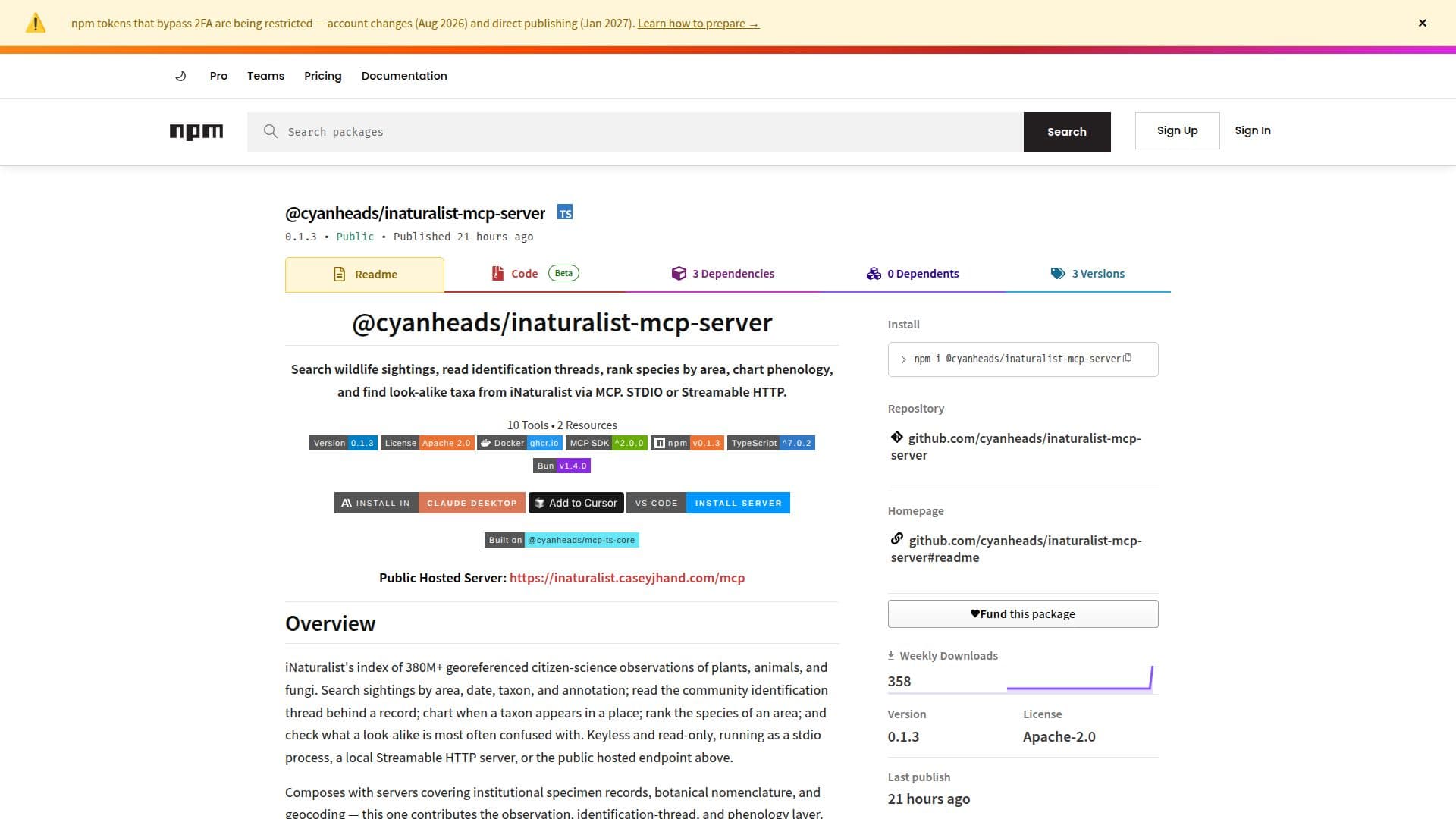
@cyanheads/inaturalist-mcp-server is a tool designed to interact with iNaturalist's vast database of over 380 million georeferenced citizen-science observations. It allows users to search wildlife sightings by area, date, taxon, and annotation. Users can also read community identification threads, rank species by area, and chart phenology. The server operates in a keyless, read-only mode, making it accessible without the need for authentication. It can run as a stdio process, a local Streamable HTTP server, or through a public hosted endpoint.
Read More
The server is built on @cyanheads/mcp-ts-core, offering stdio and Streamable HTTP transports, pluggable authentication, and swappable storage options. It supports structured logging with optional OpenTelemetry tracing. The tool provides a comprehensive cover of the iNaturalist v1 API, including observations, taxa, places, controlled terms, and the similar-species graph.
The server is designed to be agent-friendly, with applied defaults echoed on every call, and zero-hit notices naming the filter most likely responsible. It also discloses truncation unconditionally, ensuring transparency in data handling. The server is self-paced with a per-UTC-day request budget, as the iNaturalist API does not return rate-limit headers.
Installation is straightforward, with options for local development or using Docker. The server requires Bun v1.4.0 or higher, or Node.js ≥ 24.0.0. No API key is needed, as the iNaturalist API is keyless. Configuration options include transport type, HTTP server port, session mode, and authentication mode, among others.
- CategoryScientific Discovery & Lab Tools
- Pricing ModelOpen Source
- DeploymentCloud, Local
- PlatformsNode.js, Bun
iNaturalist MCP Server's Core Features
Search wildlife sightings by area and date
Read community identification threads
Rank species by area
Chart phenology for taxa
Keyless, read-only access to iNaturalist API
Supports stdio and Streamable HTTP transports
Pluggable authentication options
Swappable storage solutions
How to use iNaturalist MCP Server?
Configure: Set up the server with desired transport and storage options
Deploy: Run the server locally or via Docker
Use: Access iNaturalist data through the server's endpoints
Optimize: Adjust configuration for performance and logging
iNaturalist MCP Server's Use Cases
- Wildlife Research
- Biodiversity Studies
- Conservation Efforts
- Educational Projects
- Citizen Science