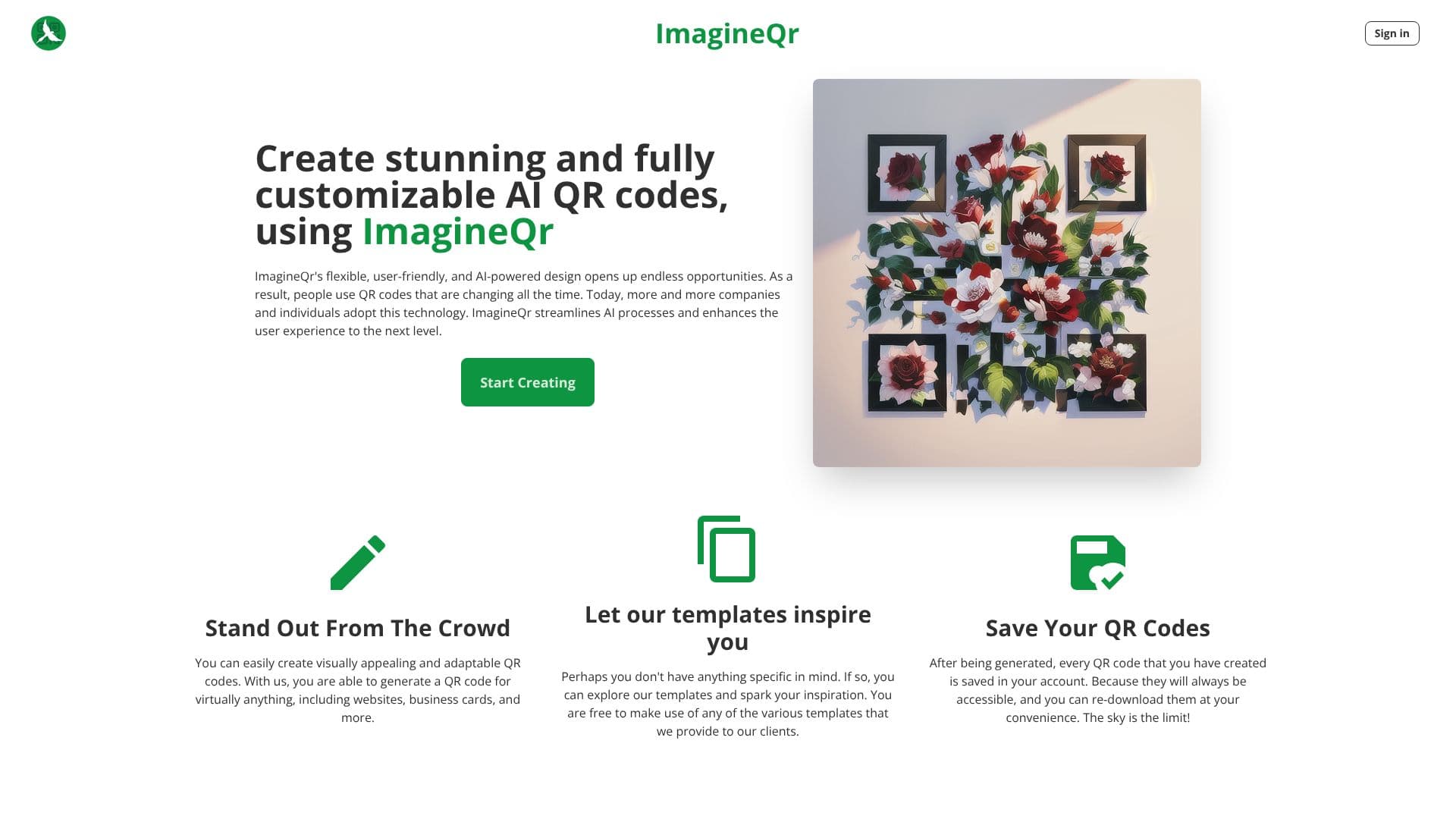
Description
ImagineQr is an AI-powered platform designed to help users create stunning and fully customizable QR codes. Leveraging advanced AI, the tool transforms standard QR codes into visually engaging assets that can help users stand out from the crowd. The platform's flexible and user-friendly interface makes it accessible for both individuals and companies looking to adopt modern QR code technology.
Read More
With ImagineQr, users can generate QR codes for a wide range of purposes, including websites, social media profiles, business cards, and even creative content like memes or images. The platform offers a rich set of templates to inspire users who may not have a specific design in mind, providing a starting point for their unique QR code creations. All generated QR codes are saved within the user's account, ensuring easy access and re-downloadability at any time.
The core advantage of ImagineQr lies in its AI-generated QR codes, which can become interactive and responsive to individual user needs. This personalization capability is particularly beneficial for businesses aiming to enhance their marketing efforts. By offering personalized offers, timely information, and engaging opportunities for brand campaigns, companies can connect with their target audience in novel ways. ImagineQr aims to streamline AI processes and elevate the user experience, making advanced AI technology more accessible.
The platform's functionality is straightforward. Users navigate to the 'Create' page, input the desired URL or content, and utilize prompts to guide the AI's generation process. The 'Negative Prompt' field further refines the output by allowing users to specify elements they wish to exclude. This level of control ensures that the generated QR codes align with the user's vision. ImagineQr also provides guidance on improving QR code readability, suggesting concise data fields, high-contrast word choices in prompts, and iterative prompt adjustments.
ImagineQr is positioned as a tool for joining the 'QR Revolution,' offering a modern approach to a widely adopted technology. The platform highlights its growing community of creators and the increasing number of QR codes generated, underscoring its utility and appeal. The pricing model includes a free tier, making it accessible for initial exploration and use.
- CategoryAI Graphic Design Tools
- Pricing ModelFreemium
- DeploymentCloud
- PlatformsWeb
ImagineQr: AI QR Codes's Core Features
AI-powered QR code generation
Customizable QR code designs
Template library for inspiration
User account for saved QR codes
Interactive and responsive QR codes
Personalized marketing capabilities
Intuitive user interface
Negative prompt functionality for exclusion
QR code readability improvement tips
Generation for websites, business cards, and more
How to use ImagineQr: AI QR Codes?
Navigate: Go to the 'Create' page on ImagineQr.
Input Data: Fill in the website field with your desired URL.
Prompt AI: Use descriptive prompts to guide the AI's generation, including negative prompts if needed.
Generate: Click to generate your AI-powered QR code.
Save & Access: Your QR code is automatically saved to your account for easy access and re-download.
ImagineQr: AI QR Codes's Use Cases
- Website QR Codes
- Business Card QR Codes
- Social Media Links
- Marketing Campaigns
- Event Promotion
- Personal Branding
- Digital Menus
- Creative Content Sharing