
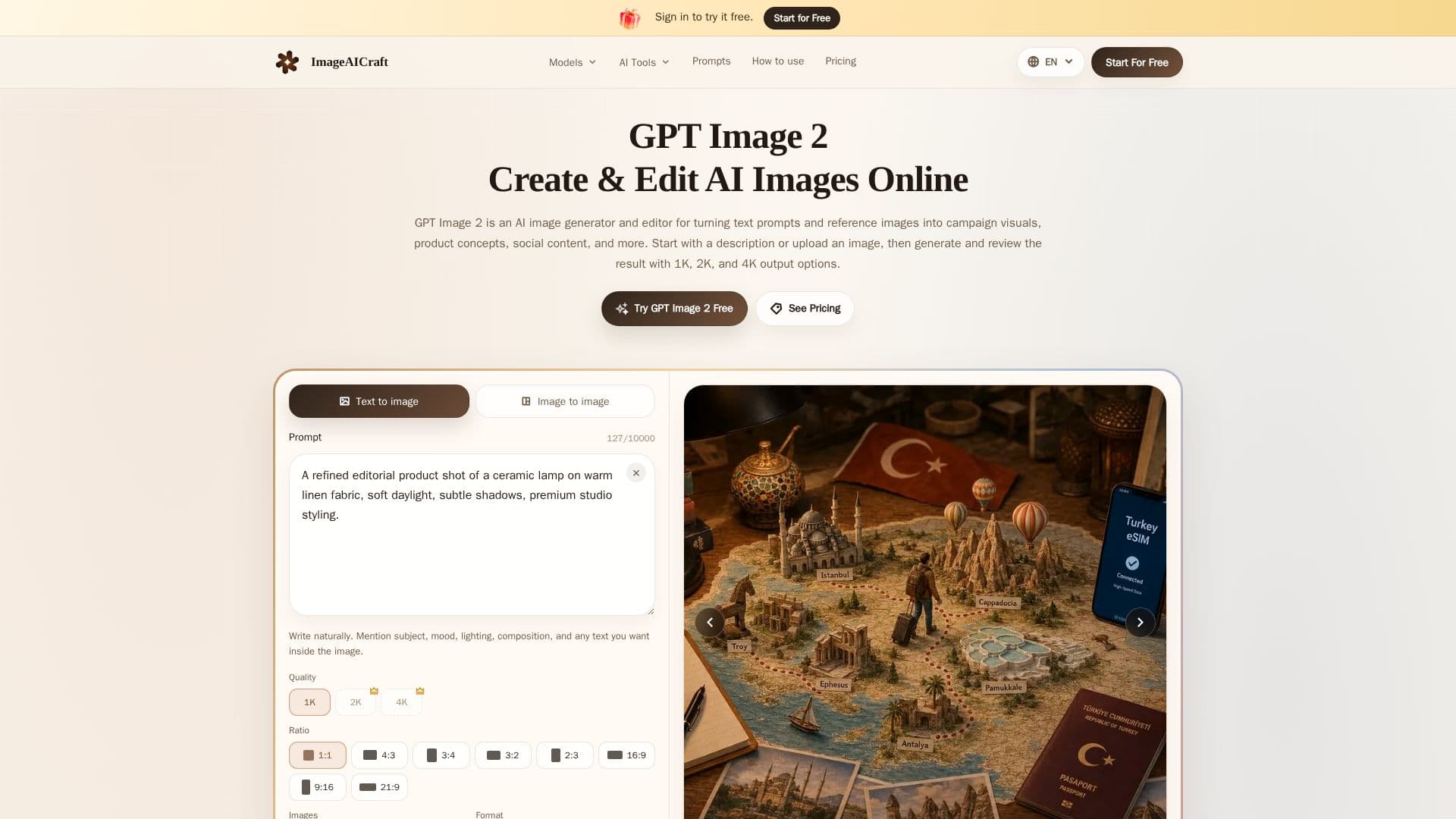
Description
ImageAICraft is an independent AI image generation and editing service designed to facilitate the creation of visual content from text prompts and reference images. Built around the GPT Image 2 model, it offers a focused workspace where users can generate and edit images in resolutions of 1K, 2K, and 4K. The platform supports various aspect ratios and export formats, including JPEG, PNG, and WebP, making it suitable for a wide range of creative applications.
Read More
Users can start by signing in and entering a text prompt or uploading a reference image. The service allows for the selection of output quality, ratio, and format, enabling users to tailor the results to their specific needs. ImageAICraft is accessible to users without design skills, as it provides prompt examples and guidance to help users articulate their creative vision.
The platform operates on a credit-based system, where the number of credits required depends on the selected output resolution and image count. For instance, generating a 1K image uses 1 credit, while 2K and 4K images require 6 and 8 credits, respectively. Batch generation adds the per-image cost for each output.
ImageAICraft offers a free trial for users to experience the standard 1K generation workflow. Paid plans provide additional credits and access to higher-capacity workflows, supporting commercial use for marketing, product concepts, and content production. Users are responsible for reviewing third-party rights when using generated images commercially.
The service emphasizes privacy, ensuring that user data is not used to train AI models or displayed publicly without permission. ImageAICraft is not affiliated with any model provider and operates independently, relying on third-party infrastructure for processing requests and managing accounts.
- CategoryAI Image Generators
- Pricing ModelFreemium
- DeploymentCloud
- PlatformsWeb
ImageAICraft's Core Features
Text-to-image generation
Image-to-image editing
1K, 2K, and 4K output resolutions
Multiple aspect ratios
JPEG, PNG, and WebP export formats
Credit-based usage system
Free trial available
Commercial use supported
How to use ImageAICraft?
Sign in: Access the platform by signing in.
Enter a prompt: Provide a text prompt or upload a reference image.
Select settings: Choose output quality, ratio, and format.
Generate: Click Generate to create the image.
Refine: Adjust the prompt to refine the result.
ImageAICraft's Use Cases
- Digital Marketing
- E-Commerce Catalogs
- Brand Identity
- EdTech & Presentations
- UI/UX Prototyping