Description
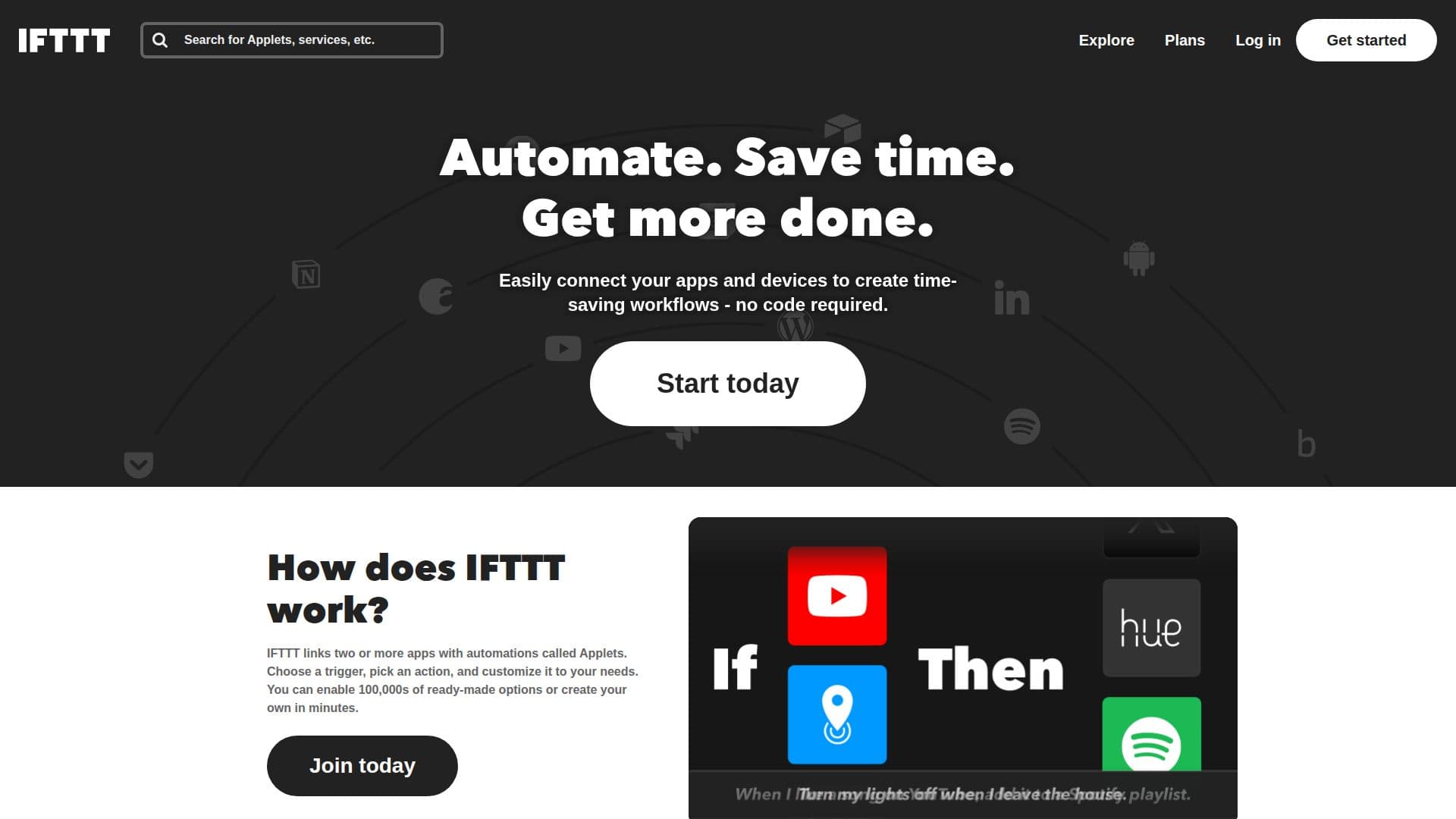
IFTTT, which stands for If This Then That, is a leading no-code automation platform designed to connect over 1,000 popular apps and services. It aims to help users increase productivity in various settings, including at work, home, and on mobile devices. With IFTTT, users can easily create custom workflows, known as Applets, that integrate their favorite tools without needing any coding skills. The platform supports a wide range of applications, including Google, Webhooks, Discord, Telegram, Slack, and many more.
Read More
The core functionality of IFTTT revolves around linking two or more apps through automations called Applets. Users can choose a trigger event and specify an action to be taken, customizing it to fit their needs. IFTTT offers a vast library of ready-made Applets, allowing users to connect their apps in minutes. For example, users can automatically save new Spotify Discover Weekly songs to an archive, receive daily weather forecasts, or log work hours in Google Sheets with ease.
IFTTT is particularly beneficial for individuals and small business owners looking to streamline their daily tasks and automate repetitive processes. The platform provides a free tier that allows users to create up to two Applets, while paid plans offer additional features such as faster Applet speeds, multi-action capabilities, and customer support. With IFTTT, users can save time, boost productivity, and enhance their overall workflow by automating everyday tasks and integrating various services seamlessly.
Whether you are looking to automate social media posts, manage email notifications, or track expenses, IFTTT provides the tools necessary to create efficient workflows tailored to your specific needs. The platform is accessible via mobile apps for iOS and Android, making it easy to automate tasks from anywhere at any time.
- CategoryWorkflow Automation
- Pricing ModelFreemium
- DeploymentCloud
- PlatformsiOS, Android, Web
IFTTT's Core Features
No-code automation
Connects over 1,000 apps
Custom workflows (Applets)
Free tier available
Mobile app access
Multi-action Applets
Fast Applet speeds (Pro plan)
Customer support (Pro plan)
Integration with AI tools
Unlimited Applet runs (Pro plan)
How to use IFTTT?
Choose a trigger: select an event that will start your automation.
Select an action: define what you want to happen when the trigger occurs.
Customize your Applet: adjust settings to fit your specific needs.
Browse ready-made Applets: explore millions of pre-built automations for quick setup.
Activate your Applet: enable the automation to start working immediately.
Monitor performance: check the status of your Applets and make adjustments as needed.
Explore integrations: connect additional services to enhance your workflows.
IFTTT's Use Cases
- Social Media Automation
- Email Notifications
- Expense Tracking
- Smart Home Control
- Task Management