Description
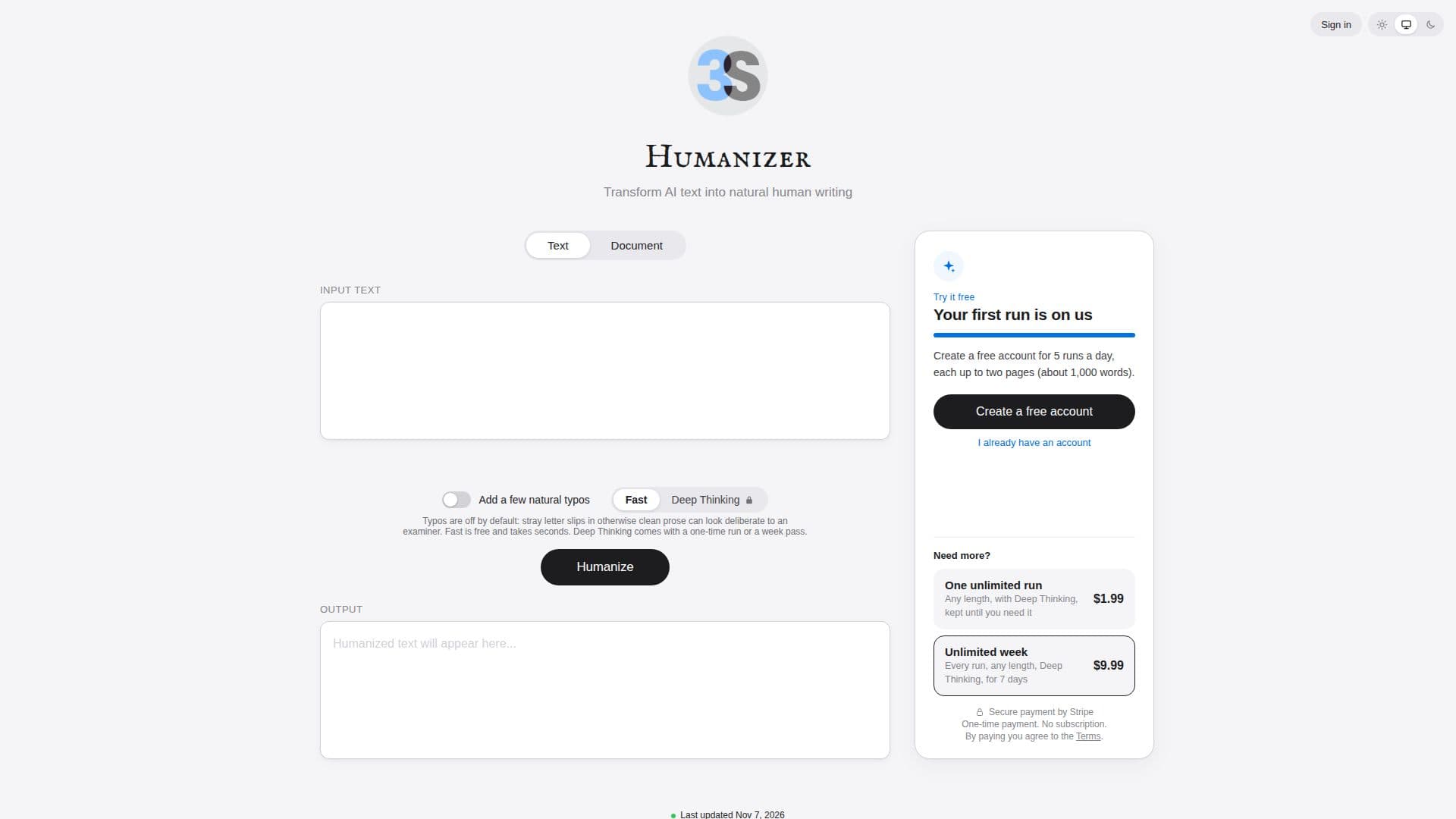
Humanizer is a specialized tool developed by 3S Holding that focuses on transforming written content to achieve a more natural and human-like tone. In today's digital landscape, where much text is generated by algorithms, the ability to produce content that resonates with human readers is increasingly valuable. This tool addresses that need by analyzing and restructuring sentences to mimic natural human communication patterns.
Read More
The core functionality of Humanizer revolves around its ability to adjust sentence length and complexity. It operates on the principle that human communication naturally involves a mix of short, direct sentences and longer, more complex ones. By identifying and modifying patterns that appear overly uniform or robotic, Humanizer helps to create text that feels more authentic and engaging. Users can easily toggle between the original ("Before") and humanized ("After") versions of their text to visually observe the changes.
A key feature of Humanizer is its interactive display, which allows users to see how words move and sentences are rephrased. Tapping on specific bubbles within the interface reveals the individual sentences, providing transparency into the transformation process. The tool also provides a "humanization score," indicating the degree to which the text has been made to sound more natural. A higher score signifies a better balance of sentence structures, reflecting the varied rhythm of human speech.
Humanizer is particularly useful for content creators, marketers, students, and anyone who needs to ensure their written output is not only clear but also personable. It helps in avoiding the monotonous or overly formal tone that can sometimes result from automated writing processes or even from careful but uninspired human composition. By focusing on the subtle nuances of sentence construction, 3S Holding's Humanizer offers a practical solution for enhancing the readability and appeal of various types of written content.
- CategoryAI Humanizers
- DeploymentCloud
- PlatformsWeb
Humanizer's Core Features
Text humanization
Sentence structure analysis
Before and After comparison view
Interactive word movement visualization
Sentence-level detail view
Humanization score indicator
Mixes short and long sentences
Improves text readability
Enhances natural language flow
User-friendly interface
Content rephrasing for natural tone
Supports engaging communication
How to use Humanizer?
Input Text: Paste or type your desired text into the Humanizer interface.
Analyze Content: The tool automatically processes the text to identify areas for humanization.
Review Changes: Switch between the "Before" and "After" views to see the proposed modifications.
Explore Sentences: Tap on bubbles to inspect individual sentences and understand specific rephrasing.
Evaluate Humanization: Observe the humanization score, aiming for a higher value for more natural text.
Humanizer's Use Cases
- Content Marketing
- Academic Writing
- Email Communication
- Blog Post Creation
- Social Media Posts
- Customer Service Responses
- Speech Writing