
Description
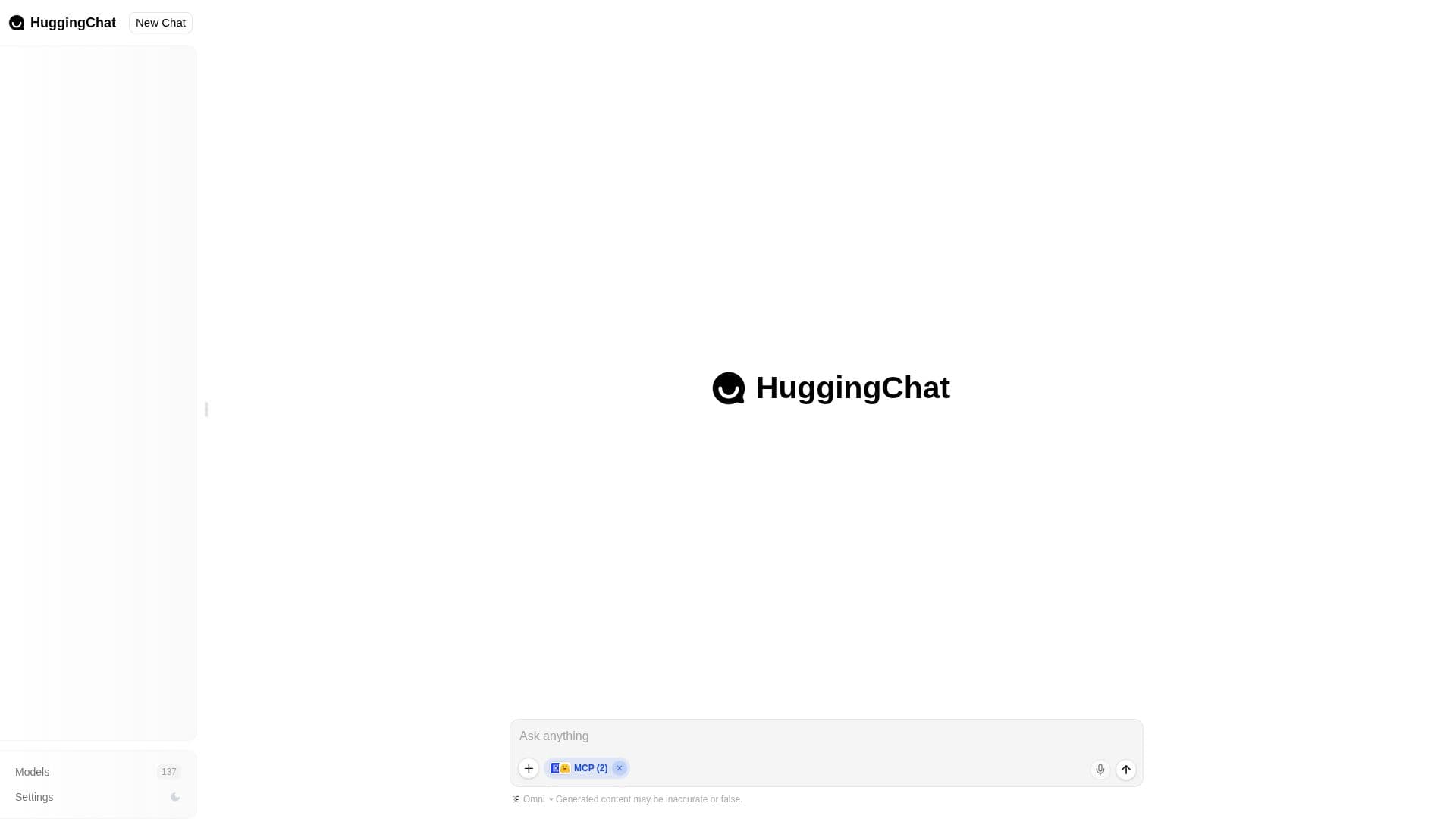
HuggingChat is Hugging Face's chat interface for open-source AI models, positioned around making 'the community's best AI chat models available to everyone.' Rather than being tied to one model, it lets a user either type a request and let the app pick a model automatically, or select from a list of more than 140 available open models and chat with one directly.
Read More
The automatic mode, called Omni, picks the model it judges best suited to a given request. HuggingChat also includes an ML Intern mode, an agent geared toward machine learning research tasks: it can search across Hugging Face papers, model training runs, Spaces, datasets, evaluation results and the wider Hub while answering a question. As with other AI chat tools, HuggingChat displays a disclaimer that generated content may be inaccurate or false.
Available models include recent open releases such as DeepSeek V4.1 Flash, which the app describes as a natively multimodal mixture-of-experts model with a 1 million token context window and frontier-level agentic coding ability; the specific model roster changes as new open releases come out. HuggingChat requires a Hugging Face account to sign in and start chatting.
HuggingChat is built for people who want to try open-source AI models directly, whether to compare a specific model's output, use a model that fits a particular task like coding or research, or simply chat without paying for a proprietary AI subscription. It sits inside the broader Hugging Face platform, which also hosts models, datasets and Spaces.
Because HuggingChat is a thin interface over community-hosted open models rather than a single proprietary system, its behavior and available model list depend on what the Hugging Face community publishes and updates over time. That makes it useful for developers and researchers who want to see how different open releases actually respond, side by side with a general-purpose Omni option, rather than being limited to whatever one company's flagship model happens to be at any given moment.
- CategoryAI Chatbots
- Pricing ModelFreemium
- DeploymentCloud
- PlatformsWeb
HuggingChat's Core Features
Omni mode that automatically selects the best-suited open model for a request
Direct access to more than 140 individually selectable open-source models
ML Intern agent mode for searching papers, datasets, training runs and the Hub
Access to newly released open models, such as DeepSeek V4.1 Flash
Free chat interface tied to a Hugging Face account
AI-generated content disclaimer shown to users
How to use HuggingChat?
Sign in: Log in or sign up with a Hugging Face account.
Start a chat: Type a question and let Omni pick a suitable model automatically.
Or pick a model: Browse the model list and select one to chat with directly.
Use ML Intern for research: Switch to ML Intern mode to search papers, datasets and the Hub.
Review the output: Check generated answers, since the app flags that content may be inaccurate.
HuggingChat's Use Cases
- Trying open-source models
- General AI chat
- ML research assistance
- Comparing new model releases