
Description
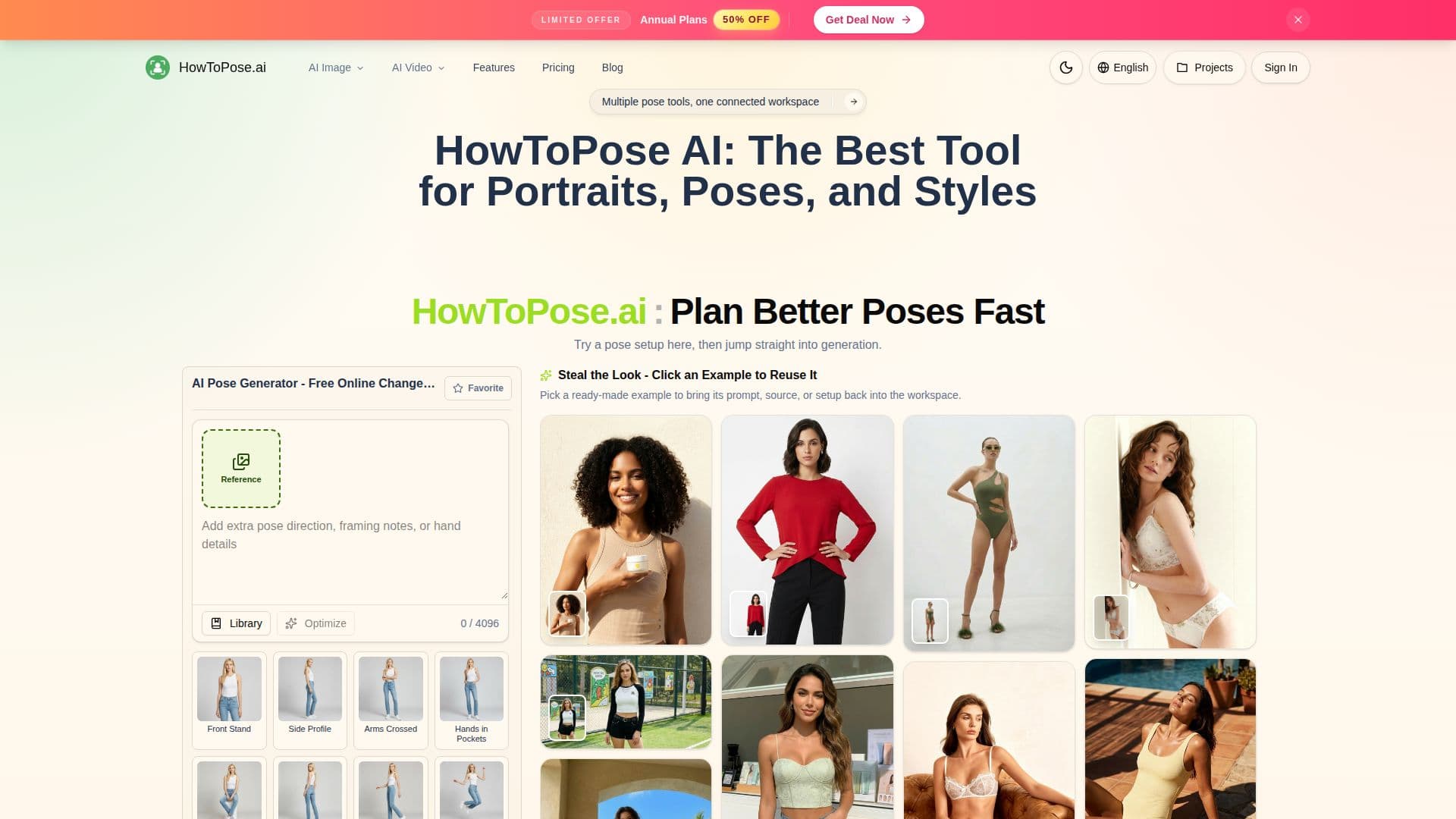
HowToPose AI is a connected AI workspace for editing existing photos rather than shooting new ones. Its core AI Pose Generator moves a subject into cleaner, sharper, or more expressive poses without rebuilding the whole image, turning body angle, hand position, chin line, and expression into editable controls after the shot is done.
Read More
Around the pose tools sits a broader set of editing features. An AI Clothes Changer swaps outfit ideas on a person while keeping the scene readable, an AI Image Editor cleans up frames and revises details, and an AI Image Extender widens or heightens a composition. Additional tools include a text-to-image generator, a photo-to-sketch converter, an image upscaler, and a watermark remover, all in one workflow so users can move from a rough concept to a delivery-ready visual without switching apps.
The platform is aimed at social posts, client drafts, references, lookbooks, product pages, and campaign tests. The typical session starts from a photo or prompt, adjusts pose, styling, or scene direction, generates a few practical variations, and then exports, upscales, or continues editing until the frame is ready to reuse.
- CategoryAI Product Photography
- Pricing ModelFreemium
- DeploymentCloud
- PlatformsWeb
HowToPose AI's Core Features
AI Pose Generator to change body angle, hands, and expression from a photo
AI Clothes Changer for testing outfit directions on the same subject
AI Image Editor for cleanup, detail revision, and fresh looks
AI Image Extender to reframe images into wider or taller layouts
Text-to-image generator for concepts, posters, and product ideas
Photo-to-sketch converter for pencil, ink, or watercolor styling
AI image upscaler for cleaner exports and production handoff
AI watermark remover for reusing shots in pitches and posts
How to use HowToPose AI?
Start with a photo or prompt: Begin from an existing image or a clear text direction.
Adjust pose, styling, or scene: Choose the tool that matches the change you need.
Generate variations: Create a few practical options and compare them quickly.
Export or refine: Upscale, clean up, or keep editing until the frame is ready for delivery.
HowToPose AI's Use Cases
- Directed portraits
- Outfit exploration
- Multi-format layouts
- Campaign asset prep
- Final cleanup