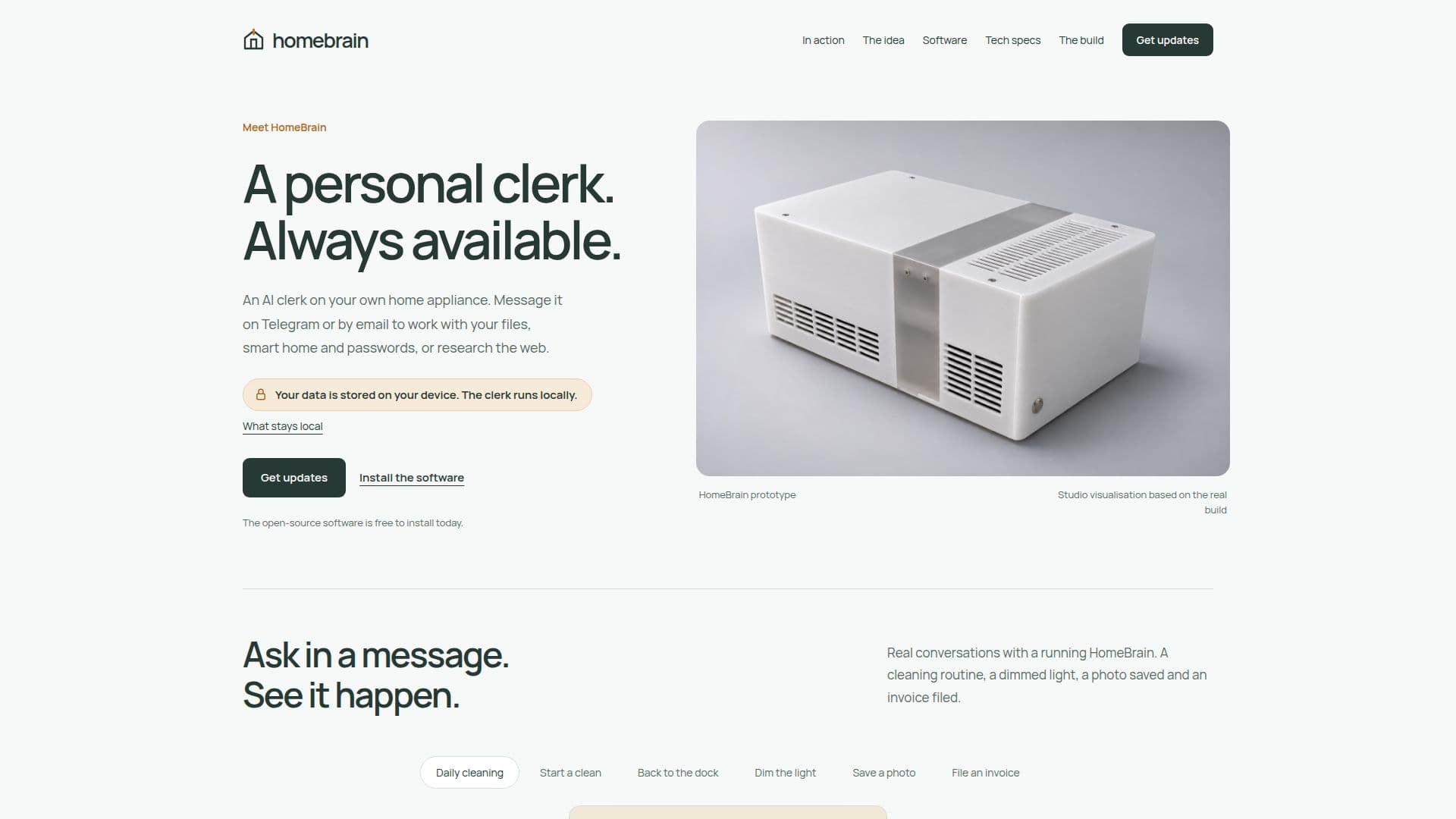
Description
HomeBrain functions as a personal AI clerk, designed to run entirely on a dedicated appliance within your home. This unique approach prioritizes data privacy and security, as all your information—files, smart home data, and passwords—remains stored locally on your device, never touching external cloud servers or requiring a HomeBrain account. Users interact with the clerk through familiar channels like Telegram or email, making it accessible and convenient for daily tasks.
Read More
The system integrates seamlessly with various aspects of your digital life. It acts as a personal cloud for documents, photos, and calendars, compatible with services like Nextcloud. For smart home management, HomeBrain connects with Home Assistant, allowing you to control lights, devices, and routines through simple messages. A secure password vault, compatible with Bitwarden apps, keeps your logins close and protected, requiring explicit confirmation for sensitive actions like revealing passwords.
Beyond personal data management, HomeBrain extends its capabilities to email, enabling users to search, sort, and draft messages across connected accounts. It also features its own local web search engine and browser, ensuring that web research queries are sent from your own connection and processed on the appliance. The system itself can be managed through the clerk, allowing users to check status, run backups, or restart services.
Built on open-source software, HomeBrain is free to install and runs on Ubuntu 24.04 or later. It leverages established technologies such as Nextcloud, Home Assistant, Vaultwarden, llama.cpp, Whisper, and OpenClaw. For optimal performance, the prototype build includes a dedicated 24 GB GPU for local AI processing, alongside a desktop processor, 32 GB system memory, and 2 TB NVMe storage. Without a GPU, the software can run as HomeCloud, managing files, home, and vault functions, even on a Raspberry Pi 5. The project emphasizes user control, allowing you to decide what the appliance connects to, with a browser-based setup wizard and no subscription fees.
- CategoryAI Personal Assistants
- Pricing ModelFree
- DeploymentOn-Premise
- PlatformsUbuntu 24.04+, Raspberry Pi 5 (HomeCloud)
HomeBrain's Core Features
Local AI processing on a dedicated home appliance
Interaction via Telegram and email
Personal cloud for files, documents, and calendars (Nextcloud compatible)
Smart home integration with Home Assistant
Secure password vault compatible with Bitwarden
Local email search, sorting, and drafting
Integrated web research with local search engine and browser
System status checks and service management
Open-source software (BSD-3-Clause licensed)
Runs on Ubuntu 24.04 or later
GPU-accelerated local AI (24 GB dedicated GPU memory in prototype)
No HomeBrain account or cloud servers required
Encrypted off-site backups
Sensitive actions require explicit user confirmation
Browser-based setup wizard
How to use HomeBrain?
Install Software: Download and install the open-source HomeBrain software on compatible hardware (Ubuntu 24.04+ or Raspberry Pi 5 for HomeCloud).
Set Up Appliance: Configure the appliance using the browser wizard, connecting it to your home network.
Integrate Services: Connect desired services like Nextcloud, Home Assistant, Bitwarden, and email accounts via the dashboard.
Communicate with Clerk: Message HomeBrain on Telegram or by email to issue commands or ask questions.
Manage Data: Use the clerk to organize files, control smart home devices, look up passwords, or perform web research.
Monitor System: Check the system's status, run backups, or restart services directly through the clerk or dashboard.
HomeBrain's Use Cases
- Personal Data Management
- Smart Home Automation
- Password Vault Management
- Email Organization
- Local Web Research
- System Monitoring & Maintenance