Description
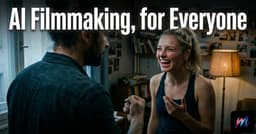
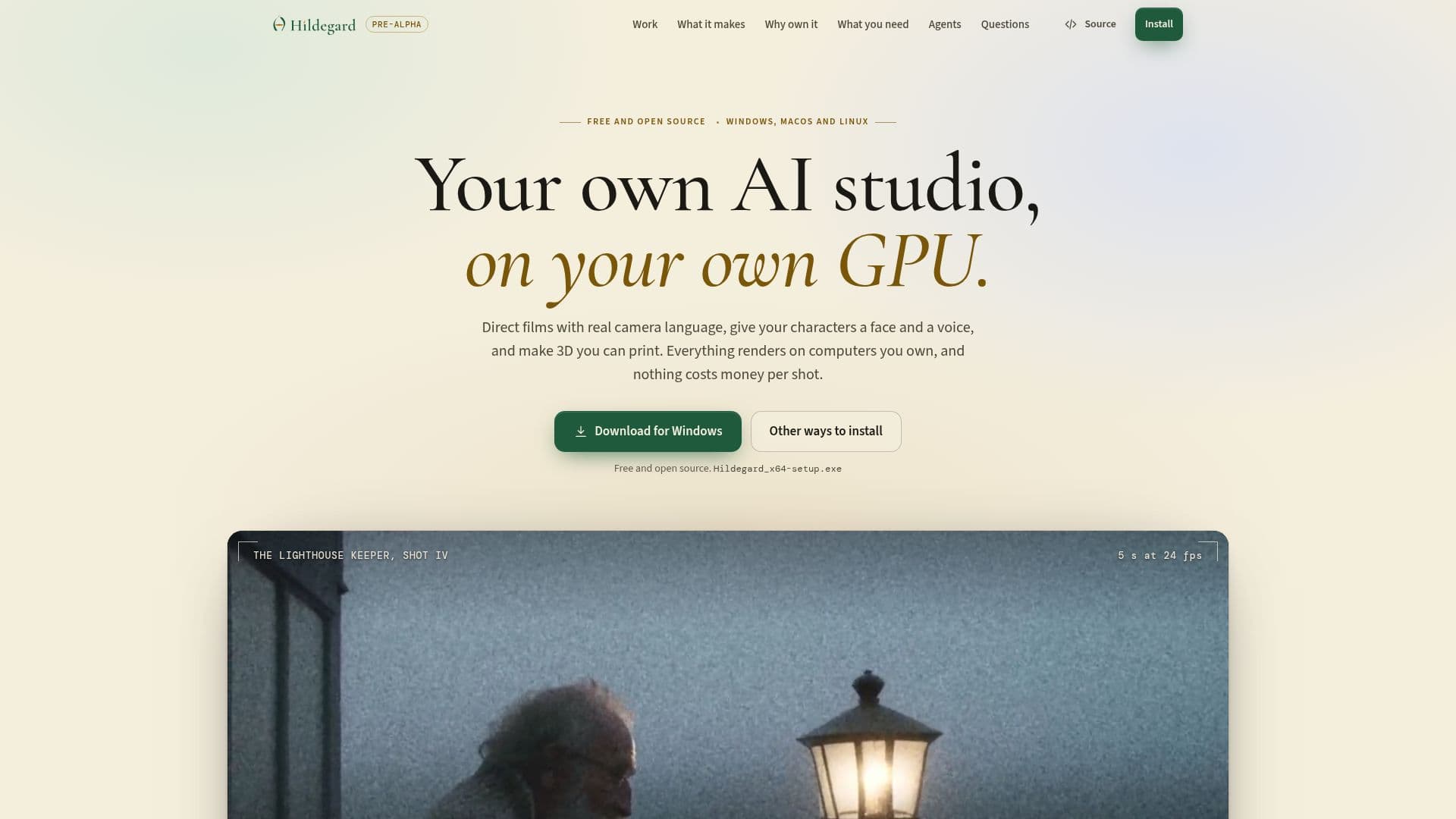
Hildegard is a comprehensive, free, and open-source AI studio designed to run entirely on your local GPU, providing a private and cost-effective alternative to cloud-based AI film and voice generation platforms like Higgsfield and ElevenLabs. This studio empowers users to direct AI films with advanced camera language, including presets for camera, lens, aperture, movement, and film looks. Films are composed of multiple shots and takes, which can be exported as MP4 files, ensuring consistent characters across different scenes.
Read More
The platform's voice capabilities include text-to-speech with 25 built-in voices, voice design from descriptions, dubbing, and transcription. It also offers consented voice cloning, where a voice is cloned only after the owner reads a fresh consent line aloud, and every audio clip carries an inaudible watermark for authenticity. For 3D creation, Hildegard allows users to generate models and parts suitable for 3D printing, with integrated checks and slicing functionalities.
Hildegard supports NVIDIA and AMD GPUs, running offline after initial model downloads. It can operate on a single GPU or leverage clusters of your own computers via Tailscale for more demanding tasks. A unique feature is its MCP (Multi-Agent Communication Protocol) server, enabling integration with AI applications like Claude, ChatGPT, Codex, and Cursor, allowing them to direct shots, speak lines, and run iterative design loops on your local GPU. This ensures that prompts, takes, voices, and films remain on your devices, never leaving your local network.
The software is licensed under AGPL-3.0, with presets under Apache-2.0. While some models like Wan 2.2 and FLUX.2 [klein] 4B permit commercial use, others like LTX-2 and LTX-2.5 are free for individuals and companies with under $10M in yearly revenue. Hildegard simplifies the process by running on top of ComfyUI, handling its setup and adding advanced features like camera language, film assembly, character consistency, voice generation, and multi-device sharing, all without requiring users to manually wire node graphs. It is available for Windows, macOS, and Linux, with specific GPU requirements and cross-device rendering capabilities for Macs.
- CategoryVideo Generation & Editing
- Pricing ModelFree
- DeploymentOn-Premise
- PlatformsWindows, macOS, Linux
Hildegard's Core Features
AI video generation with camera, lens, aperture, move, and film-look presets
Export films made of shots and takes to MP4
Consistent character generation across multiple shots
Text-to-speech with 25 built-in voices
Voice design from descriptions
Consented voice cloning with inaudible watermarks
Dubbing and transcription services
3D model generation and preparation for printing (checking and slicing)
Runs offline on NVIDIA and AMD GPUs
MCP server for integration with AI apps like Claude, ChatGPT, Codex, Cursor
Supports clustering of computers over Tailscale
Free and open-source software
No credits or per-shot costs
All data (prompts, takes, voices, films) stays on your devices
Host your studio at an HTTPS link for other devices and invited users
How to use Hildegard?
Install Hildegard: Download the desktop app for Windows, macOS, or Linux, or use a one-line command in PowerShell/Terminal.
Set up GPU and Models: Run `hildegard setup` to pick a video model that fits your GPU and link AI apps.
Open the Studio: Use `hildegard open` to launch the Studio in your browser.
Direct Films: Choose camera, lens, aperture, and move presets to direct shots, keep takes, and cut them into a film.
Generate Voices: Utilize the voice room for text-to-speech, voice design, dubbing, transcription, or consented voice cloning.
Create Characters: Make a character once and cast them across multiple shots for consistency.
Integrate AI Apps: Connect Hildegard as an MCP server to AI apps like Claude or ChatGPT to direct shots and run loops.
Host Your Studio: Use `hildegard host owner` to set up a private HTTPS link for sharing your studio with other devices or collaborators.
Hildegard's Use Cases
- AI Film Production
- Voice Generation & Cloning
- 3D Model Creation
- Local AI Development
- AI App Integration
- Privacy-Focused Content Creation
- Cost-Effective AI Studio
- Collaborative Creative Projects