Description
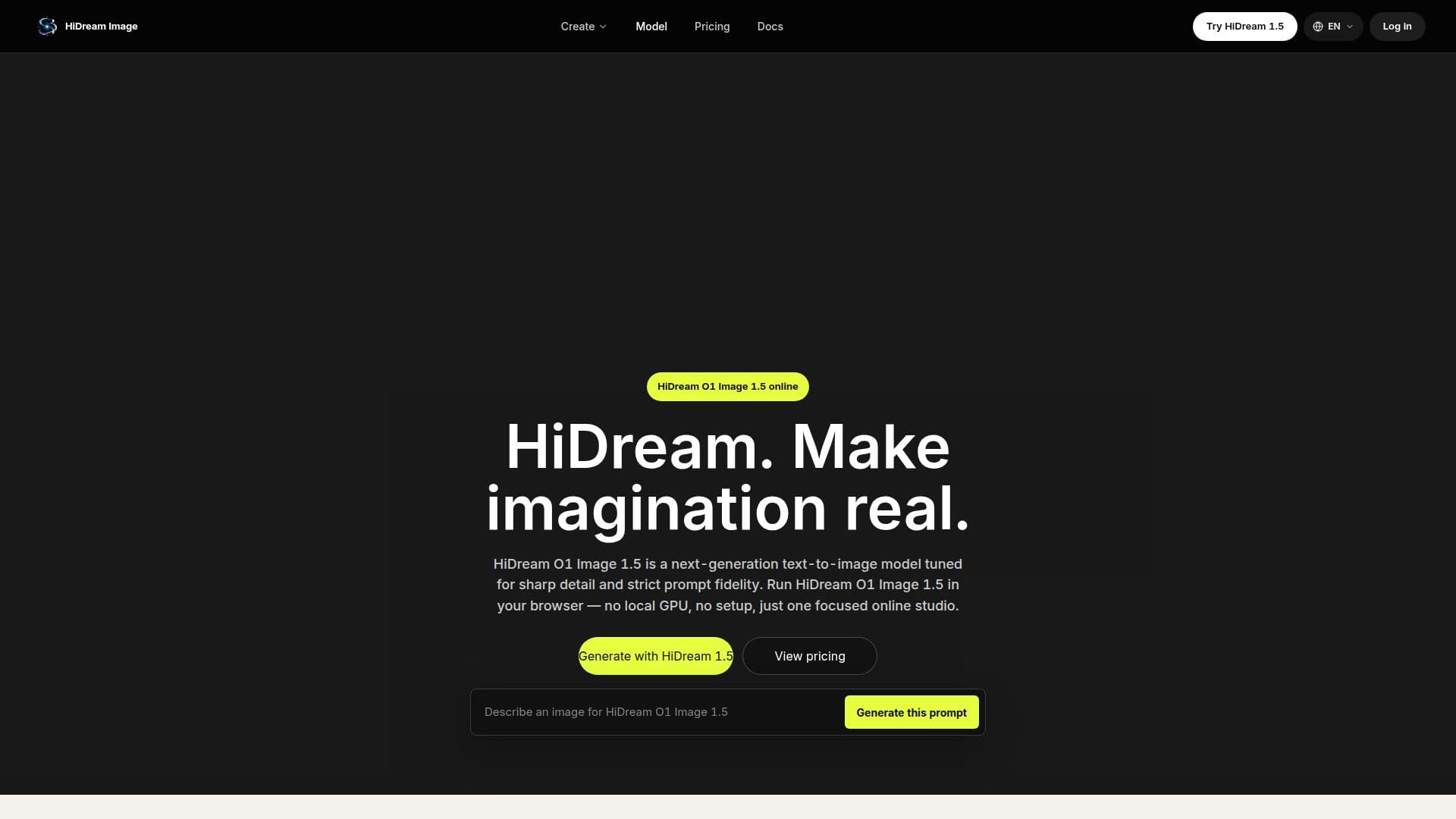
HiDream O1 Image 1.5 is a text-to-image AI model that represents the 1.5 generation of the HiDream O1 image family. This model is designed to generate sharp, detailed images that adhere closely to user prompts, ensuring reliable text rendering. Users can access HiDream O1 Image 1.5 directly through the website hidreamimage.com without the need for any local GPU setup or installation.
Read More
To use HiDream O1 Image 1.5, simply open the generator, type in a prompt, select an aspect ratio, and click 'Generate.' The model operates entirely in the browser, making it accessible from any device. New users can sign in and begin generating images using introductory credits, with options for purchasing flexible credit packs or subscription plans available on the pricing page.
HiDream O1 Image 1.5 supports various aspect ratios including 1:1, 3:4, 4:3, 9:16, and 16:9, along with adjustable settings such as inference steps, guidance scale, and the ability to include negative prompts. The images generated can be used commercially, adhering to the terms of service and content policy.
This version improves upon earlier iterations of the HiDream O1 model by enhancing fine detail, composition stability, and prompt fidelity, all while maintaining fast online generation speeds. Users can expect crisp edges, natural tones, and coherent lighting in their outputs, making it suitable for a wide range of applications, from concept art to marketing visuals. HiDream O1 Image 1.5 is ideal for anyone looking to create high-quality images quickly and efficiently, whether for personal projects or commercial use.
- CategoryAI Image Generators
- Pricing ModelFreemium
- DeploymentCloud
- PlatformsWeb
HiDream O1 Image 1.5's Core Features
Text-to-image generation
No GPU required
Flexible credit-based pricing
Supports multiple aspect ratios
Adjustable inference steps
Guidance scale settings
Negative prompts capability
Commercial use allowed
How to use HiDream O1 Image 1.5?
Describe your image: Write a prompt with subject, style, lighting, and mood.
Tune the settings: Pick an aspect ratio, adjust steps and guidance scale, and add a negative prompt if needed.
Generate & download: Run HiDream O1 Image 1.5, preview results in seconds, and download your favorites as JPEG or PNG.
Use prompt examples: Start from curated prompts to refine your image generation.
HiDream O1 Image 1.5's Use Cases
- Concept Art
- Posters
- Product Visuals
- Marketing Imagery
- Social Media Content