
Description
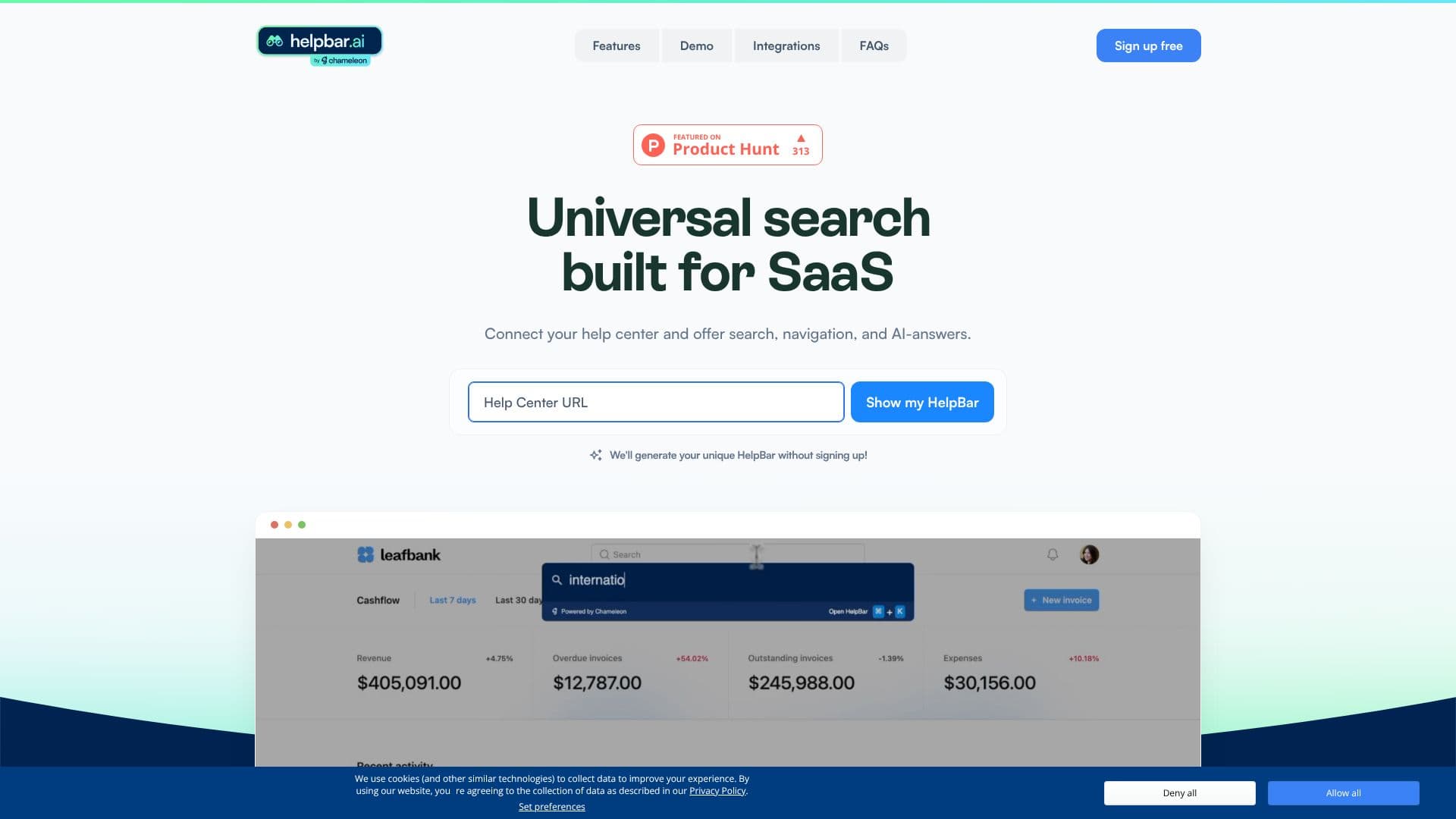
Helpbar is a universal search solution designed specifically for SaaS companies to empower their users with instant access to information and tools. By connecting to your existing help center, Helpbar transforms how users interact with your application, offering a seamless search experience, intuitive navigation, and AI-generated answers.
Read More
The core functionality of Helpbar revolves around a single, customizable keyboard shortcut (Command + K) that users can employ to find exactly what they need without leaving their current workflow. This significantly speeds up the time to value for users, allowing them to learn faster and complete tasks more efficiently. The AI answers are drawn from all the content you input, ensuring comprehensive and relevant results.
Beyond just search, Helpbar acts as a central hub for user productivity. It enables users to become power users by making app navigation effortless. This reduces the burden on customer support teams, freeing them up for more proactive and complex issues. Helpbar also allows you to surface the rest of your tech stack, integrating with tools like Loom for video demos, Figma for prototypes, and other essential applications, keeping users within your app while they leverage their favorite external tools.
Setting up Helpbar is designed to be easy and free. You can connect your help center, define brand styles, and choose how the widget is triggered (e.g., keyboard shortcut or a visible trigger). Pinned items can be set to ensure critical information is always accessible. This self-serve support model benefits both the user, by providing immediate assistance, and the business, by reducing operational costs and improving user satisfaction.
Leading SaaS companies are adopting Helpbar to enhance their user experience. It's an effective way to ensure users can find and utilize all available resources, leading to greater success with the product. The platform is committed to improving user experience through data collection via cookies, as outlined in their Privacy Policy.
- CategoryAI Support Chatbots
- Pricing ModelFree to set up
- DeploymentCloud
- PlatformsWeb
Helpbar's Core Features
Universal search for SaaS applications
AI-powered answers from connected content
Single keyboard shortcut (Command + K) for access
Integration with help centers
Customizable brand styles
Trigger widget or keyboard shortcut options
Surface external tools and content
Reduces support costs
Enhances user productivity and navigation
Free to set up
Speedy search and navigation
Enables self-serve support
How to use Helpbar?
Connect your help center
Set brand styles
Configure trigger (widget or shortcut)
Choose pinned items
Go live with Helpbar
Helpbar's Use Cases
- In-app knowledge base search
- Tool and feature discovery
- Onboarding new users
- Reducing customer support load
- Enhancing user productivity
- Showcasing product updates