
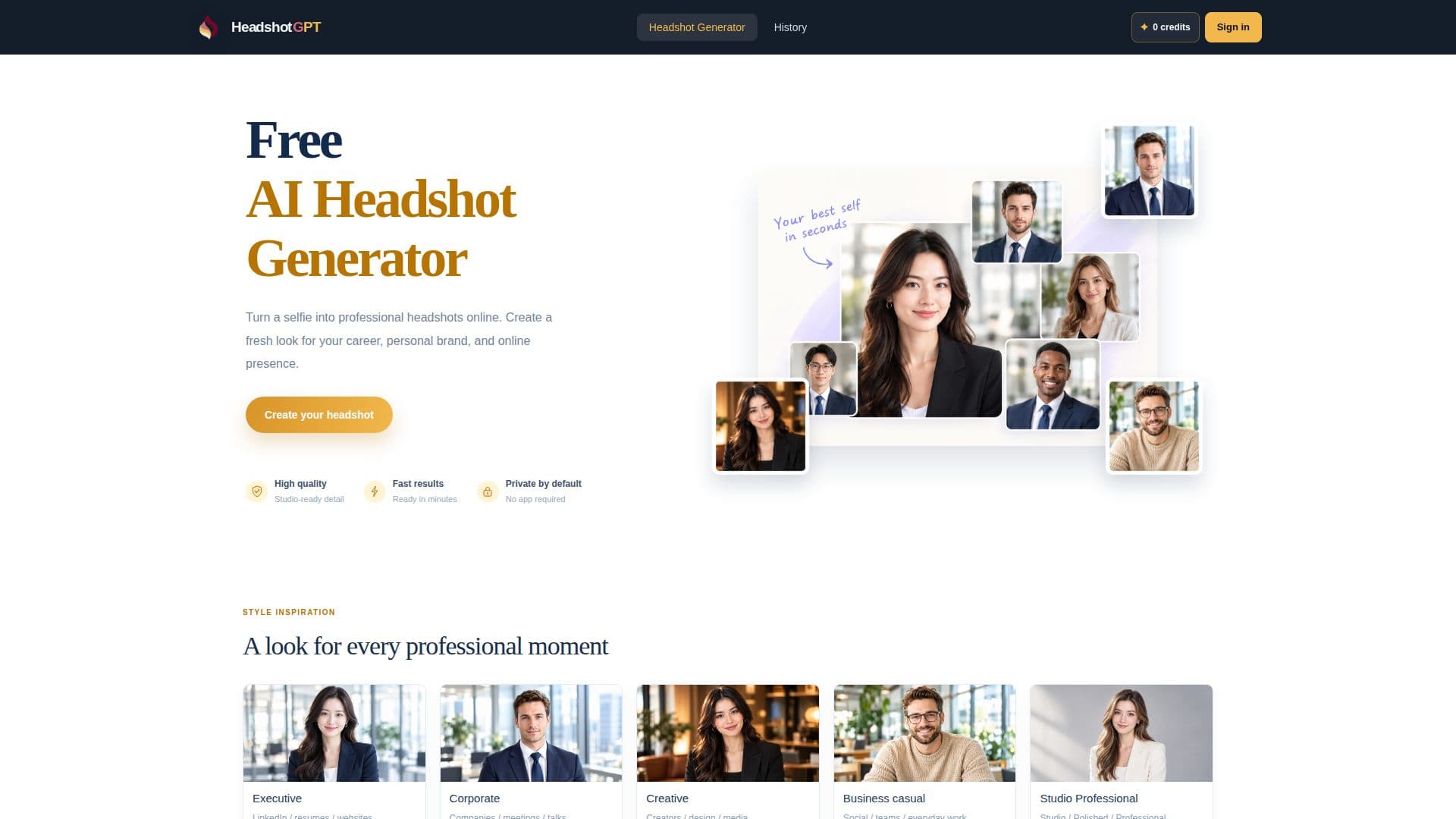
Description
HeadshotGPT offers an accessible online platform for generating professional headshots using artificial intelligence. Users can upload a single selfie and leverage the AI to create polished portraits suitable for a range of professional and personal uses, including LinkedIn profiles, company websites, resumes, and speaker biographies. The tool focuses on maintaining the user's likeness while intelligently adjusting elements such as clothing, background, and overall style to achieve a professional aesthetic.
Read More
The process is designed to be straightforward, requiring users to upload a clear, recent photo with their face fully visible and evenly lit. HeadshotGPT supports JPG, PNG, and WEBP files up to 10MB. Once uploaded, users can choose from a variety of preset styles, including Executive, Corporate, Creative, Business Casual, and Studio Professional, to match their intended use and personal brand. Customization extends to backgrounds, with options like white, light gray, office settings, or outdoor scenes, and various image ratios such as 1:1, 3:4, 4:3, 16:9, and 9:16 to fit different layout requirements.
While the AI works effectively with preset selections, users have the option to add short, specific text prompts to guide the generation further, for example, to request a particular outfit color or facial expression. The platform provides free credits for initial generations, with additional generations depending on remaining credits and usage limits. HeadshotGPT emphasizes the importance of starting with a high-quality, unfiltered selfie to ensure the most realistic and accurate representation in the final AI-generated portrait. Users are encouraged to review the generated images carefully, paying attention to details like skin texture, hair, and clothing, to select a result that accurately reflects their current appearance.
- CategoryAI Headshot Generators
- Pricing ModelFreemium
- DeploymentCloud
- PlatformsWeb
HeadshotGPT's Core Features
AI Headshot Generation from Selfies
Multiple Professional Style Presets (Executive, Corporate, Creative, Business Casual, Studio Professional)
Customizable Background Options (White, Light Gray, Office, Outdoor)
Adjustable Image Ratios (1:1, 3:4, 4:3, 16:9, 9:16)
Optional Text Prompts for Customization (outfit, expression)
Supports JPG, PNG, WEBP photo uploads
Maximum upload size of 10MB
Free Credits for Initial Generations
Maintains User's Facial Likeness
Online Access for Headshot Creation
History of Generated Portraits (when signed in)
Guidance on Optimal Photo Uploads
How to use HeadshotGPT?
Upload Photo: Provide one clear JPG, PNG, or WEBP photo (up to 10MB) with your face fully visible and evenly lit.
Choose Your Look: Select a headshot style (e.g., Executive, Corporate), a background (e.g., office, outdoor), and an image ratio.
Add Optional Prompt: Include a short, specific instruction if you desire a particular outfit or expression beyond the preset options.
Generate Headshot: Initiate the generation process to create your professional portrait.
Review and Select: Examine the generated portraits, checking for accuracy in facial details and overall representation, then choose the best result.
HeadshotGPT's Use Cases
- LinkedIn Profile Pictures
- Business Website Biographies
- Resume and CV Photos
- Speaker and Author Profiles
- Personal Branding
- Corporate Communications
- Creative Professional Portfolios