Description
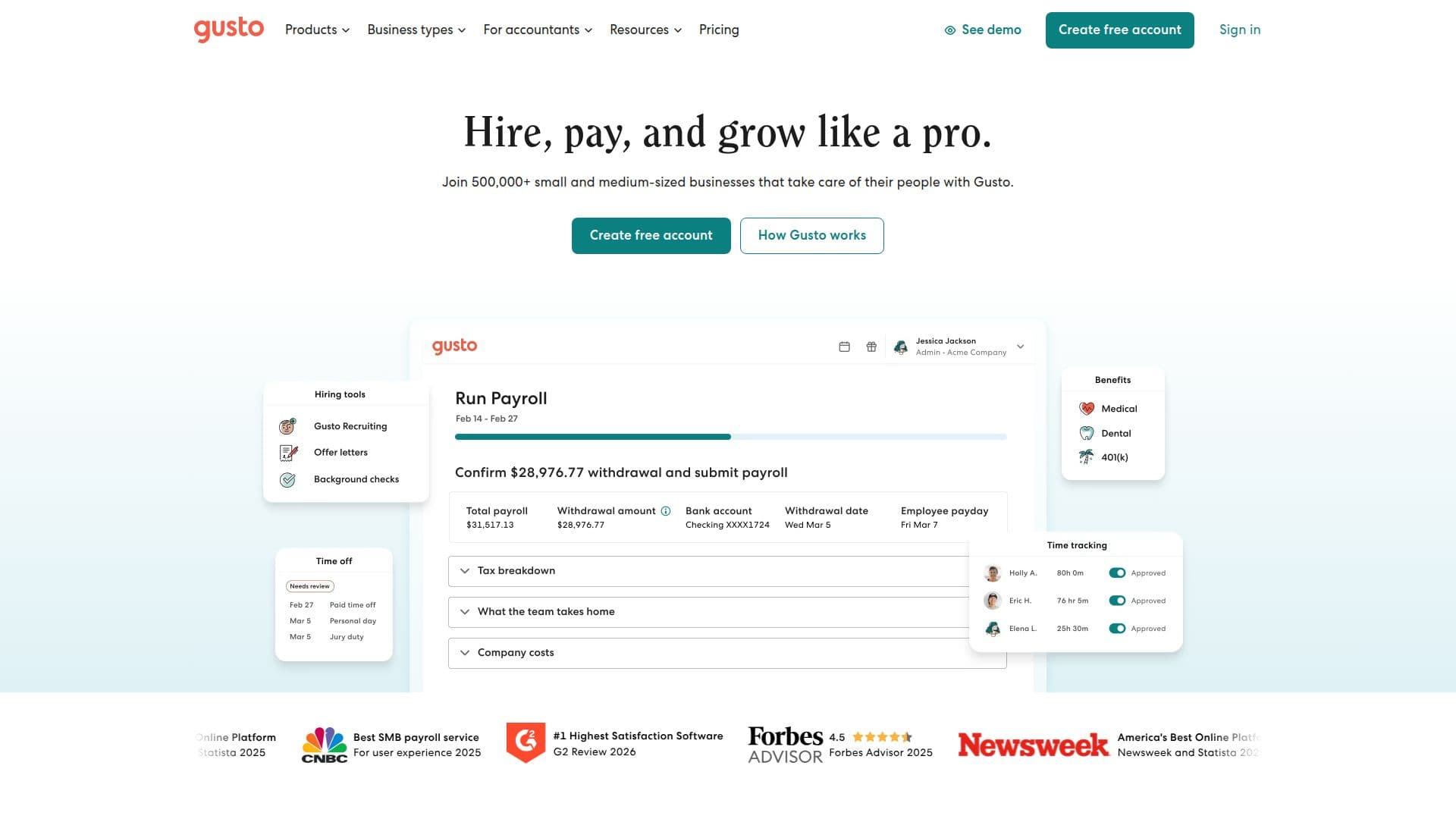
Gusto is an all-in-one payroll and HR platform that helps businesses manage their teams effectively. With Gusto, companies can automate payroll processing, calculate and file taxes, and ensure compliance with federal and state regulations. The platform is designed to cater to the needs of small and medium-sized businesses, making it easier to handle the people side of operations.
Read More
One of the standout features of Gusto is its ability to run payroll in minutes using smart technology. Users can pay their teams, automate federal and state taxes, and even identify tax credits that may save them money. Gusto automatically calculates and syncs employee hours, paid time off (PTO), and holidays with payroll, ensuring accuracy and compliance. Additionally, Gusto provides alerts and software integrations to help businesses stay compliant with changing regulations.
Gusto also offers tools for hiring and onboarding, allowing businesses to find and support great candidates from day one. Users can create custom onboarding checklists and track applicants seamlessly. Furthermore, Gusto provides affordable employee benefits, including health insurance administration at no extra cost, making it easier for businesses to support their teams.
With plans starting at just $49 per month plus a per-employee fee, Gusto is one of the most affordable payroll and HR platforms available. The platform is designed to grow with businesses, offering flexible plans and add-ons that can be customized to meet specific needs. Gusto is consistently rated as user-friendly, ensuring that even those without payroll expertise can navigate the system with ease. Overall, Gusto is a comprehensive solution for businesses looking to streamline their HR processes and focus on growth.
- CategoryAI HR Management
- Pricing ModelSubscription
- DeploymentCloud
- PlatformsWeb, Mobile
Gusto's Core Features
Automated payroll processing
Tax filing and compliance
Time tracking integration
Custom onboarding checklists
Affordable employee benefits
Multi-state payroll support
Dedicated service advisor
Performance management tools
Health insurance administration
Mobile app for payroll management
How to use Gusto?
Create an account: Sign up for Gusto and select your plan.
Add company details: Enter your business information and tax details.
Add employees: Input employee information or allow them to self-onboard.
Run payroll: Process payroll in just a few clicks once setup is complete.
Gusto's Use Cases
- Payroll Management
- Employee Onboarding
- Time Tracking
- Benefits Administration
- Compliance Management