ToolPotion

Grouper

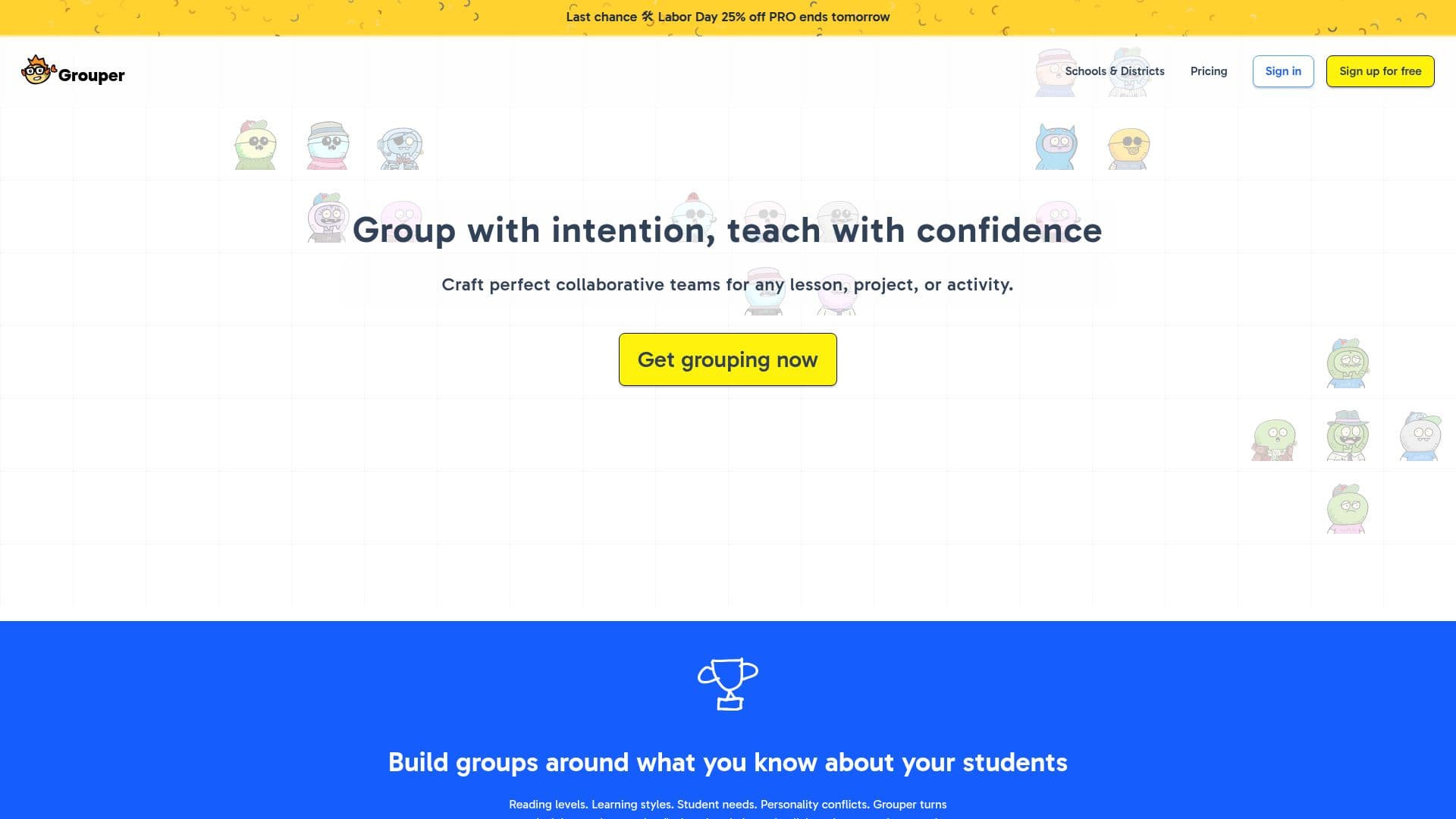
Grouper is an AI-powered tool designed to create balanced student groups for classrooms. It uses real-time data to form groups based on attributes like reading levels and learning styles, saving teachers time and enhancing learning outcomes.

Visit Website
Share
Grouper screenshot

Description

Grouper is an innovative AI application designed to streamline the process of creating student groups in educational settings. It allows teachers to form balanced and purposeful groups by leveraging real-time data on students' academic and behavioral attributes. This tool is particularly beneficial for teachers who need to consider various factors such as reading levels, learning styles, and intervention tiers when grouping students.

The platform offers both a free and a PRO version. The free version allows for the formation of randomized and customized groups, with a limit of two attributes and one saved grouping. The PRO version, priced at $83.88 annually, includes additional features such as unlimited attributes, seating charts, and priority support. It also supports the integration of data from Google Classroom and Clever, making it easy for teachers to auto-roster classes and manage student information.

Grouper is designed to be user-friendly, with features like live mode for presenting groups to the class, and the ability to download or embed groupings in other platforms like Canva and ClassroomScreen. It also offers privacy compliance with federal, state, and district regulations, ensuring that student data is protected.

The tool is widely used across the United States and in over 160 countries, demonstrating its effectiveness and reliability in diverse educational environments. Teachers have reported significant time savings and improved group dynamics, making Grouper an essential tool for modern classrooms.

Grouper's Core Features

  • Create balanced student groups

  • Integrate with Google Classroom and Clever

  • Form groups using real-time data

  • Unlimited attributes in PRO version

  • Auto-roster classes

  • Privacy compliance with COPPA and FERPA

  • Download or embed groupings

  • Priority support in PRO version

How to use Grouper?

  1. Configure: Set up student data integration

  2. Use: Form groups based on attributes

  3. Optimise: Adjust groups for balance

  4. Present: Use live mode for class display

Grouper's Use Cases

  • Classroom Grouping
  • Seating Charts
  • Data Integration
  • Privacy Compliance
  • Time Saving

FAQ from Grouper

Grouper Reviews

Loading...

Popular AI Tools Like Grouper

MagicSchool is an AI platform designed for school districts, offering safe, district-aligned tools to support teachers, spark creativity, and improve student learning outcomes. It…

FeaturedAI Study ToolsEducation & E-learning

Buddiz is a human-centered AI platform for education, offering personalized learning tools for students and educators. It empowers institutions to create custom AI buddies,…

AI Study ToolsEducation & E-learning

AI For Teachers offers free AI tools for educators to simplify lesson planning, grading, and more. It aims to enhance educational outcomes by providing easy-to-use AI resources…

AI Study ToolsEducation & E-learning

AI Apps

SchoolAI is a classroom-ready AI platform for K-12 that lets teachers design personalized learning experiences (Spaces), gives students a governed AI tutor, and shows educators…

FeaturedAI Tutors & Homework HelpEducation & E-learning

Lessonsquill is an AI tool designed to help K-12 and homeschool teachers create curriculum-aligned lesson plans quickly. It supports various curricula worldwide, enabling…

AI Study ToolsEducation & E-learning

AI Apps

LessonShip is an AI-powered learning management system designed for educators. It enables teachers to rapidly generate diverse instructional materials, including lesson plans,…

AI Course CreatorsEducation & E-learning

AI Apps

PrepAI is an AI-driven platform designed to enhance learning and preparation processes. It offers tools and resources to streamline study sessions and improve knowledge retention.

AI Study ToolsEducation & E-learning

AI Apps

AI Teacha offers free AI-powered educational tools for teachers, students, and parents. It helps generate lesson notes, plan terms, and create assessments quickly. The platform…

AI Course CreatorsEducation & E-learning