
Description
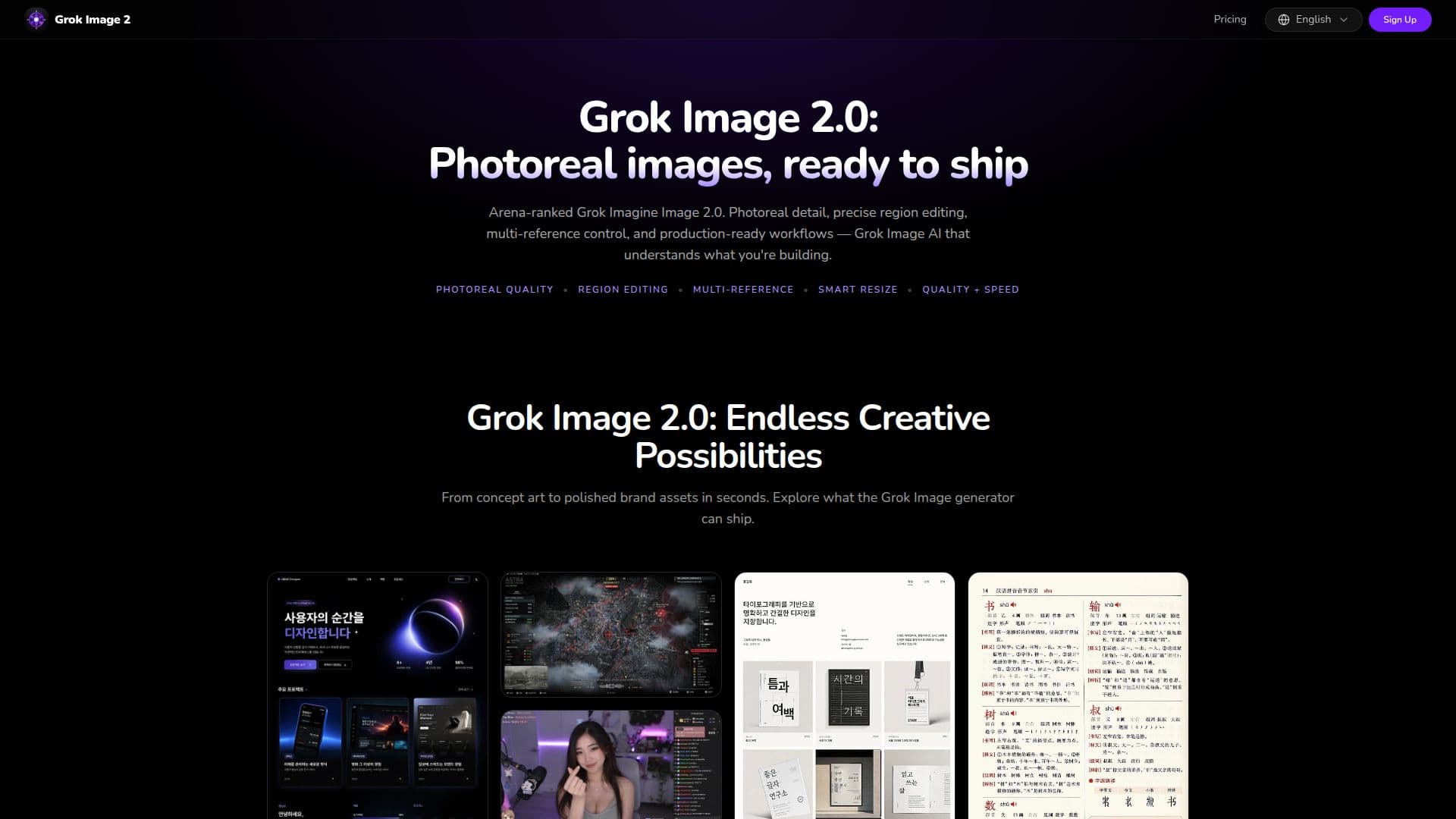
Grok Image 2.0 is xAI’s upgraded Grok Imagine image model, designed for professional image generation and editing. It allows users to create high-detail stills from text prompts or reference images. The platform supports advanced features such as region editing, segmentation, background removal, and smart resizing across various aspect ratios. Users can blend up to five reference images in a single generation, ensuring character consistency and style control without the need for manual compositing.
Read More
The Grok Image generator playground enables users to create and iterate directly in their browser, streamlining the workflow from concept to final image. Each generation consumes credits based on the quality and resolution selected, with free accounts receiving starter credits and paid plans offering higher limits and faster iterations. The platform is designed for speed and quality, allowing users to prioritize rapid drafts or focus on photoreal detail, depending on their needs.
Grok Image 2.0 is particularly well-suited for marketing teams, e-commerce brands, UI/UX designers, and content creators. It provides tools to generate polished images for various applications, including social media, advertising, and product catalogs. The model is positioned as a versatile all-rounder, excelling in both generation and editing tasks. Users can expect high-fidelity outputs that meet the standards required for commercial use, ensuring that every pixel is intentional and ready for production.
- CategoryAI Image Generators
- Pricing ModelCredits-based
- DeploymentCloud
- PlatformsWeb
Grok Image 2.0's Core Features
Region editing
Multi-reference editing
Background removal
Smart resizing
High-detail generation
Speed and Quality modes
Supports multiple aspect ratios
PNG, JPEG, WebP output formats
Workflow packs for templates
Credits-based usage
How to use Grok Image 2.0?
Step 1: Enter a prompt - Describe the image in natural language or attach reference images.
Step 2: Generate - Choose size, quality, and aspect ratio, then generate with Grok Image 2.0.
Step 3: Download - Export high-resolution assets once generated.
Step 4: Iterate - Refine regions or multi-reference edit until the image is ready for use.
Grok Image 2.0's Use Cases
- Marketing Materials
- E-Commerce Catalogs
- UI/UX Design
- Content Creation
- Game Development