Description
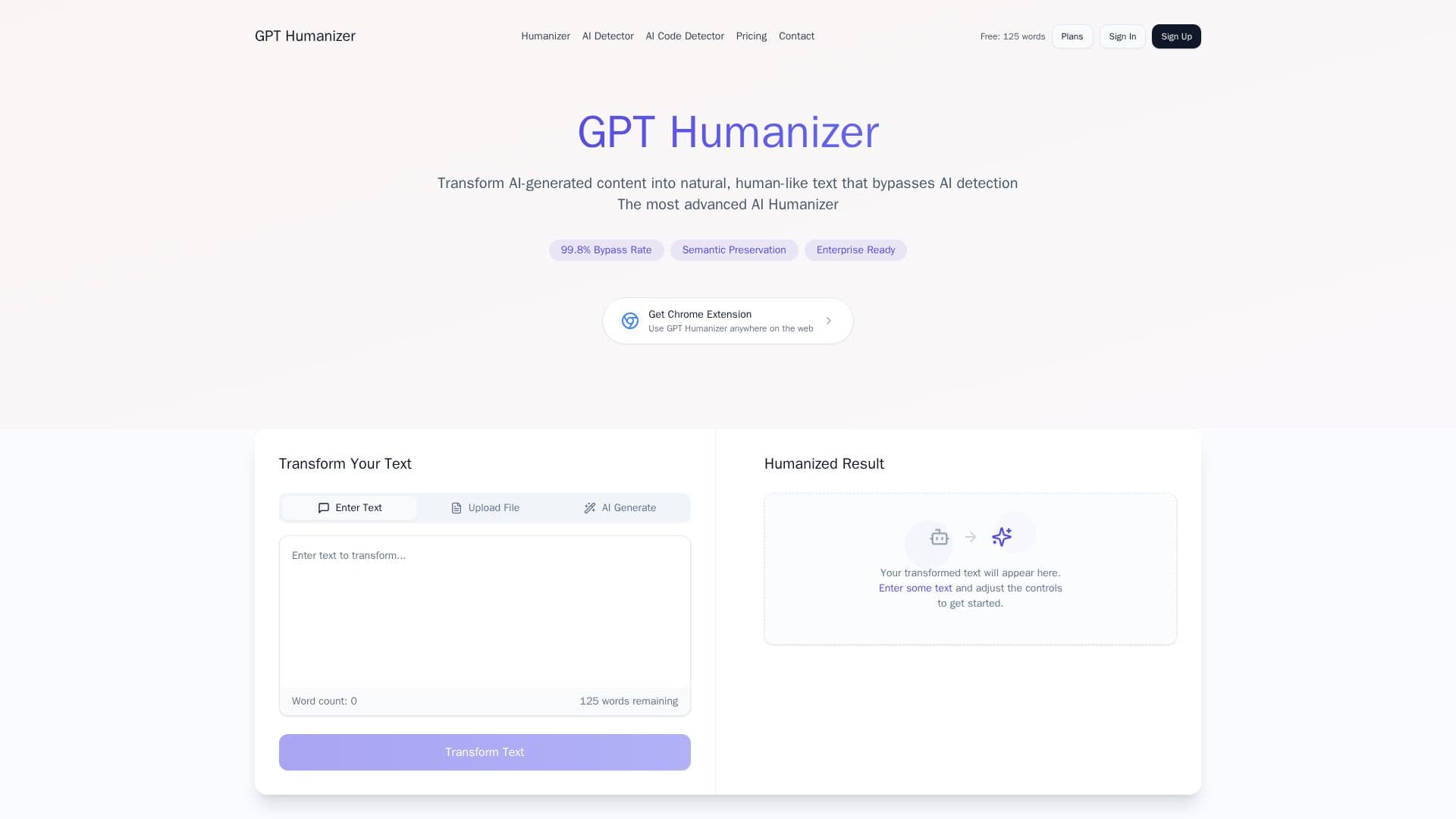
GPT Humanizer is an advanced AI tool designed to transform AI-generated content into natural, human-like text that bypasses AI detection systems. It ensures that your content remains undetectable by tools like Turnitin and GPTZero while preserving its original meaning. The tool offers fast and efficient processing, allowing users to transform text in seconds. Users can upload Word and PDF documents directly for seamless text transformation. Additionally, GPT Humanizer provides an AI detector feature to check if text is AI-generated or human-written, using advanced machine learning models.
The tool offers customizable settings to fine-tune creativity, formality, and tone, ensuring that the transformed text matches specific content requirements. A Chrome extension is available for one-click access to all features, allowing users to humanize AI text directly from any website. GPT Humanizer offers different pricing plans, including a Free tier with a 125-word limit per transformation, a Pro plan for regular content creators with advanced transformations, and a Team plan for professional teams with unlimited transformation words and API access.
GPT Humanizer is ideal for content creators, educators, and professionals who need to ensure their AI-generated content is indistinguishable from human-written text. The tool's ability to maintain semantic integrity while making text more human-like is a key value proposition. However, users should be aware that AI detection is not 100% accurate and results should be used as guidance. The tool supports various file formats and ensures data security with industry-standard encryption.
GPT Humanizer's Core Features
AI text humanization
Undetectable by AI detectors
Preserves original meaning
Fast processing engine
AI detection technology
Transformation history tracking
Document support for Word and PDF
Customizable settings for tone and formality
Chrome extension for easy access
Upgrade options for unlimited words
How to use GPT Humanizer?
Configure: Adjust settings for creativity and tone
Use: Transform text using the AI humanizer
Optimise: Save and access transformation history
Deploy: Use Chrome extension for direct access
GPT Humanizer's Use Cases
- Content Creation
- Education
- Professional Writing
- Document Processing
- AI Detection