
Description
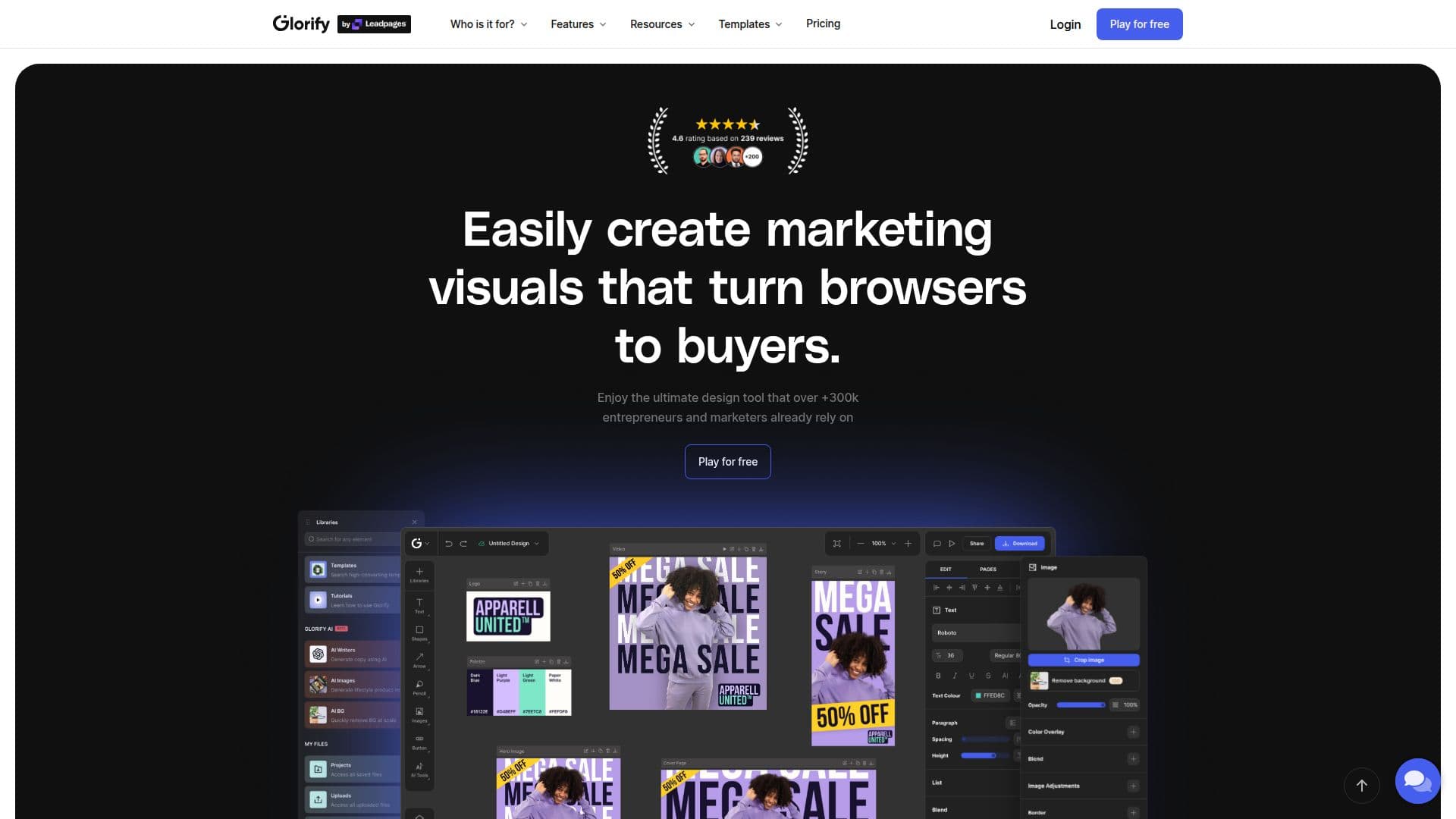
Glorify is a browser-based graphic design platform aimed at e-commerce business owners, marketers, and entrepreneurs who need professional marketing visuals without design skills. Users work on an infinite canvas where they can create and organize multiple designs in one space, including images, animation, PDFs, and presentations, and choose from a library of over 11,000 templates.
Read More
The tool includes photo-editing features geared toward product imagery, such as a one-click AI background remover, realistic shadows and reflections, an annotation tool for highlighting product features, and smart resize for creating multiple variations. AI tools cover image generation (powered by Leonardo.ai), AI product backgrounds, an AI writer, and background removal, with usage counted in AI credits. Pro workflows add gradients, a pen tool, blending, text on a path, and pattern creation.
Glorify supports teams with shared projects, a brand kit for logos, fonts, and color palettes, in-file comments, and controlled sharing. Designs can be exported in multiple formats, batch-exported, or saved as print-ready PDFs. Plans include a Basic tier at $19 per month, a Pro tier, and a Business tier, each with a free trial, and a template marketplace lets designers sell template packs. Glorify reports more than 300,000 users.
- CategoryAI Graphic Design Tools
- Pricing ModelFreemium
- DeploymentCloud
- PlatformsWeb
Glorify's Core Features
Infinite canvas for creating multiple designs in one space
Library of 11,000+ customizable templates
One-click AI background remover
AI image generator, AI product backgrounds, and AI writer
Realistic shadows, reflections, and annotation tools
Brand kit for logos, fonts, and color palettes
Team collaboration with shared projects and comments
Multi-format export, batch export, and print-ready PDFs
How to use Glorify?
Start a free trial: Sign up for a free trial, no credit card required.
Pick a template: Choose from 11,000+ templates or start on the blank infinite canvas.
Design and edit: Customize with editing tools, remove backgrounds, and add shadows or annotations.
Use AI tools: Generate images, product backgrounds, or copy with the built-in AI tools and credits.
Export and share: Download in your chosen format, batch export, or share files with your team.
Glorify's Use Cases
- Product images
- Social media and ads
- Brand consistency
- Team design workflows
- AI-assisted content