
Description
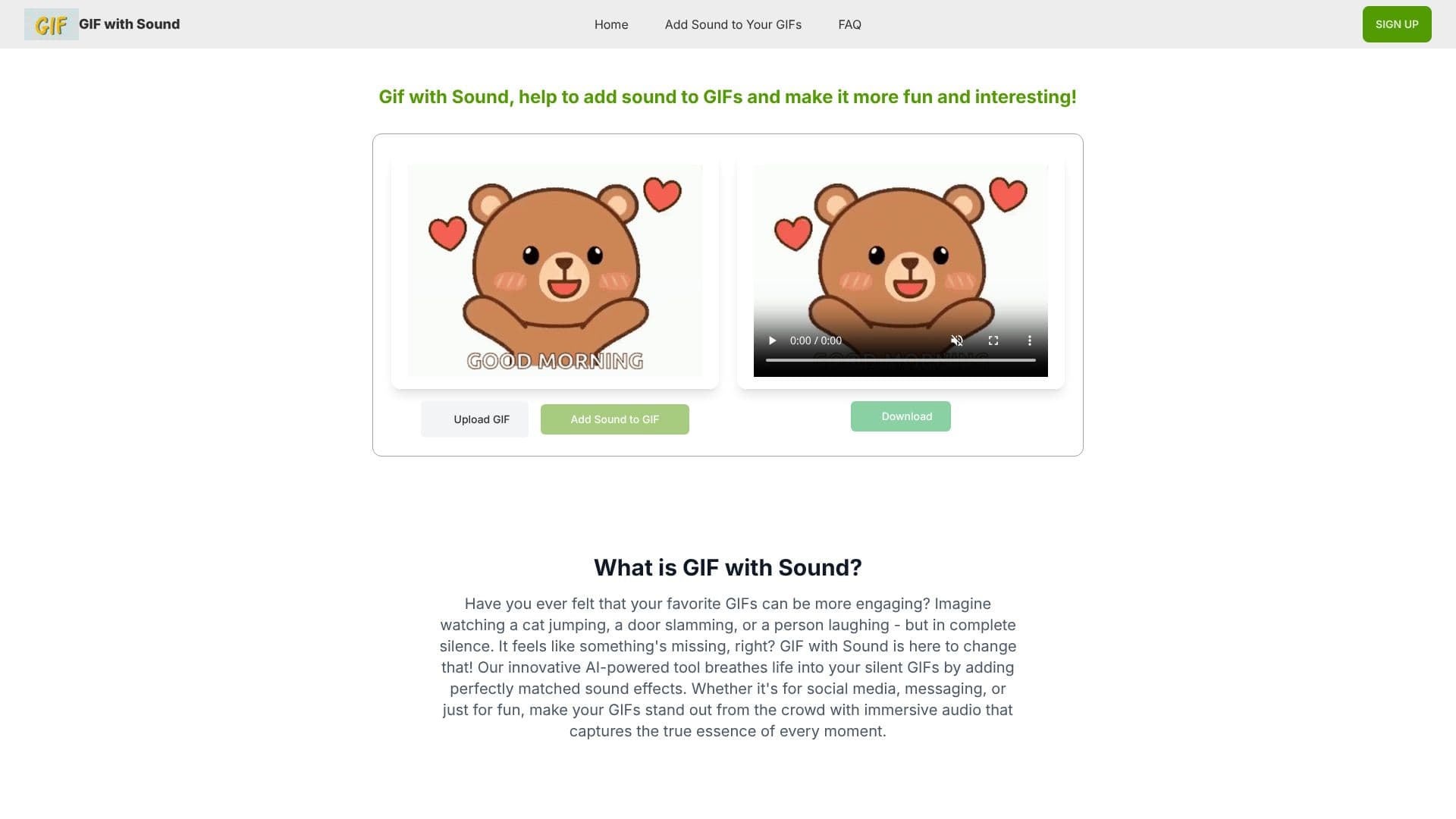
GIF with Sound is an innovative AI tool designed to bring your static GIFs to life by adding synchronized sound effects. The platform addresses the common feeling that silent GIFs are missing a crucial element, aiming to make them more fun and engaging. By analyzing the content and movement within a GIF, the AI generates appropriate audio, transforming ordinary animations into dynamic MP4 videos.
Read More
The core functionality revolves around an AI that intelligently analyzes the visual cues of a GIF to select and apply fitting sound effects. This process is designed to be instant, allowing users to quickly enhance their content. The AI's content-aware nature ensures that the added sounds are contextually relevant, whether the GIF features a cat, an action sequence, or a humorous moment. This capability makes the tool versatile for a wide range of GIF types.
Using GIF with Sound is a straightforward three-step process. Users begin by uploading their GIF file, either through drag-and-drop or a click-to-upload interface. The next step involves a single click to apply the AI-generated sound effects. Finally, the enhanced GIF is downloaded as an MP4 video, ready for immediate sharing on various social media platforms. This ease of use makes it accessible for users of all technical skill levels.
The tool supports GIFs up to 5MB and works best with animations that have clear movements or actions. While the AI currently automatically selects sound effects, the platform is working on enabling custom sound uploads in the future. The output format is MP4, optimized for sharing on platforms like Instagram, TikTok, Twitter, Facebook, and WhatsApp. The service offers a free tier allowing two GIF enhancements, with a premium plan available for unlimited use.
- CategoryAI Audio Editors
- Pricing ModelFreemium
- DeploymentCloud
- PlatformsWeb
GIF with Sound's Core Features
AI-powered sound effect generation for GIFs
Content-aware audio matching based on GIF analysis
Instant processing for quick GIF enhancement
Converts GIFs to MP4 video format with sound
Easy drag-and-drop GIF upload
One-click sound addition
Direct download of enhanced MP4 videos
Optimized for social media sharing
Supports common GIF formats
Free tier available for limited use
How to use GIF with Sound?
Upload GIF: Drag and drop your GIF file or click to upload.
Add Sound: Click once to apply AI-generated sound effects.
Download: Get your enhanced GIF as an MP4 video.
Share: Post your sound-enhanced MP4 to social media.
GIF with Sound's Use Cases
- Social Media Content
- Messaging & Communication
- Content Marketing
- Personal Expression
- Reaction GIFs
- Animation Enhancement