
Description
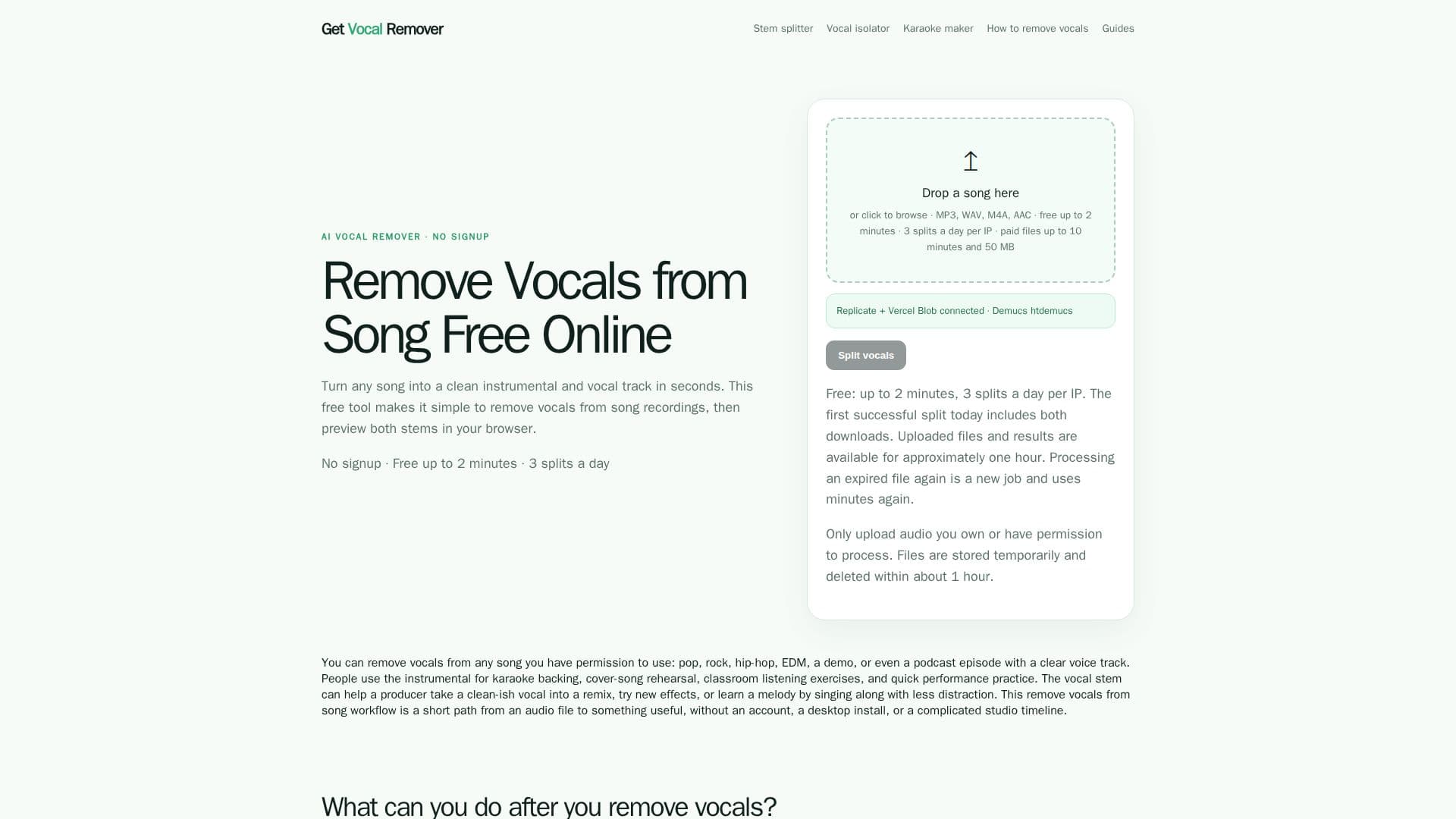
Get Vocal Remover is a dedicated online service designed to quickly and efficiently separate vocal and instrumental tracks from audio files. Utilizing the Demucs htdemucs model, the tool processes uploaded songs to produce two distinct stems: a vocal stem and an instrumental stem. This functionality is ideal for various creative and practical applications, such as creating karaoke backing tracks, producing acapella versions for remixes, or aiding in music practice and analysis.
Read More
The platform supports popular audio formats including MP3, WAV, M4A, and AAC, with a file size limit of 50 MB. Users can leverage a free tier that allows up to three splits per day per IP address, with files limited to two minutes in duration. This free workflow requires no account creation or personal information, ensuring an anonymous and straightforward experience. For longer audio files, up to 10 minutes, users can purchase one-time credit packs, which never expire.
Get Vocal Remover is built for speed and accessibility, operating entirely within a web browser without the need for software installations, plugins, or complex studio setups. Files are uploaded to temporary storage, processed, and then scheduled for automatic deletion within approximately one hour, prioritizing user privacy. The tool provides an in-browser preview of both the instrumental and vocal stems, allowing users to assess the separation quality before downloading.
While the tool excels at separating prominent lead vocals from musical accompaniment, it's important to note its limitations. It is not designed to separate individual instruments (like drums, bass, or guitar) into distinct tracks, nor can it isolate lead vocals from backing vocals with perfect precision. The quality of separation is influenced by the source audio's clarity and mix complexity. Users are advised to use clear stereo files for the best results and to understand that the output is intended as useful working stems rather than a perfect recreation of original studio multitracks.
The service is suitable for a wide range of users, from musicians and producers looking for quick remix elements to teachers and students for analytical listening, and individuals preparing karaoke or cover song rehearsals. It emphasizes a simple, fast workflow, making it a practical choice for occasional use or testing ideas without committing to a larger production environment.
- CategoryAI Audio Editors
- Pricing ModelFreemium
- DeploymentCloud
- PlatformsWeb
Get Vocal Remover's Core Features
Online Vocal and Instrumental Separation
Free Tier for Short Files (up to 2 minutes)
Supports MP3, WAV, M4A, AAC Formats
File Size Limit up to 50 MB
No Account or Signup Required for Free Use
Temporary File Storage (approx. 1 hour)
In-Browser Preview of Stems
One-Time Credit Packs for Longer Files
Demucs htdemucs Model for Separation
Creates Karaoke Tracks (Instrumental Stem)
Generates Acapella Tracks (Vocal Stem)
Refunds for Unused Credits Available
Credits Never Expire
Daily Limit of 3 Free Splits per IP
How to use Get Vocal Remover?
Upload a Song: Drop an MP3, WAV, M4A, or AAC file up to 50 MB. Free uploads are limited to 2 minutes.
Separate Vocals: Let the AI-powered Demucs htdemucs model process the file to create vocal and instrumental stems.
Preview Stems: Listen to both the instrumental and vocal results directly in your browser.
Download Tracks: Download the separated vocal and instrumental stems. The first successful free split includes both downloads.
Get Vocal Remover's Use Cases
- Karaoke Backing Tracks
- Acapella Creation
- Music Production & Remixing
- DJ Set Preparation
- Audio Analysis & Study
- Podcast & Voice Cleanup
- Cover Song Rehearsal
- Short-Form Video Editing