Description
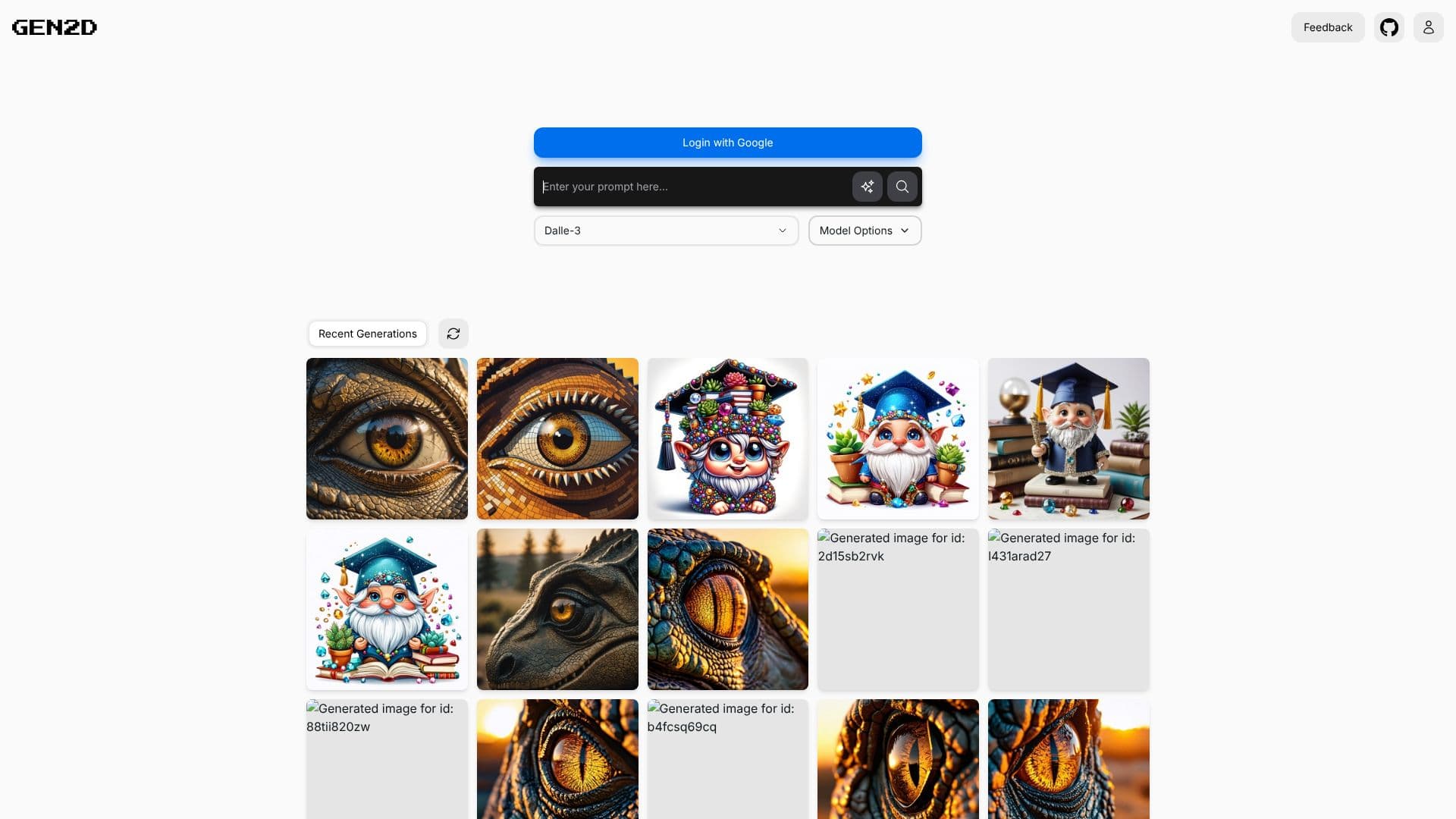
GEN2D offers a robust platform for generating AI images, transforming textual descriptions into visual art. The service leverages advanced AI models, including options from Stability AI and DALL-E 3, providing users with a range of creative possibilities. Users can log in using their Google accounts to access the generation features.
Read More
The core functionality of GEN2D revolves around its prompt-based image creation system. Users input descriptive text prompts, and the AI interprets these to produce corresponding images. The platform provides access to different AI models and their respective options, allowing for fine-tuning of the generation process to achieve desired aesthetics and styles.
Once images are generated, GEN2D hosts them online. This feature is particularly beneficial for users who need to share their creations with others or integrate them directly into their own digital projects, such as websites, applications, or presentations. The recent generations are displayed, offering a quick overview of past creations and inspiration.
GEN2D is designed for a variety of users, including artists, designers, content creators, and anyone looking to visualize ideas quickly. The ability to generate and host images online streamlines the workflow for digital projects. The platform aims to make AI image generation accessible and practical for everyday use.
Key capabilities include the selection of different AI models like Stability AI's Ultra and Core, as well as DALL-E 3. The interface is designed for ease of use, allowing users to input prompts and manage their generated images efficiently. The online hosting and sharing features further enhance its utility for collaborative or public-facing projects.
- CategoryAI Image Generators
- DeploymentCloud
- PlatformsWeb
GEN2D's Core Features
AI-powered image generation from text prompts
Support for Stability AI Ultra and Core models
Integration with DALL-E 3 model
Online hosting of generated images
Easy sharing of generated visuals
Embeddable images for websites and applications
User-friendly interface for prompt input
Display of recent generations for reference
Login via Google account for access
Options for model configuration
How to use GEN2D?
Log in: Access the platform by logging in with your Google account.
Prompt: Enter a descriptive text prompt to guide the AI image generation.
Configure: Select your preferred AI model (e.g., Stability AI, DALL-E 3) and adjust model options if available.
Generate: Initiate the image generation process based on your prompt and selected model.
Review: View your recently generated images.
Share/Embed: Utilize the online hosting to share your images or embed them into your website or application.
GEN2D's Use Cases
- Content Creation
- Artistic Visualization
- Website Assets
- Application Graphics
- Prototyping Ideas
- Personal Projects