Description
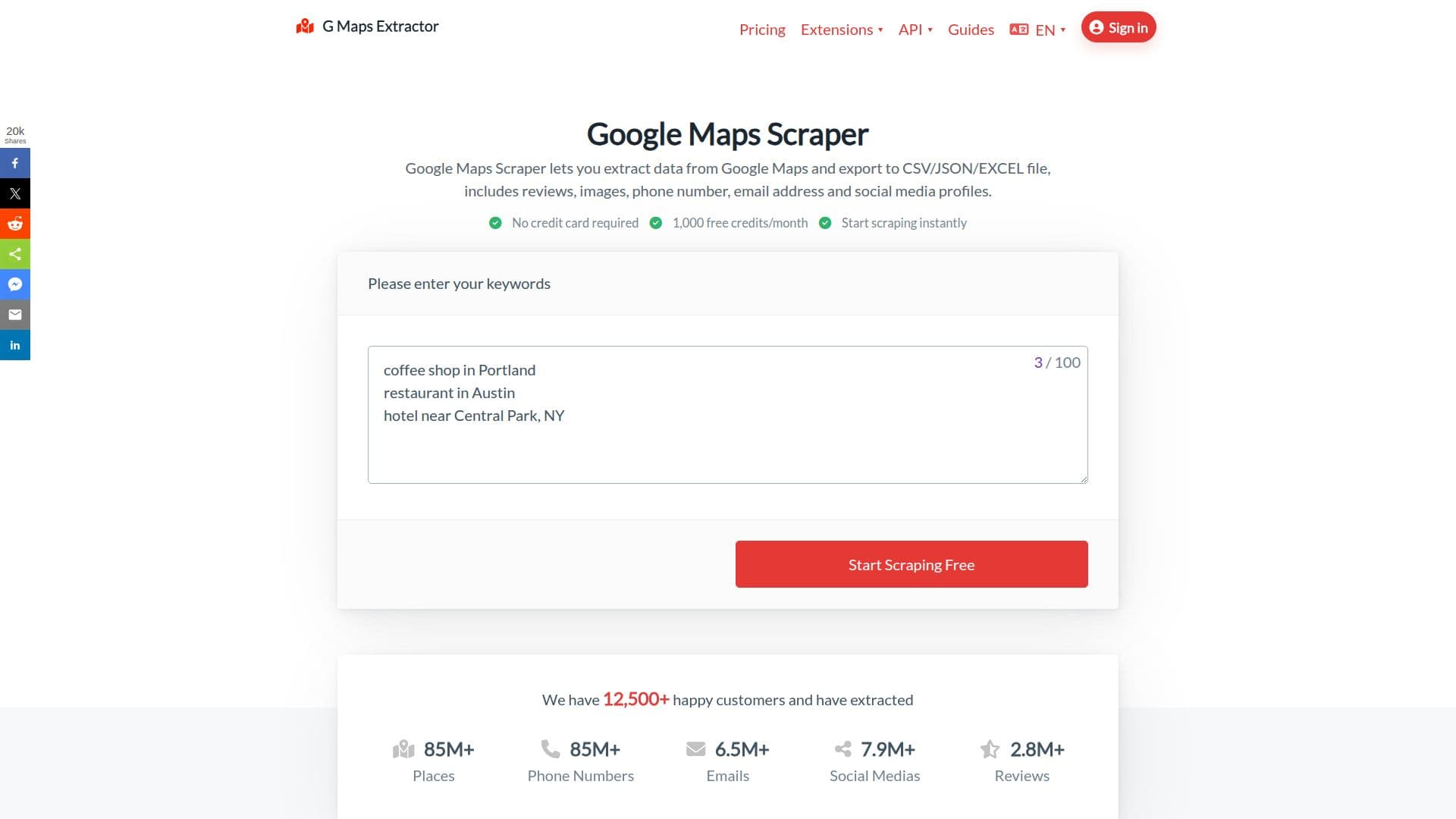
G Maps Extractor is a Google Maps scraping tool that turns Google Maps search results into structured business data for lead generation, market research, sales outreach, and local SEO. With a point-and-click, no-code interface, users enter keywords and export business leads including names, phone numbers, emails, and social media profiles to CSV, Excel, or JSON.
Read More
The tool extracts a wide range of publicly available fields, including full address, categories, website, ratings, review counts, reviews, photos, opening hours, coordinates, price level, and Google identifiers such as Place ID and CID. An anti-blocking system using smart request patterns and rotating proxies is designed to keep scraping stable during high-volume jobs.
G Maps Extractor is offered as three separate products: an Online Scraper that runs bulk keyword jobs in the cloud and is aimed at sales teams, marketers, and non-technical users; a Chrome and Edge browser extension that extracts data directly inside Google Maps, including saved place lists; and a Google Maps Scraper API for developers who want to integrate extraction into their apps, CRM, or internal systems, returning geolocated JSON in seconds.
The company states it only collects publicly available business information in compliance with European and American laws. A free plan with 1,000 records per month is available, with paid tiers scaling record allowances and keyword limits, plus a 7-day money-back guarantee.
- CategoryWeb Scraping & Data Extraction
- Pricing ModelFreemium
- DeploymentCloud, Browser extension
- PlatformsWeb, Chrome
G Maps Extractor's Core Features
One-click Google Maps business data extraction
Extracts names, phones, emails, and social profiles
Exports to CSV, Excel, and JSON
No-code cloud Online Scraper with bulk keyword jobs
Chrome and Edge browser extension, including saved lists
Google Maps Scraper API with geolocated JSON output
Reviews, photos, ratings, opening hours, and coordinates
Anti-blocking with smart request patterns and rotating proxies
How to use G Maps Extractor?
Choose a method: Pick the Online Scraper, browser extension, or API for your workflow.
Enter keywords: Type a search such as a business type and location.
Run the scrape: Start the job and let the tool collect the business data.
Preview results: Review the extracted places and fields before exporting.
Export data: Download the results as CSV, Excel, or JSON for your workflow.
G Maps Extractor's Use Cases
- Lead generation
- Sales prospecting
- Local SEO research
- Market research
- Developer integration