


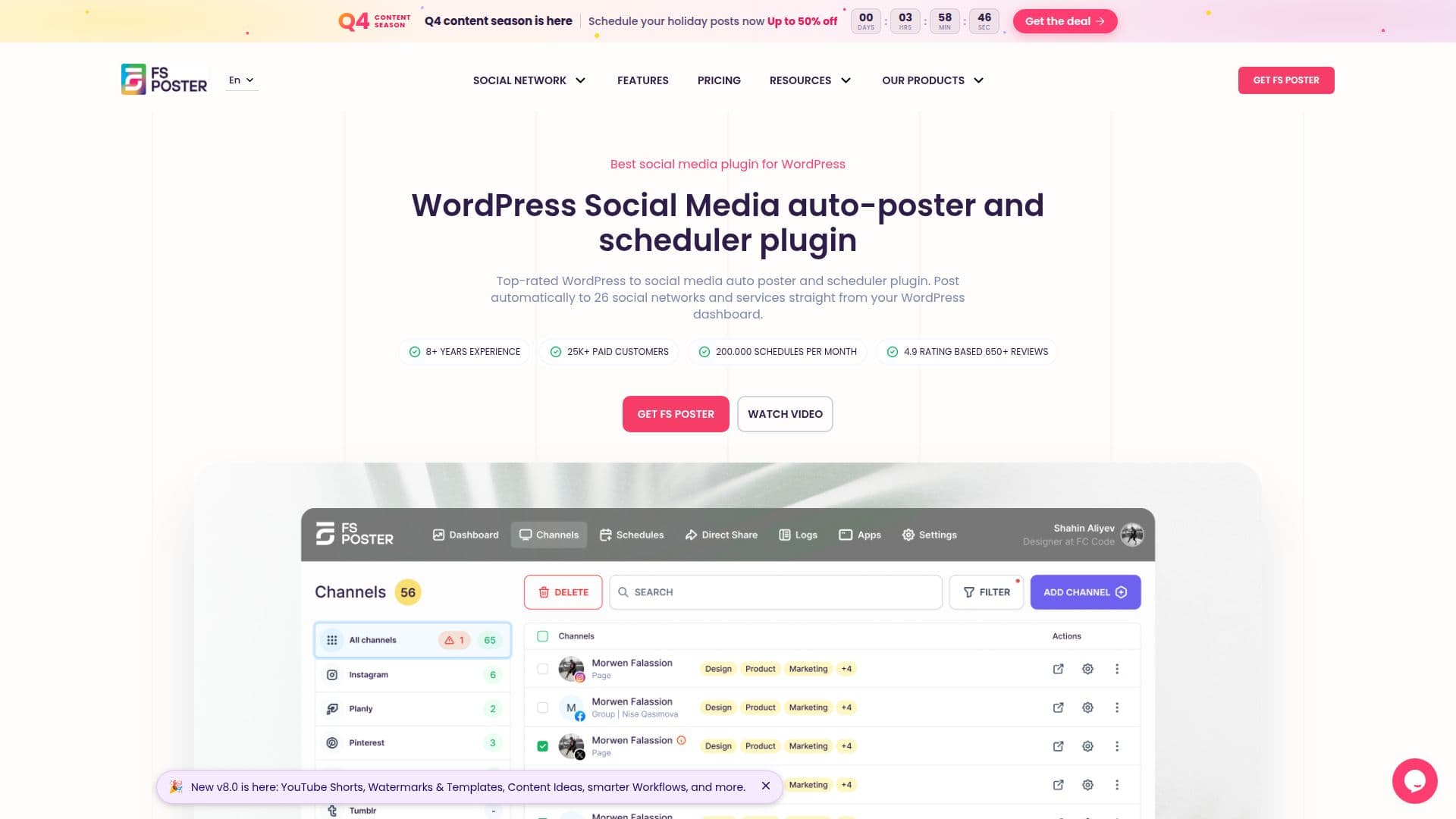
Description
FS Poster is a comprehensive WordPress plugin designed to automate social media posting across 26 networks. It allows users to schedule posts directly from their WordPress dashboard, ensuring consistent social media presence. The plugin's AI-driven features help generate content ideas, captions, and hashtags, making it easier to keep posts fresh and engaging. Users can also create visuals without needing additional design tools, thanks to the AI Image Generator.
FS Poster supports auto-posting of new WordPress posts and migration of old posts to social media channels. Its planner feature enables users to set daily or hourly posting intervals, allowing for precise scheduling. The plugin integrates with popular platforms like Zapier and IFTTT, offering extensive automation capabilities.
The pricing starts at USD 65 for one website with six months of customer support. Higher tiers offer more websites and additional features like watermarking and templates. FS Poster also provides a 14-day money-back guarantee, ensuring customer satisfaction.
FS Poster is ideal for businesses and individuals looking to streamline their social media management. It offers features like story scheduling, direct sharing, and the ability to grab comments from Facebook to WordPress posts. The plugin's easy-to-use interface includes a calendar view for managing schedules effectively.
Overall, FS Poster is a valuable tool for enhancing social media strategies, saving time, and maintaining a consistent online presence.
FS Poster's Core Features
Automated social media posting
AI content and image generation
Integration with 26 social networks
Customizable posting schedules
Zapier and IFTTT integrations
Story scheduling and direct sharing
Facebook comments integration
Calendar view for scheduling
How to use FS Poster?
Install: Add FS Poster to your WordPress site
Configure: Connect your social media accounts
Schedule: Set up posting intervals and content
Automate: Use AI features for content creation
Optimize: Adjust settings for best performance
FS Poster's Use Cases
- Social Media Management
- Content Creation
- Brand Promotion
- Audience Engagement
- Performance Tracking