
Description
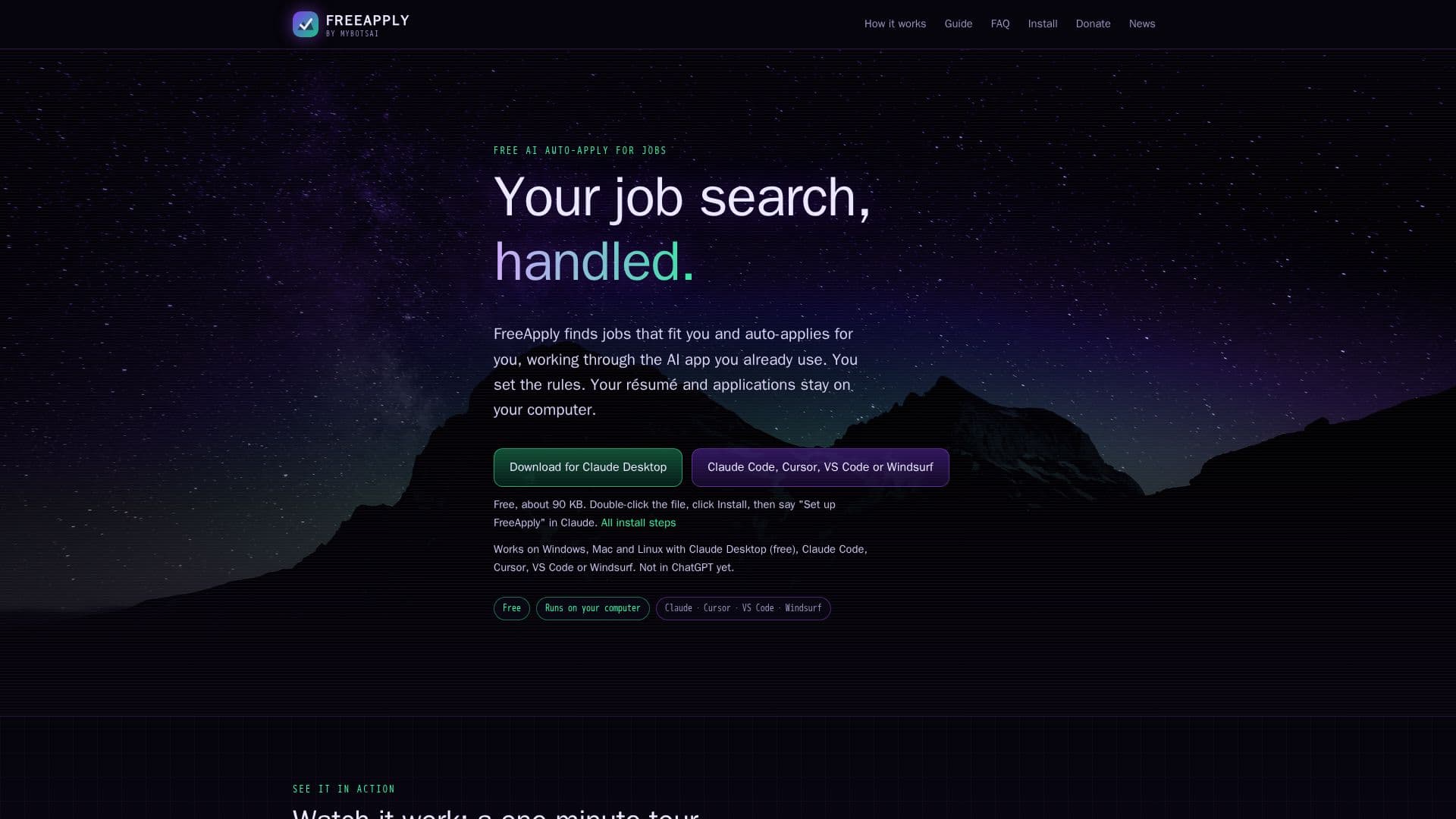
FreeApply is a unique job application automation tool designed to streamline the job search process by leveraging your existing AI applications. Unlike many other auto-apply services that run their own AI in the cloud and charge subscriptions, FreeApply operates locally on your computer, integrating with AI apps such as Claude Desktop, Claude Code, Cursor, VS Code (with Copilot), or Windsurf. This approach ensures that your sensitive data, including your résumé, settings, applications, and emails, remains private and stored exclusively on your device.
Read More
The tool automates several key aspects of job searching. It begins by finding jobs that match your specified criteria, including roles, desired pay, and locations, across various job sites you select. It intelligently skips duplicates and previously seen reposts. Once suitable jobs are identified, FreeApply proceeds to fill in applications on employer sites and job boards using your real details, résumé, and pre-saved answers. A crucial feature is its truthfulness check: cover letters and answers are rigorously verified against your résumé and settings, ensuring that no experience or skill is invented or claimed without factual backing. If information cannot be supported, FreeApply will prompt you for input.
Beyond applying, FreeApply provides a comprehensive dashboard that tracks every application, showing its status, pay, and direct link. It also monitors for employer replies by connecting to your Gmail account, noting interviews, tests, rejections, and offers. The system is designed with built-in guardrails that the AI cannot bypass, such as your set pace, daily application cap, and minimum pay requirements. It never asks for or stores your passwords, nor does it create accounts for you, directing such tasks to your "Needs you" list for manual intervention.
FreeApply is entirely free to use, with its operational costs supported by a single, clearly labeled sponsored card in the dashboard, optional donations, and an opt-in Recruiter Talent Pool. The software is open-source under the MIT License, allowing anyone to review its code. This commitment to privacy, transparency, and cost-free operation makes FreeApply a distinct alternative for job seekers who prefer to maintain control over their data and utilize their existing AI resources.
- CategoryCareer Coaching & Job Search
- Pricing ModelFree
- DeploymentLocal
- PlatformsWindows, Mac, Linux
FreeApply's Core Features
Local Data Storage: Keeps résumé, settings, applications, and emails on your computer.
AI App Integration: Works with Claude Desktop, Claude Code, Cursor, VS Code, and Windsurf.
Automated Job Search: Finds jobs matching roles, pay, and locations on selected job sites.
Auto-Application: Fills in and submits applications on employer sites and job boards.
Truthfulness Check: Verifies cover letters and answers against your résumé; never invents experience.
Application Tracking: Dashboard shows every job, status, pay, and link with charts and export.
Reply Monitoring: Connects to Gmail to check for employer replies (interviews, offers, rejections).
User-Defined Limits: Enforces your pace, daily application cap, and minimum pay.
Password Security: Never asks for, types, or stores passwords; you sign in yourself.
Open Source: Code is available on GitHub under the MIT License.
Free to Use: No subscription fees or credits to buy.
Needs You List: Handles robot checks, new accounts, and unique questions for user input.
Customizable Cover Letters: Choose tone, length, highlights, and sign-off.
PDF Cover Letter Generation: Saves approved cover letters as ATS-readable PDFs.
Cross-Platform Compatibility: Runs on Windows, Mac, and Linux.
How to use FreeApply?
Install FreeApply: Double-click the installer file or use a copy-paste command for your AI app.
Set Up Dashboard: Configure your résumé, target roles, pay, locations, and job sites.
Initiate Job Search: Ask your AI app to "find me jobs and apply" to start the process.
Monitor Progress: Check the dashboard to see sent applications, pending tasks, and employer replies.
Address Needs: Respond to robot checks, new account requests, or specific questions in the "Needs you" list.
Review & Optimize: Adjust settings for pace, daily caps, and cover letter preferences as needed.
FreeApply's Use Cases
- Automated Job Application
- Personalized Job Search
- Application Tracking
- Cover Letter Generation
- Employer Reply Monitoring
- Data Privacy for Job Seekers
- Efficient Job Seeking
- AI-Assisted Application Filling