Description
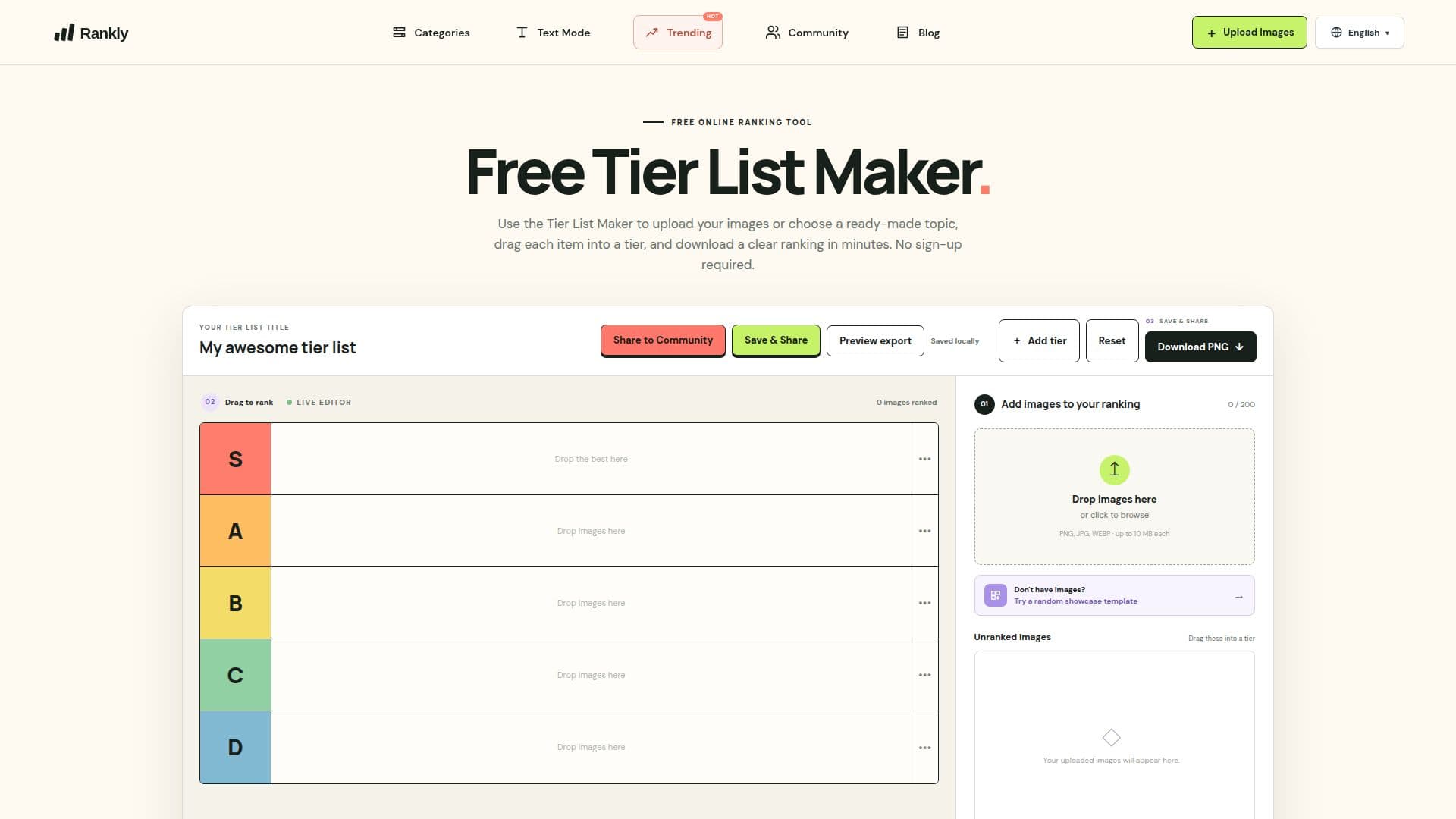
The Free Tier List Maker is a browser-based tool designed to help users create custom image rankings effortlessly. With this tool, you can upload your own images or select from a variety of templates, allowing for a personalized ranking experience. The intuitive drag-and-drop interface makes it easy to arrange items into custom tiers, which can be labeled and colored according to your preferences. Once your ranking is complete, you can export it as a high-quality PNG image without the need for any sign-up or account creation.
Read More
This tool is particularly useful for a wide range of applications, from ranking video game characters and movies to comparing food items or sports teams. Users can select up to 100 images from their device, and all processing occurs locally in the browser, ensuring that your images are not uploaded to a server. This feature enhances privacy and allows for a seamless ranking experience.
Customization is a key aspect of the Tier List Maker. You can easily rename tier labels, change their colors, and add or remove rows to fit your specific ranking criteria. Whether you want to create a tier list for a popular game like Pokémon or a personal ranking of your favorite movies, this tool provides the flexibility to do so. The ability to download your finished ranking as a PNG makes it easy to share your opinions with friends or on social media.
The Free Tier List Maker is perfect for anyone looking to express their preferences visually. It caters to gamers, movie enthusiasts, food lovers, and anyone who enjoys comparing and ranking various items. With its user-friendly design and powerful features, it stands out as a go-to solution for creating tier lists online.
- CategoryOther AI Tools
- Pricing ModelFree
- DeploymentWeb
- PlatformsBrowser
Free Tier List Maker's Core Features
Image upload
Drag-and-drop ranking
Custom tier labels and colors
PNG export
No sign-up required
Local image processing
Supports up to 100 images
Flexible ranking for various topics
How to use Free Tier List Maker?
Upload images: Select up to 100 images from your device.
Drag and rank: Move each image into a tier using the drag-and-drop feature.
Customize tiers: Rename tier labels and change colors as needed.
Export your ranking: Select Download PNG to save your completed board.
Free Tier List Maker's Use Cases
- Game Rankings
- Movie Comparisons
- Food Reviews
- Sports Team Analysis
- Personal Favorites