
Description
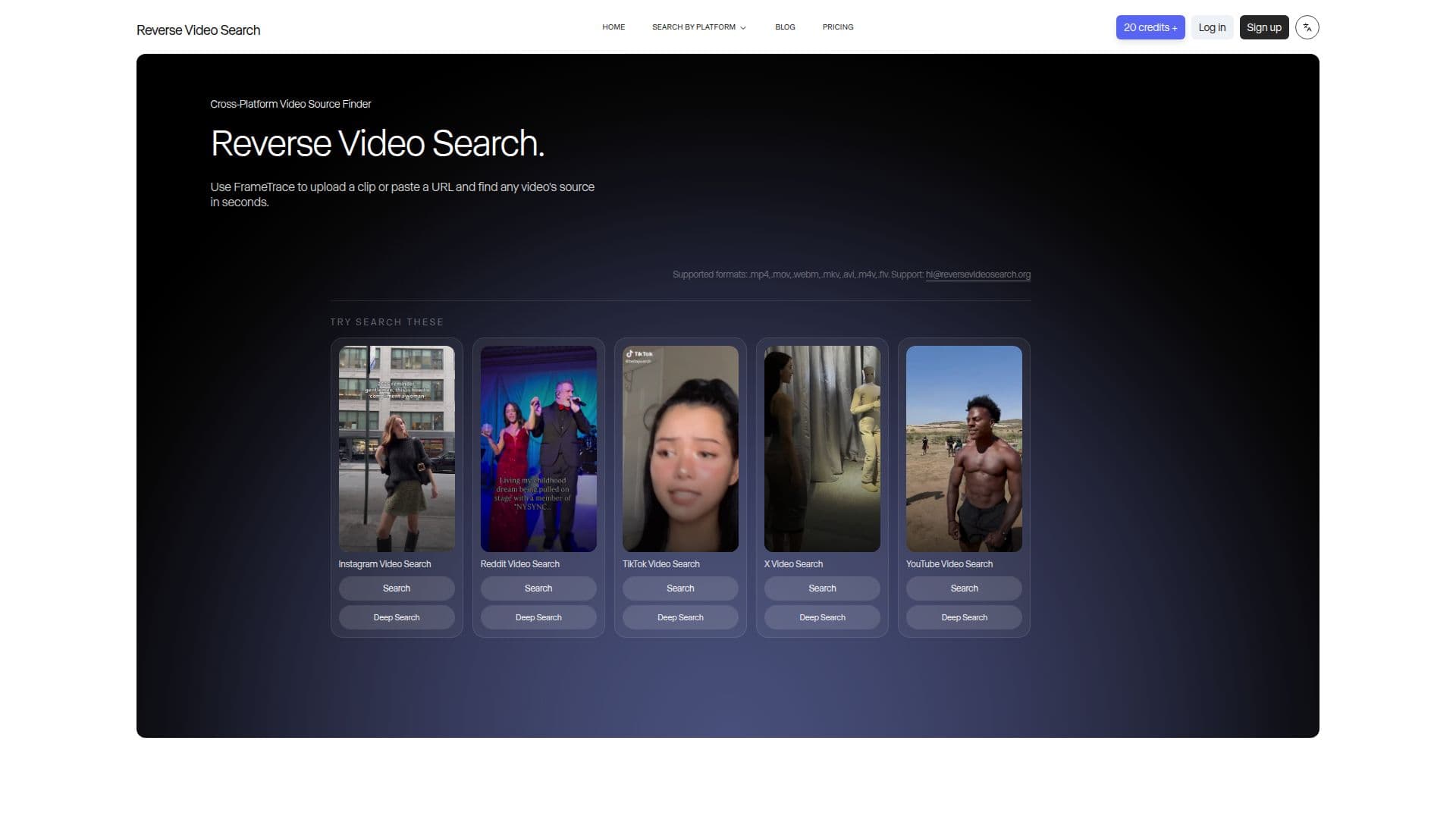
FrameTrace is an AI-powered reverse video search tool that traces any video back to its original source. By analyzing visual patterns, motion sequences, and metadata frame by frame, its video search engine finds where a video came from even if it has been re-edited, reposted, cropped, mirrored, or re-encoded, comparing your clip against billions of videos across platforms like TikTok, Instagram, Reddit, and YouTube.
Read More
You can upload a video file (MP4, MOV, WebM, MKV, AVI, and more) or paste a public URL, and results appear within seconds with matching sources, platform links, thumbnails, and upload dates. Two modes are offered: QuickSearch analyzes the first second of a video for fast identification of exact matches, while DeepSearch performs a frame-by-frame scan of the entire clip to catch re-encoded copies, slow-fade edits, cropped versions, and partial reposts.
The tool runs entirely in the browser on desktop or mobile with no software to install, and is privacy-first: uploaded videos are processed in a temporary session and permanently deleted after analysis, with no data stored, searches logged, or content shared. It is aimed at journalists verifying news clips, creators tracking stolen videos, researchers mapping viral spread, and teams protecting brand assets, and can also help identify deepfakes by finding the original footage they were based on.
FrameTrace is free to start with one QuickSearch credit per day. Paid plans unlock DeepSearch, unlimited QuickSearch, monthly DeepSearch time, ad removal, and priority processing.
- CategoryComputer Vision Tools
- Pricing ModelFreemium
- DeploymentCloud
- PlatformsWeb
FrameTrace's Core Features
AI reverse video search to find a clip's original source
Frame-by-frame analysis of visual patterns, motion, and metadata
Multi-platform coverage across YouTube, TikTok, Instagram, Reddit, and more
URL search and file upload with no download required
QuickSearch for fast exact-match identification
DeepSearch full-video scan for edited, cropped, and re-encoded copies
Duplicate detection for tracking reposts and copyright evidence
Privacy-first processing with videos deleted after analysis
How to use FrameTrace?
Add a video: Paste a video URL or upload a file up to 100MB.
Analyze: The AI extracts key frames and fingerprints and scans billions of videos.
Choose depth: Use QuickSearch for a fast check or DeepSearch for a full-video scan.
View sources: Review matching sources, platform links, thumbnails, and upload dates.
Act: Verify authenticity, track reposts, or gather evidence for a copyright claim.
FrameTrace's Use Cases
- News verification
- Content protection
- Viral video research
- Deepfake detection
- Brand monitoring