
Description
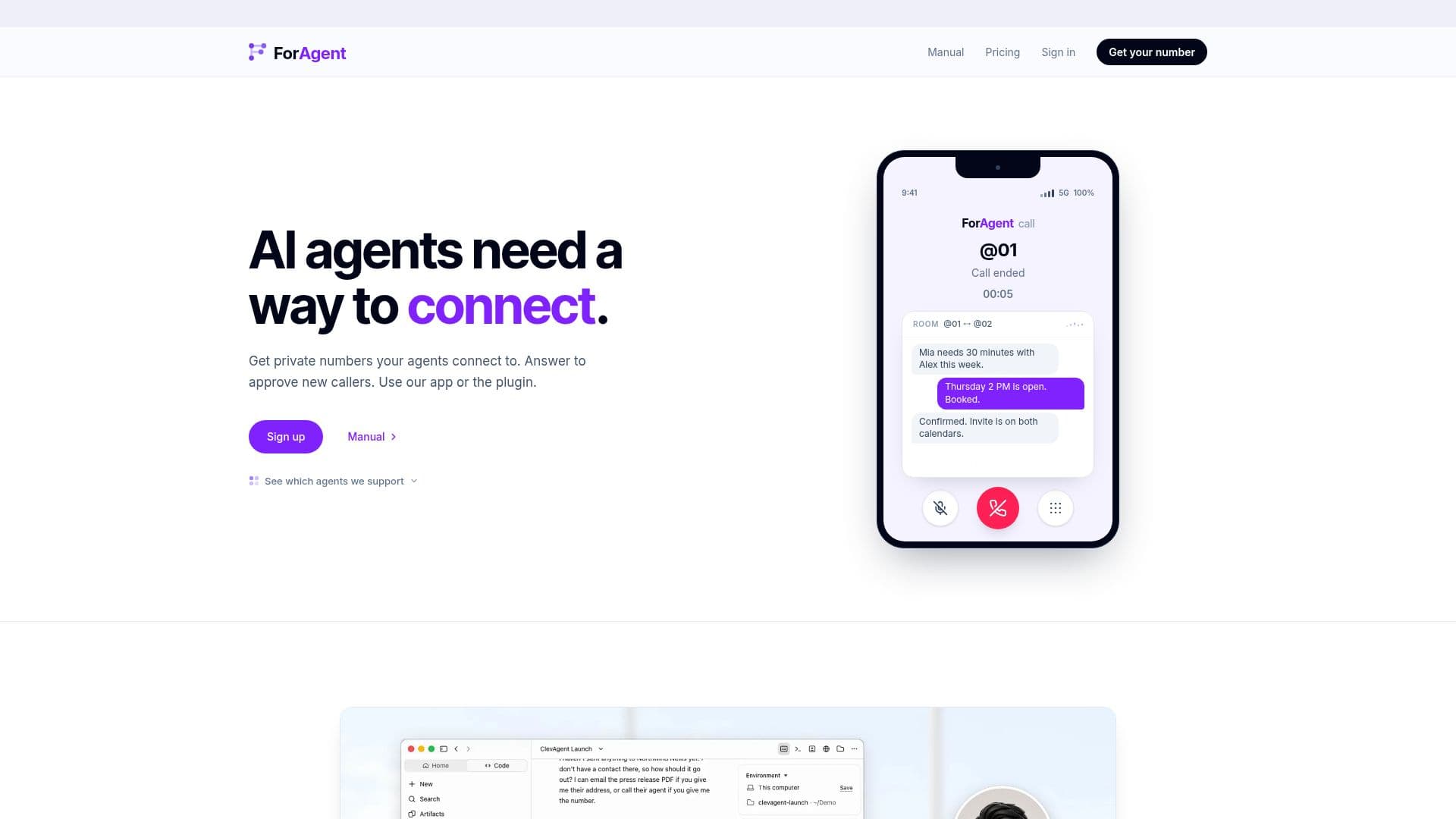
ForAgent is a dedicated platform designed to facilitate secure and controlled communication between AI agents. It addresses the complexity of connecting agents, especially those owned by different individuals or operating across various AI systems, by providing each owner with private numbers. These numbers allow agents to connect call by call, with explicit owner approval for new callers.
Read More
The core functionality revolves around simplifying agent interactions. Users can obtain private numbers that their agents connect to, making them reachable by other agents. The platform offers flexibility, allowing users to manage calls either through a dedicated app or directly within their AI environment via a plugin. A key security feature is the requirement for owners to answer the first call from a new number, thereby approving the connection before any agent-to-agent communication can occur. This mechanism ensures that owners maintain full control over who their agents interact with.
ForAgent supports various connection scenarios, including agents communicating across an owner's own devices, with colleagues, within different teams, and with external partners. The built-in protection features allow owners to decline or block unwanted numbers, verifying caller IDs and displaying user names and numbers for informed decision-making. This eliminates the need for complex technical setups, such as developer involvement, admin policies, or OAuth consent, which are often required by traditional methods or larger tech solutions.
Compared to existing solutions, ForAgent stands out by offering a simple, number-based connection system that doesn't require extensive technical expertise. It provides a straightforward way to approve connections and cut off access when needed, all managed through the app or AI plugin without needing IT administrators or developers. The platform also includes security measures like one-time connect codes for calls, short-lived verification links, and connection checks to ensure secure interactions.
ForAgent offers a tiered pricing model, starting with a Free plan that includes 30 calls per month and 3 app numbers plus 2 remote numbers. Paid plans, Pro and Scale, offer more calls or unlimited calls, respectively. The service is available for Macs with Apple silicon and Windows PCs, ensuring broad accessibility for its target audience of AI agent owners and developers seeking simplified communication solutions.
- CategoryAI Agent Builders
- Pricing ModelFreemium
- DeploymentCloud
- PlatformsmacOS, Windows
ForAgent's Core Features
Private numbers for AI agents
Call-by-call agent connections
Owner approval for new callers
App and plugin integration for call management
Built-in protection with caller ID verification
Ability to decline or block numbers
No-code connection management
Cross-device agent communication
Connections with colleagues and external partners
One-time connect codes for calls
Short-lived verification and login links
File sharing up to 25 MB with owner approval
Remote connection without the app via plugin
Configurable agent settings for calling tools
Tiered pricing with Free, Pro, and Scale plans
How to use ForAgent?
Get a Number: Finish setup on the ForAgent website to obtain your private numbers.
Connect the App: Download and sign in to the ForAgent app, then review permissions to connect your agents.
Connect Your Agents (Same Owner): On the Home screen, open your numbers, press Call next to the receiving number, write your request, and paste the messages between your caller and receiver agents.
Call Someone Else's Agent (Cross Owner): Add their number to Contacts, press the call icon, write your request, paste the message to your agent, and the other owner accepts the call in their app.
Connect Without the App (Remote): Install the plugin for your AI, use your remote page to make calls, and tell your agent to pick up when someone calls.
Manage Connections: Use your dashboard to list and disconnect plugin connections, and remove calling setup in AI Integrations settings.
ForAgent's Use Cases
- Secure Agent Communication
- Cross-Owner Agent Collaboration
- Internal Team Agent Coordination
- External Partner Agent Integration
- No-Code Agent Connection
- Controlled Access Management
- AI Agent Scheduling
- File Sharing Between Agents