Description
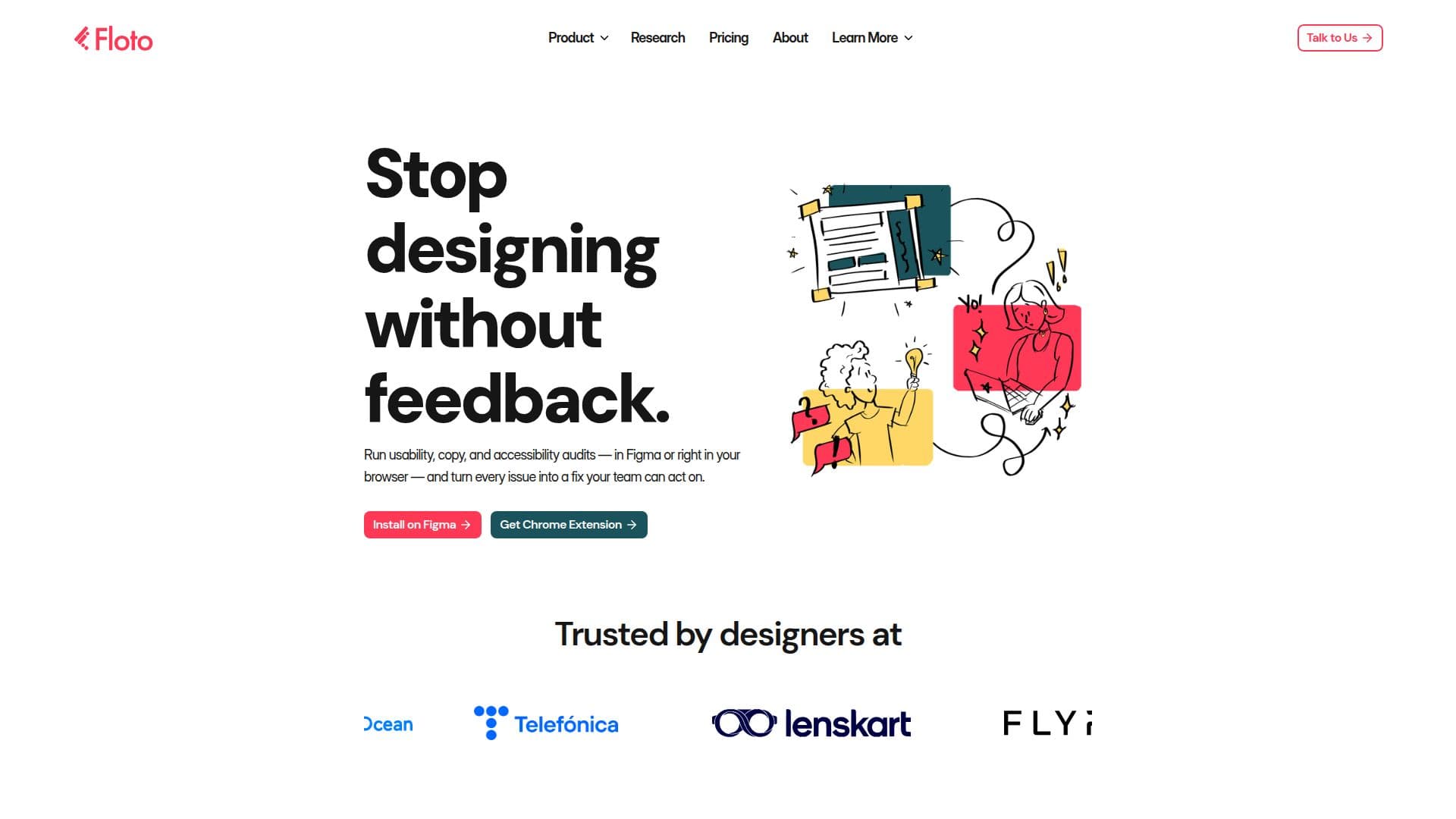
Floto is an AI-powered design feedback tool that helps teams get fast, actionable feedback while they are still working in Figma or on any webpage via a Chrome extension. Instead of waiting weeks for feedback, designers can run AI audits, test with synthetic personas, and analyze flows directly on their canvas, turning every issue into a fix the team can act on.
Read More
Floto offers several workflows for different feedback moments. Design Audits review a selected frame for usability, copy and microcopy, accessibility (WCAG 2.2 and EN 301 549), hierarchy, and visual clarity, returning a score and a prioritized list of fixes. Persona Testing simulates feedback from different user types using suggested, edited, or custom personas. Flow Testing walks through an interactive prototype against a user goal to highlight where users may hesitate or drop off. Design Diff compares a Figma design against a live implementation to catch spacing, typography, and layout differences before shipping.
Most workflows return feedback in minutes, with Design Audits running in under a minute. Floto uses a credit system: free users get weekly credits, while Pro, Teams, and Enterprise plans add higher allowances, pooled credits, shared personas, and priority support. Data is encrypted in transit and at rest, and files and feedback are not shared without consent.
- CategoryAI UI & UX Design Tools
- Pricing ModelFreemium
- DeploymentCloud
- PlatformsWeb, Chrome
Floto's Core Features
AI Design Audits with scores and prioritized fixes
Usability, copy, and accessibility (WCAG 2.2, EN 301 549) audits
Synthetic persona testing
Flow and prototype testing against user goals
Design Diff comparing Figma designs to live implementations
Missing states and scenario detection
Works in Figma and in the browser via Chrome extension
Team collaboration with pooled credits and shared personas
How to use Floto?
Install Floto: Add the Figma plugin, and the Chrome extension for Design Diff.
Select your design: Open the plugin and choose a frame or prototype.
Choose a workflow: Run a Design Audit, Persona Test, Flow Test, or Design Diff.
Review and act: See results in the plugin and place feedback back into your Figma file.
Floto's Use Cases
- Design critique
- Audience testing
- Flow validation
- Implementation QA
- Accessibility review