Description
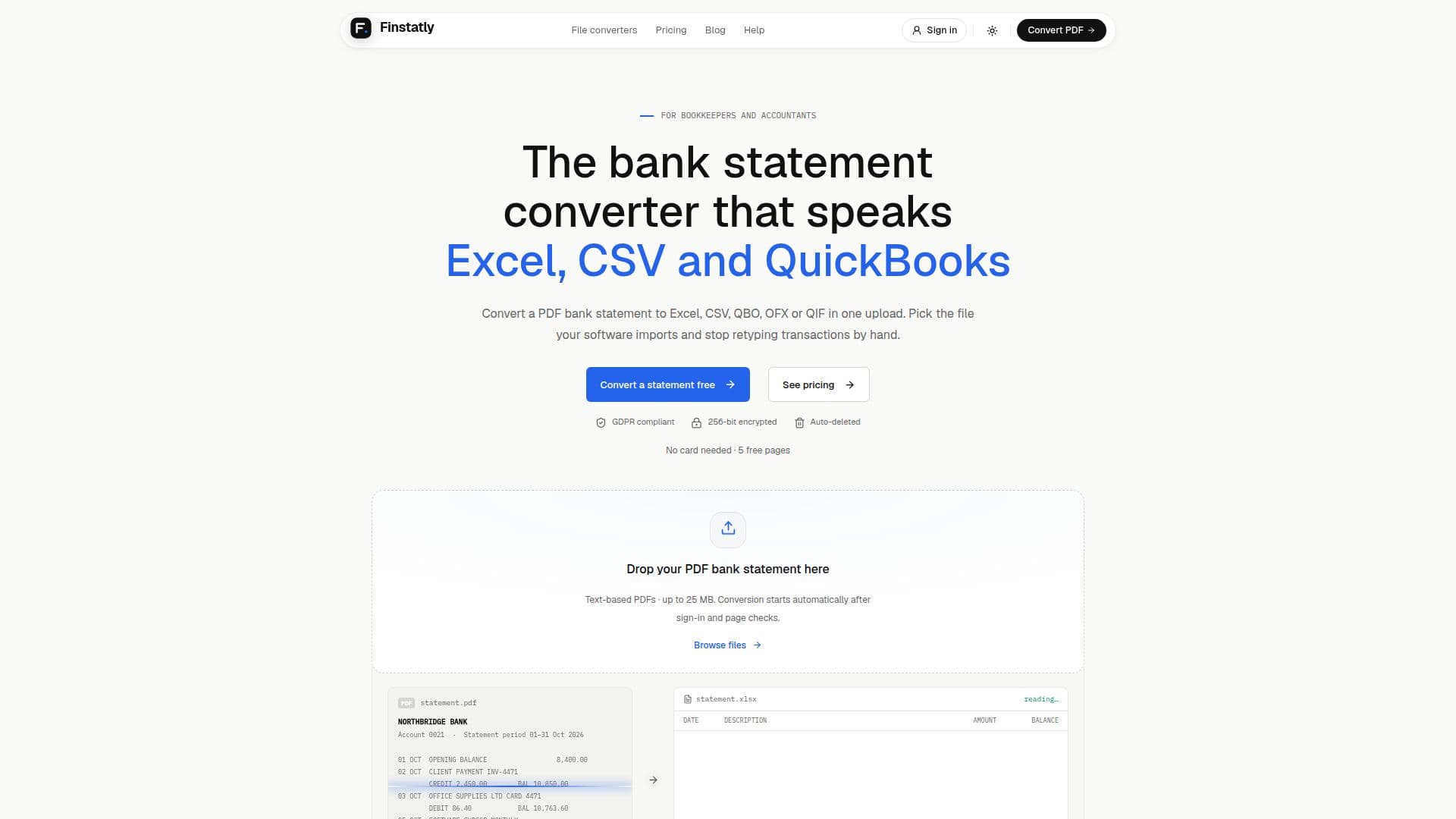
Finstatly is a versatile tool designed to convert PDF bank statements into various formats such as Excel, CSV, QBO, OFX, and QIF. This functionality is particularly beneficial for accountants and bookkeepers who need to import financial data into software like QuickBooks, Xero, and Quicken without manually entering each transaction. The conversion process is straightforward: users upload a PDF statement, select their desired output format, and download the converted file. Each transaction is meticulously transcribed into rows, preserving details like date, description, debit, credit, and balance.
Read More
Finstatly offers a freemium model where new users can convert up to 5 pages for free without the need for a credit card. For ongoing use, monthly subscriptions start at $25, and users can purchase additional credits at $0.20 per page. These credits do not expire, providing flexibility for users who may need to convert a large volume of statements sporadically.
Security is a top priority for Finstatly. Uploaded files are encrypted using AES-256 encryption and are automatically deleted after processing to ensure data privacy. The service is GDPR compliant, and no human at Finstatly accesses the files, ensuring that client data remains confidential.
Finstatly currently supports text-based PDF statements from over 1,000 banks worldwide, including major institutions like Chase, Bank of America, and Wells Fargo. While it does not yet support scanned or photographed statements, this feature is in development. The tool is ideal for bookkeepers and accountants who handle regular monthly statements or need to process backlog data efficiently. Finstatly's user-friendly interface and robust security measures make it a reliable choice for financial data conversion.
- CategoryAI Document & PDF Tools
- Pricing ModelFreemium
- DeploymentCloud
- PlatformsWeb
Finstatly's Core Features
Convert PDF to Excel, CSV, QBO, OFX, QIF
5 free pages for new users
Monthly subscriptions from $25
Additional credits at $0.20 per page
AES-256 encryption for data security
GDPR compliant
Supports 1,000+ banks
Automatic file deletion after processing
How to use Finstatly?
Upload: Drop the PDF bank statement into Finstatly
Select Format: Choose Excel, CSV, QBO, OFX, or QIF
Download: Retrieve the converted file
Import: Use the file in your accounting software
Finstatly's Use Cases
- Monthly Bookkeeping
- Backlog Conversion
- New Client Onboarding
- Year-End Tax Preparation
- Data Review