


Description
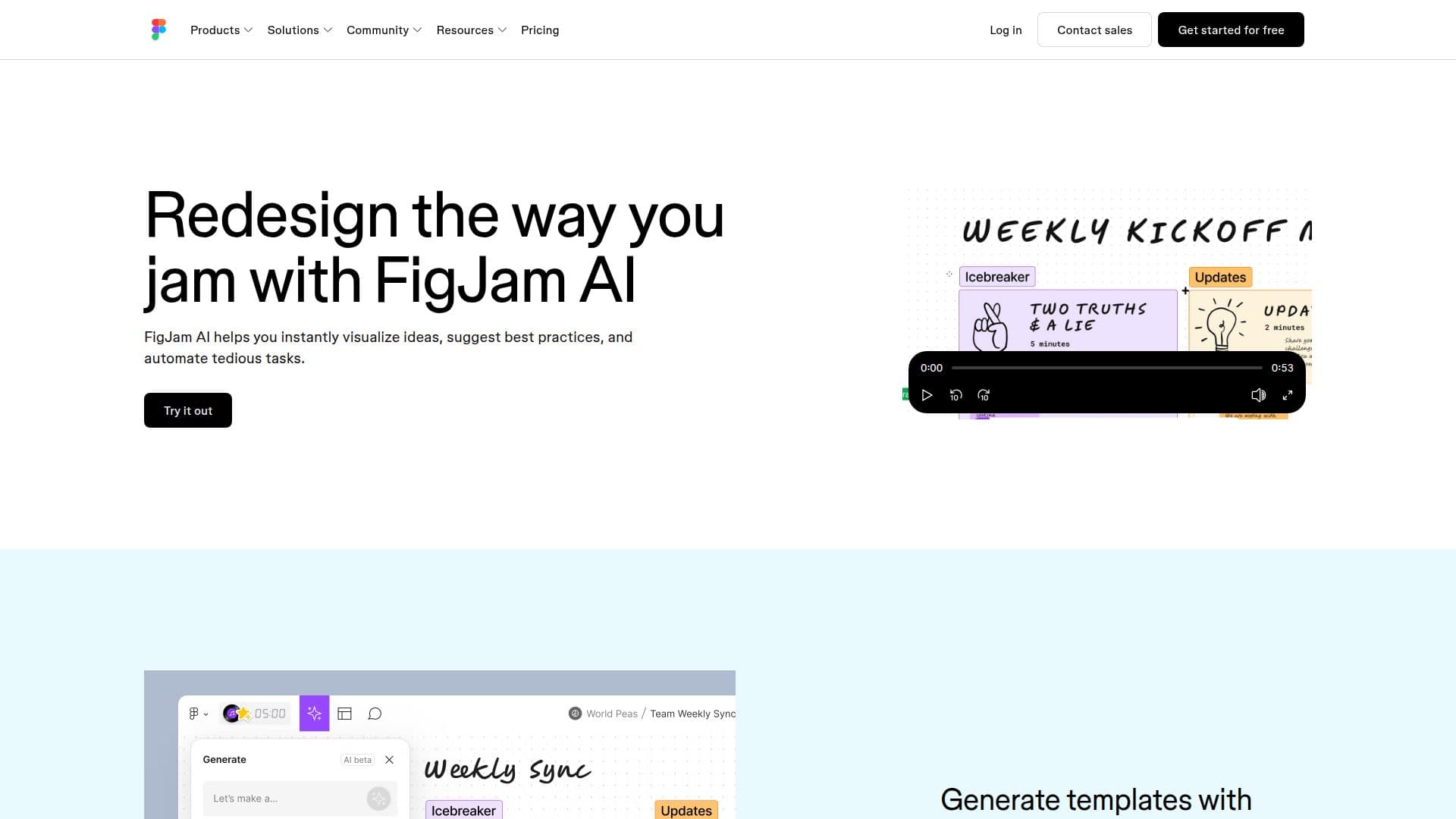
FigJam AI, a product by Figma, is designed to boost collaboration among teams using AI-powered tools. It allows users to visualize ideas instantly, suggest best practices, and automate tedious tasks, making it easier to prepare boards and run team exercises or meetings. FigJam AI offers features like generating templates for team syncs, brainstorming sessions, and retrospectives. Users can also create visual timelines and org charts from simple prompts.
The AI capabilities extend to sorting and summarizing stickies, helping teams uncover big ideas and share key takeaways effortlessly. FigJam AI integrates the power of ChatGPT through Jambot, enabling brainstorming, icebreaker creation, and even coding designs. Currently in beta, FigJam AI is free to use, with usage limits potentially applying. It will transition to a paid model once generally available.
FigJam AI is accessible to users on Professional, Organization, or Enterprise plans, provided their admin has enabled AI access. The tool is ideal for businesses looking to enhance productivity and streamline workflows during meetings. It supports online whiteboarding, facilitating remote team collaboration, and offers features for meetings, workshops, and brainstorming sessions.
Figma's AI features use a credit system, with different plans offering varying monthly credits. Full seats receive more credits compared to Collab, Dev, and View seats. The AI agent does not consume credits during beta, allowing users to explore its capabilities without concern for credit usage. FigJam AI is part of Figma's broader suite of design tools, integrating seamlessly with other Figma products.
FigJam AI's Core Features
AI-powered collaboration tools
Template generation from prompts
Sticky sorting and summarization
Integration with ChatGPT via Jambot
Free during beta phase
Transition to paid model post-beta
AI credit system for usage
Online whiteboarding capabilities
Supports Professional, Organization, Enterprise plans
Enhances productivity in meetings
How to use FigJam AI?
Configure: Enable AI access in admin settings
Use: Generate templates and sort stickies
Optimise: Summarize stickies for clarity
Integrate: Use Jambot for brainstorming
FigJam AI's Use Cases
- Team Syncs
- Brainstorming
- Retrospectives
- Visual Timelines
- Org Charts