
Description
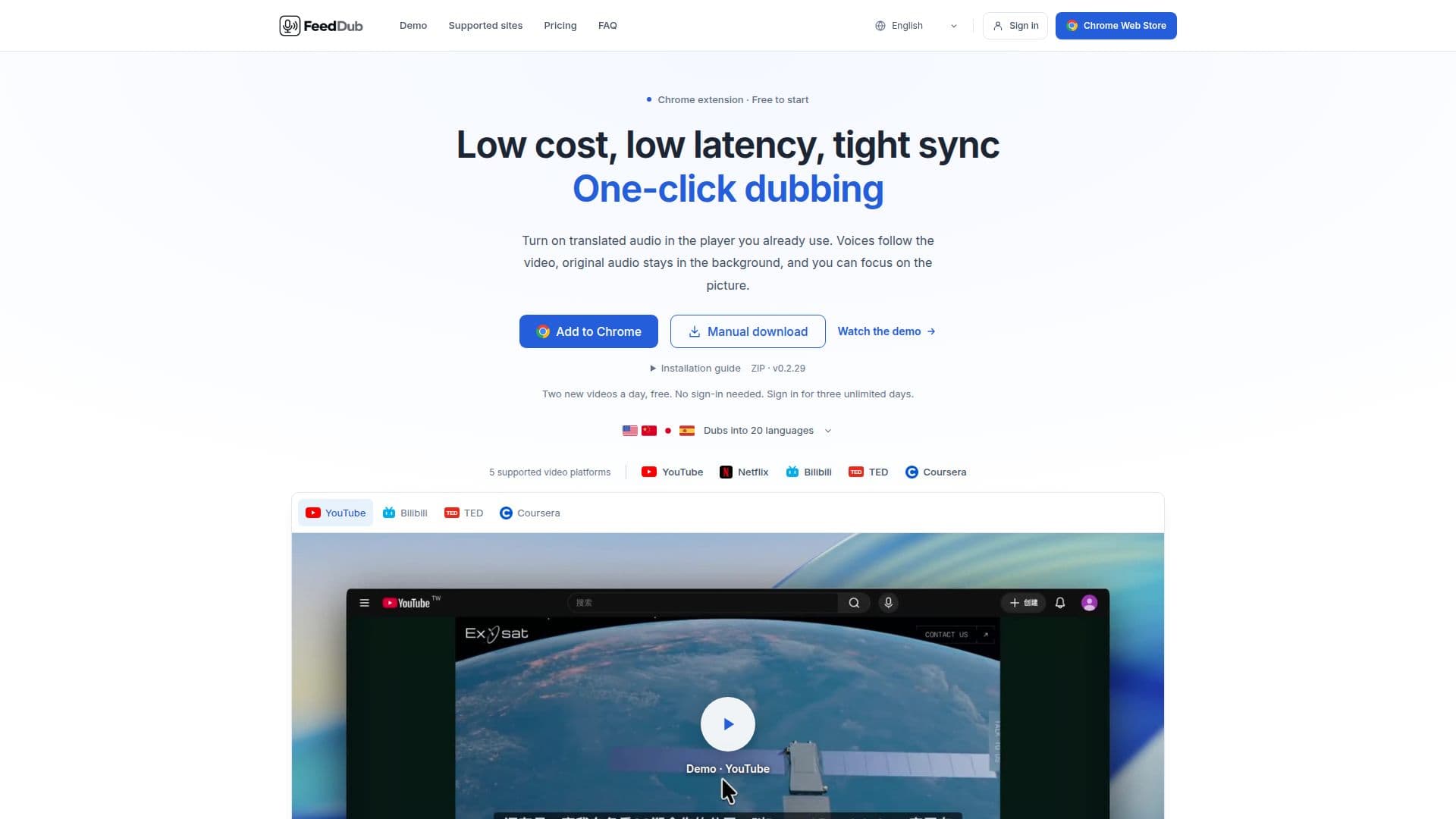
FeedDub is a browser extension designed to enhance your video-watching experience by dubbing videos into your preferred language. It works with popular platforms such as YouTube, Netflix, Bilibili, TED, and Coursera. The extension allows users to click a microphone icon in the video player, replacing the original audio with a dubbed track that syncs perfectly with the video.
Read More
The extension is easy to install and use. Users can start with a free tier that allows dubbing of two new videos per day without the need for an account. For those who require more, a subscription model is available at a low cost of $2 per month, offering unlimited dubbing across all supported platforms and languages.
FeedDub supports 20 languages, each with a male and female voice option. It uses speech recognition to provide dubbing even when subtitles are unavailable, although Netflix requires original-language captions. The extension ensures low latency and tight synchronization, meaning the dubbed audio aligns perfectly with the video, even when users scrub through the timeline.
Privacy is a priority for FeedDub. The extension does not request access to Chrome's browsing history and only collects necessary data to provide its services. Payment processing is handled by Dodo Payments, ensuring that sensitive information like card numbers is never stored by FeedDub.
FeedDub is ideal for users who want to enjoy videos in their native language without the distraction of subtitles. It is particularly useful for educational content, allowing users to focus on the visual elements while listening to the translated audio. The extension's low cost and ease of use make it accessible to a wide audience.
- CategoryAI Subtitles & Dubbing
- Pricing ModelFreemium
- DeploymentBrowser extension
- PlatformsChrome
FeedDub's Core Features
Chrome extension for video dubbing
Supports YouTube, Netflix, Bilibili, TED, and Coursera
20 languages with male and female voice options
Low latency and tight synchronization
Free tier with two videos per day
Subscription model at $2 per month
No browsing history access required
Speech recognition for dubbing without subtitles
How to use FeedDub?
Install: Download and install the extension
Activate: Click the microphone icon in the video player
Select Language: Choose your preferred language and voice
Enjoy: Watch the video with synchronized dubbed audio
FeedDub's Use Cases
- Language Learning
- Accessibility
- International Content
- Travel
- Education