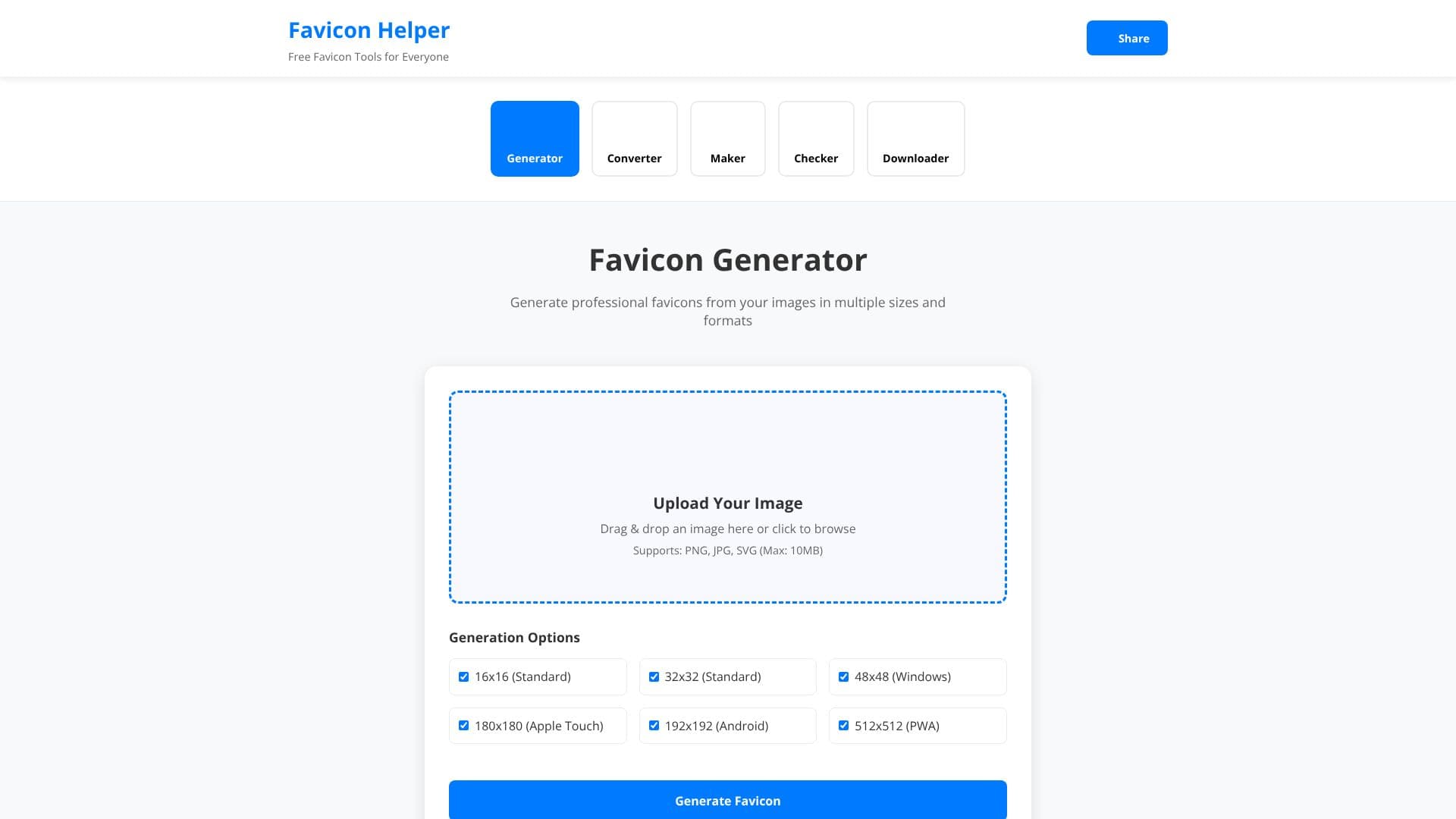
Description
Favicon Helper provides a comprehensive suite of five essential tools designed to streamline the favicon creation and management process for web developers, designers, and website owners. This free online toolkit aims to simplify the generation, conversion, creation, checking, and downloading of favicons, ensuring a professional and consistent brand presence across all digital touchpoints.
Read More
A favicon, a small iconic image, is crucial for brand recognition, appearing in browser tabs, bookmarks, and mobile home screens. Favicon Helper empowers users to create these vital branding elements with ease. The platform includes a Generator that transforms uploaded images (PNG, JPG, SVG, up to 10MB) into professional favicons in multiple sizes, including standard 16x16 and 32x32, Apple Touch 180x180, Android 192x192, and PWA 512x512. It also provides downloadable ZIP packages with all sizes and HTML code for easy implementation.
For format flexibility, the Converter tool allows users to transform favicons between ICO, PNG, SVG, and WEBP formats. The Maker tool enables the creation of text-based favicons using company initials or letters, offering 16 font options, custom sizes, colors, and six shape choices. Website owners can ensure their favicon is correctly configured using the Checker tool, which analyzes website favicon implementation across platforms. Finally, the Downloader tool allows users to extract favicons from any website for inspiration or reference.
Favicon Helper emphasizes a user-friendly experience with a mobile-optimized, responsive design. A key benefit is its privacy focus, as most processing occurs in the browser, ensuring uploaded images and data remain on the user's device. The entire toolkit is completely free, with no hidden fees, premium plans, or watermarks, making professional favicon management accessible to everyone. The platform is trusted by professionals and businesses worldwide, from web developers needing complete packages with HTML code to small business owners creating branded icons without design experience.
- CategoryAI Graphic Design Tools
- Pricing ModelFree
- DeploymentCloud
- PlatformsWeb
Favicon Helper's Core Features
Generate favicons from images in multiple sizes (16x16, 32x32, 180x180, 192x192, 512x512)
Convert favicon formats between ICO, PNG, SVG, and WEBP
Create text-based favicons with custom fonts, sizes, colors, and shapes
Check website favicon configuration and compatibility across platforms
Download favicons from any website
Supports PNG, JPG, SVG, GIF uploads (max 10MB)
Provides HTML code for favicon implementation
No registration required
Completely free with no hidden fees or watermarks
Privacy-focused, with most processing done in-browser
Mobile-optimized and responsive design
How to use Favicon Helper?
Choose Tool: Select Generator, Converter, Maker, Checker, or Downloader based on your need.
Upload or Input: Upload an image, enter text, or provide a website URL.
Customize Settings: Adjust sizes, formats, fonts, colors, or shapes as required.
Generate & Download: Process your request and download the generated favicon files or HTML code.
Implement: Upload favicon files to your website's root and add HTML meta tags to the <head> section.
Verify: Use the Checker tool to ensure your favicon is displayed correctly.
Favicon Helper's Use Cases
- Website Branding
- Mobile App Icons
- PWA Development
- Format Conversion
- Text-Based Icons
- Favicon Auditing
- Competitor Analysis
- Prototyping