Description
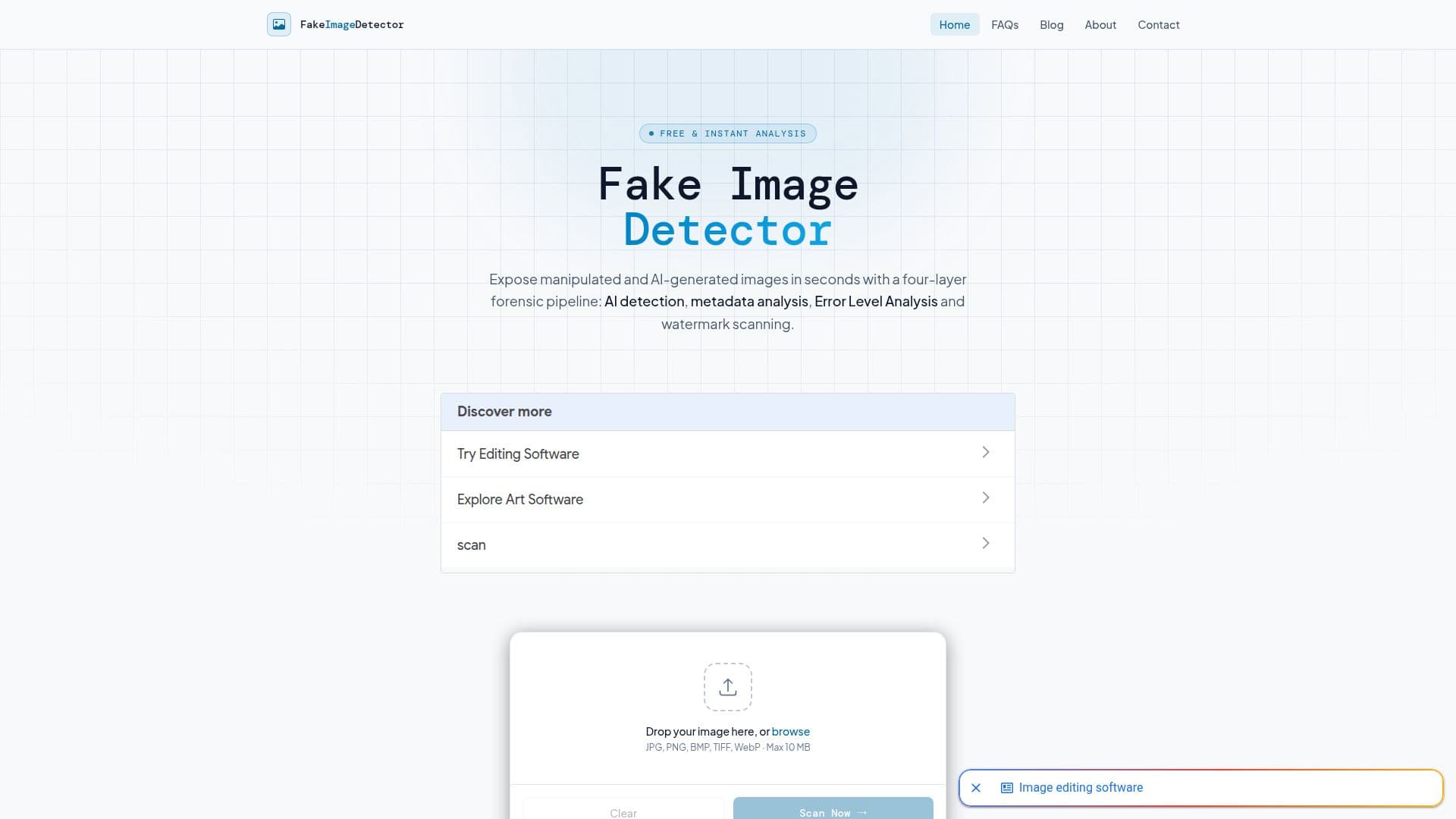
Fake Image Detector is a free online image forensics tool designed to identify manipulated and AI-generated images. It employs advanced techniques such as AI detection, metadata analysis, Error Level Analysis (ELA), and watermark detection to provide a comprehensive analysis of images. The tool is privacy-focused, ensuring that uploaded images are analyzed entirely in memory and discarded immediately after results are generated.
Read More
The platform supports common image formats like JPG, PNG, BMP, TIFF, and WebP, with a maximum file size of 10 MB. Users can upload images without any registration, making it accessible for quick and easy verification. The analysis process involves four independent layers, each looking for different types of evidence, which together offer a more reliable verdict than any single technique.
AI detection utilizes machine-learning classifiers to identify artifacts left by AI image generators, while metadata analysis extracts EXIF data and software signatures. ELA highlights compression inconsistencies, and watermark detection checks for invisible AI watermarks and C2PA Content Credentials. Despite its capabilities, the tool acknowledges limitations, such as the possibility of false positives and negatives, and advises users to treat results as strong signals rather than conclusive proof.
Fake Image Detector is funded through advertising and donations, ensuring it remains free for all users. It is suitable for anyone needing to verify image authenticity, from journalists to everyday users. The tool's continuous updates and retraining of models ensure it adapts to evolving AI generation techniques, maintaining its effectiveness in combating misinformation.
- CategoryAI Content Detectors
- Pricing ModelFree
- DeploymentCloud
- PlatformsWeb
Fake Image Detector's Core Features
AI detection using machine-learning classifiers
Metadata analysis of EXIF data
Error Level Analysis for compression inconsistencies
Watermark and provenance detection
Privacy-first processing with no image storage
Free and fast image verification
Supports JPG, PNG, BMP, TIFF, and WebP formats
No registration required
How to use Fake Image Detector?
Upload: Drag or browse to select an image
Scan: Press Scan Now to start analysis
View Results: Examine ELA map and metadata verdict
Interpret: Use results to inform judgment
Fake Image Detector's Use Cases
- Image Verification
- Journalism
- Social Media
- Research
- Personal Use