Description
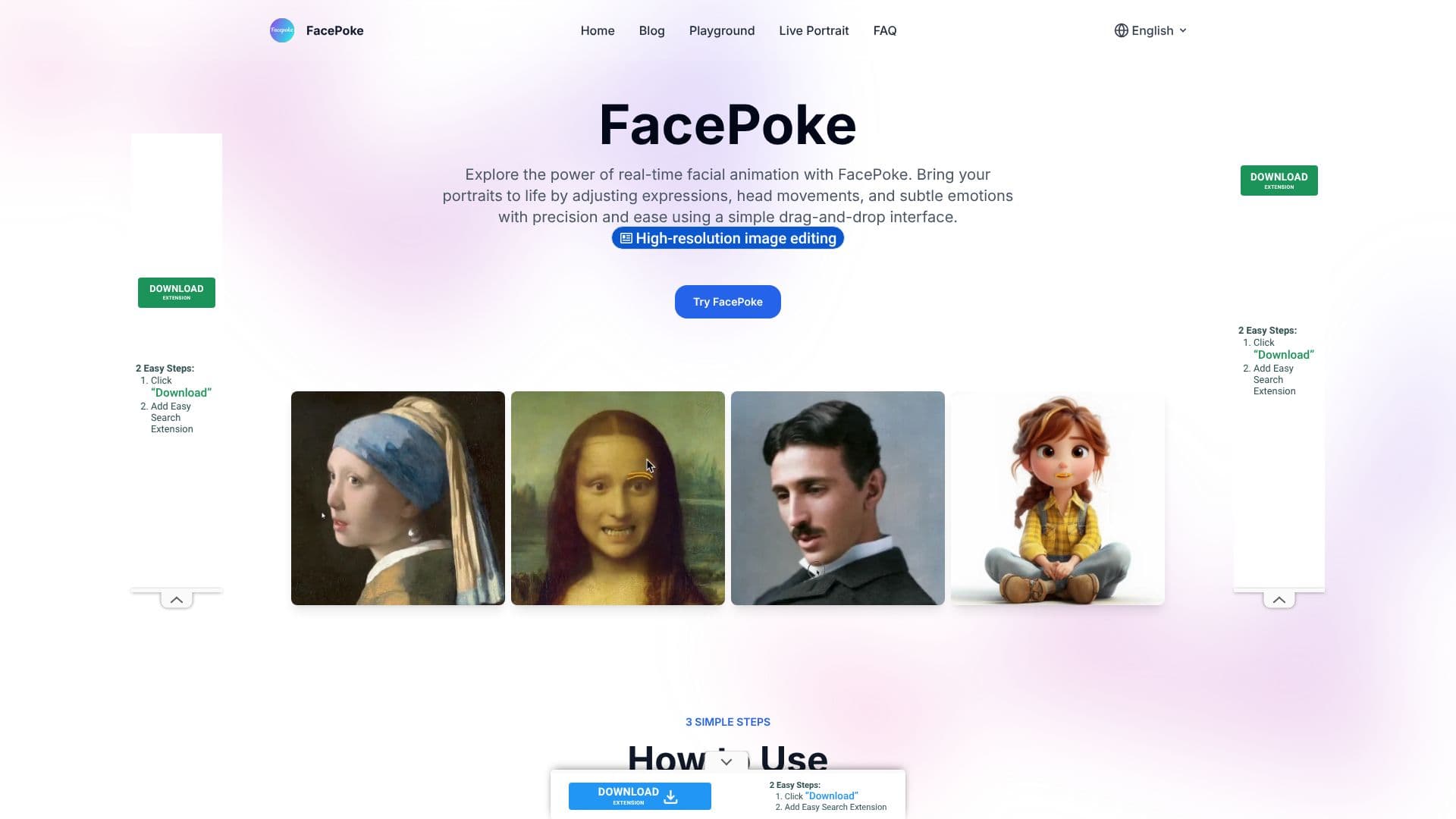
FacePoke offers a powerful yet intuitive platform for transforming static portraits into dynamic, expressive visuals using advanced AI technology. This free online tool allows users to bring their digital portraits to life by precisely adjusting facial features and expressions in real time. Whether you are a digital artist, content creator, or animator, FacePoke provides the tools to enhance your work with subtle emotional nuances and precise head movements.
Read More
The core functionality of FacePoke revolves around its AI-driven facial manipulation capabilities. Users can upload a portrait photo and then interactively edit it through a simple drag-and-drop interface. The tool detects key facial landmarks, enabling users to click and drag on areas like the eyebrows, mouth, or eyes to alter their position and shape. Additionally, adjustments can be made near the jawline or forehead to change the head's angle, facilitating the creation of a wide range of expressions and orientations.
For enhanced precision, FacePoke includes a 'Show Face Markers' option, which displays control points around facial features. This feature is invaluable for fine-tuning edits, ensuring that even the most subtle changes are accurately rendered. The platform emphasizes a seamless editing experience with real-time feedback, allowing for immediate visualization of adjustments without any lag. This efficiency is crucial for creative workflows, enabling users to experiment freely and achieve desired results quickly.
FacePoke is committed to delivering high-resolution output, ensuring that edited images retain their quality and are suitable for professional use. This makes it an ideal tool for projects requiring sharp, realistic visuals, from digital art portfolios to animated sequences. The versatility of FacePoke extends to various creative applications, making it a valuable asset for anyone looking to add a more human and expressive touch to their digital creations. The tool is designed to be accessible, requiring no specialized software installation, and can be used directly through a web browser.
- CategoryAI Photo Editors
- Pricing ModelFree
- DeploymentCloud
- PlatformsWeb
FacePoke AI Portrait Editor's Core Features
Real-time facial expression editing
AI-powered facial manipulation
Drag-and-drop interface for adjustments
Adjustable facial features (eyes, mouth, eyebrows)
Head angle manipulation
Option to show face markers for precise control
High-resolution image output
Free online tool
Supports digital art and animation workflows
Interactive editing with instant feedback
How to use FacePoke AI Portrait Editor?
Upload Your Portrait: Click 'Choose a portrait photo' to upload your image.
Adjust Facial Features: Click and drag facial areas like eyes, mouth, or eyebrows to modify expressions.
Change Head Angle: Drag near the jawline or forehead to adjust the head's orientation.
Enable Face Markers: Activate 'Show Face Markers' for more precise control over feature adjustments.
Preview Edits: Review the changes in real time as you make adjustments.
Download Your Portrait: Click 'Download' to save the high-resolution edited image.
FacePoke AI Portrait Editor's Use Cases
- Digital Art Enhancement
- Content Creation
- Animation Pre-production
- Character Design
- Marketing Visuals
- Personalized Avatars