
Description
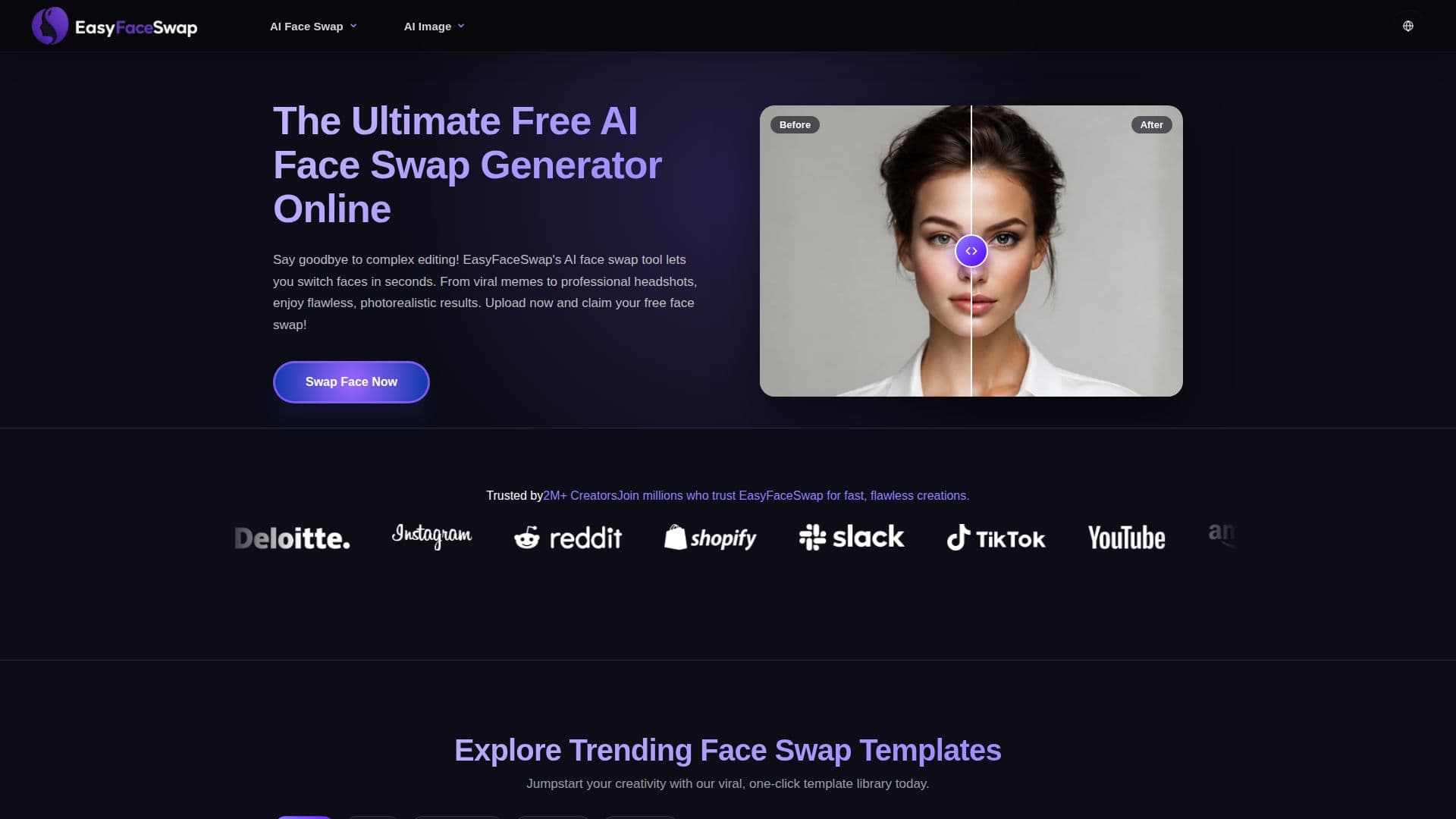
EasyFaceSwap is a browser-based AI face swap generator that replaces a face in a target photo with a source face the user provides. It analyzes facial geometry, matches skin tones, and preserves the original expressions and lighting to produce photorealistic results, and the site says it has processed over two million images.
Read More
The process is designed to be simple: upload a target photo, upload a source image with the face to use, and generate a result in about five seconds. There is a library of trending, one-click templates for memes, social challenges, and portraits, and a drag-and-drop interface built to require no editing skills. Output is watermark-free and available to download immediately, and the tool supports JPG, JPEG, PNG, and WebP formats.
EasyFaceSwap is free to use and works across desktop, tablet, and mobile browsers. The site states that uploaded media is encrypted in transit and automatically deleted, and it publishes a content policy prohibiting uses that are illegal, harmful to minors, defamatory, or otherwise abusive. It targets social media creators, e-commerce marketers, and digital artists who want quick, shareable visuals.
- CategoryAI Photo Editors
- Pricing ModelFree
- DeploymentCloud
- PlatformsWeb
EasyFaceSwap's Core Features
AI face swap that preserves expressions and lighting
Photorealistic results in about five seconds
One-click trending template library
Drag-and-drop interface with no editing skills needed
Watermark-free downloads
Supports JPG, JPEG, PNG, and WebP
Works across desktop, tablet, and mobile browsers
Free to use with no sign-up
How to use EasyFaceSwap?
Upload the target photo: Add the base image you want to swap a face into.
Upload the source face: Add the image containing the face you want to use.
Generate the swap: Click generate and let the AI blend the images in a few seconds.
Download your result: Save the watermark-free image, ready to post.
EasyFaceSwap's Use Cases
- Meme creation
- Social media content
- Professional headshots
- E-commerce and marketing